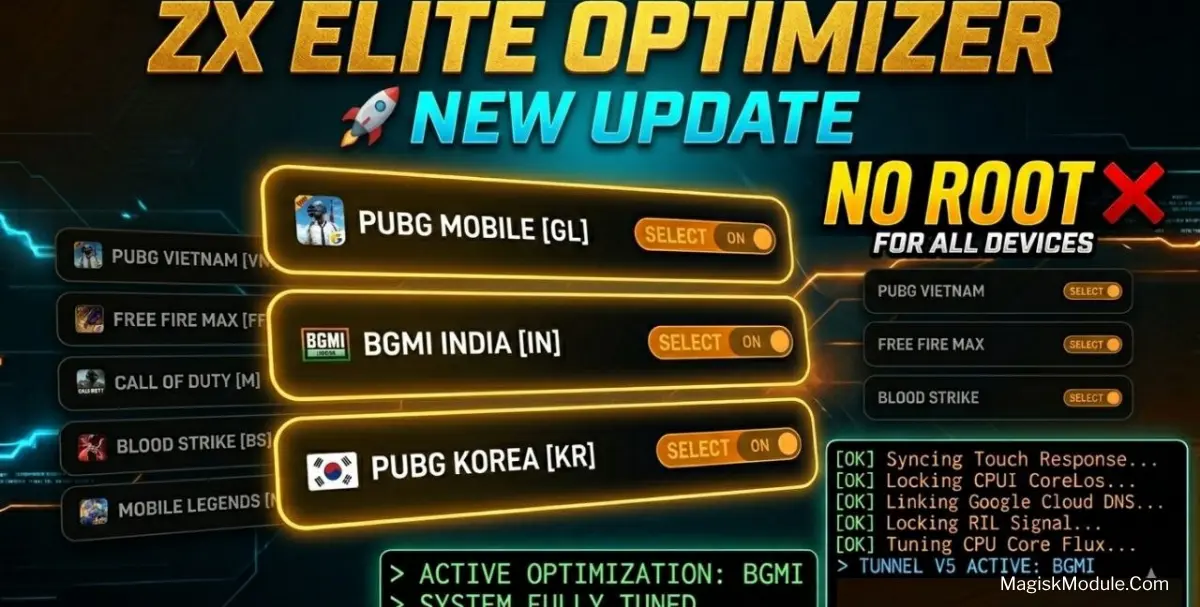
Zx Elite Optimizer Pro
Developed by @Zx Tweaks
If you’re fed up with game lag ruining your chances of climbing the leaderboard, you’re not alone. Here we look at the best tools to help optimise your Android phone or tablet to reduce lag when gaming. In regular use, I tweak devices to increase performance for heavy gaming and currently play a range of titles including PUBG Mobile, Free Fire Max, Call of Duty Mobile and more.
I’ve recently came across the “Zx Elite Pro Game Turbo”. The app is No Root and attempts to optimize your games by adding performance enhancing codes (some never seen before) to your phone.
It’s still in testing, but already brings several improvements. Here are the features that I am currently using.
- ⚡️Touch Response+: Optimizes on-screen controls for a faster and more responsive experience.
- 🎮GPU Rendering Opt: MAXON also took graphics rendering on portraits and other elements and pushed it on the graphics processor to enhance visual quality.
- 🖼️Frame Rate Booster: FPS boosting while fighting, constant effort to maintain a stable frame rate for optimal performance.
- 🌐Network Lag Fix: This plugin is intended to drop ping spikes when a user is engaged in online gameplay.
- 🛡️Anti-Reset Script: allows some tweaks to stay active.
Installation
No Root / No Shizuku: no need required any permission.
- Download the apk file.
- Open your device's file manager
- Find the APK file
- Tap the APK file to install the app
- Confirm the installation
We’ve been testing the Frame Rate Booster for a long time and it really makes a difference in actual gaming performance. Whether you’re sweating it out in a hot match of Call of Duty Mobile or rapidly scrambling for cover in Free Fire Max, the booster truly delivers.
The Touch Response+ feature on this app is probably my favorite. My screen finally responds to my touches quickly enough, which is probably the most important feature for anyone with a touch screen. You don’t need root on your device, which is great, and the application is extremely simple to download and try out on nearly any Android based device.