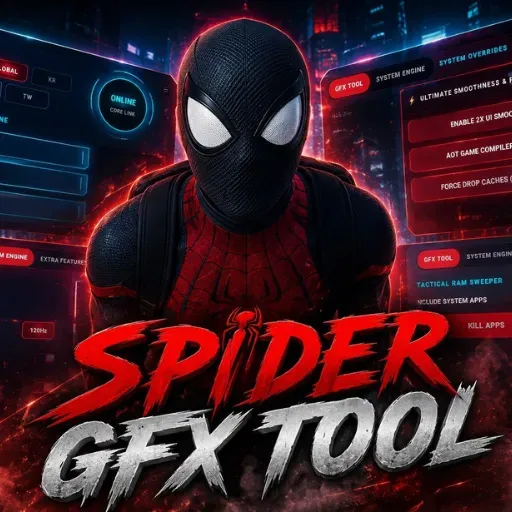
Are you tired of frame drops and lag while playing your favorite mobile games? As always, I personally test every tool before sharing it with you, and today I’m bringing you a highly requested performance booster: the Spider GFX Tool.
This is the latest and most popular application designed to turn your budget smartphone into a high-performance gaming device. Whether you are pushing ranks or playing casually, this lightweight tool ensures a smooth, lag-free experience without slowing down your phone.
What Makes Spider GFX Tool Stand Out?
Unlike many other performance apps, Spider GFX Tool is designed for modern gamers. The best part? It requires zero root permissions. You can easily activate it using Shizuku, making it completely safe and hassle-free for your device.
It provides top-tier optimization for major multiplayer titles, including:
- PUBG Mobile
- Free Fire
- Call of Duty: Mobile (CODM)
- Mobile Legends: Bang Bang (MLBB)
- More Games!
Key Features
- No Root Required: Safely activate the tool using Shizuku without voiding your phone's warranty.
- Low-End Device Friendly: Specifically optimized to transform budget phones into powerhouse gaming devices.
- Universal Compatibility: Works seamlessly across a massive library of popular Android games.
- Consistent Updates: The developers are actively pushing regular updates to keep up with its growing popularity and ensure compatibility with the newest game patches.
- Tested & Verified: Hand-picked and personally tested by me to guarantee it actually delivers on its promises.
Fixed & Improved
- Touch Delay
- High Ping
- Frame Drops
- Game Glitches
- Device Overheating
- Bullet Registration Issues
- Low Aim Response
- Overall Gameplay Stability
Requirements & Installation
Requirement
Shizuku app
key Activition: 73365
Active Shizuku
- Make sure Spider GFX Tool is installed.
- Turn on Wifi.
- Go to Settings& About Phone.
- Tap Build Number seven times to unlocked Developer Options.
- Then again go to the Shizuku app and tap on Pairing button.
- Click Wireless debugging & Enable Wireless debugging.
- Click Pair device with pairing code.
- Click on "Enter Pairing Code" above and paste the WiFi pairing codes there.
- Once the pairing is successful, open the Shizuku app to grant permissions and activate the Spider GFX Tool.
Installation
- Open your Download Foolder.
- Find the Spider GFX Tool APK file.
- Tap the APK file to install the app.
- Confirm the installation.
Final Thoughts
If you want a competitive edge in PUBG, Free Fire, MLBB, or CODM without risking your device's security, Spider GFX Tool is the way to go. It is incredibly effective, constantly updated, and strictly optimized for maximum performance.
Download the latest version today and experience the difference yourself!