| File Name | Ragatha Optimizer |
|---|---|
| Size | 2.81MB |
| Version | 1.0 |
| Category | No Root |
| Android requirement | + 6.0 |
| Published By | TheXnOp1 |
| Rating | 4.9 / 5 |
| Support | All Android |
Get Link
To access the latest version, previous updates, and secure files for this module, please proceed to our official download portal below.
Installation
- Install the .
- How To Install:
- Enable “Unknown sources” in your device’s settings
- Open your device’s file manager
- Find the Turbo FPS Pro
- Tap the APK file to install the app
- Confirm the installation
How to Active Shizuku?
- Install the Shizuku from the google play store.
To use Shizuku, you’ll need to enable Developer Options on your device:
- Turn on Wifi
- Go to Settings > About Phone.
- Tap Build Number seven times to unlock Developer Options.
- Then again go to the Shizuku app and tap on Pairing button.
- Go to Developer Option > Enable Wireless debugging from Developer Option.
- Tap Wireless debugging > Pair device with pairing code.
- Copy the wifi paired code.
- Put the wireless pairing code in notification panel.
- [Video Tutorial For Shizuku]
How to Install The Module?
Open TurboFPS Pro ➜ Go to Installer ➜ Select Ragatha Optimizer.zip ➜ Enjoy!
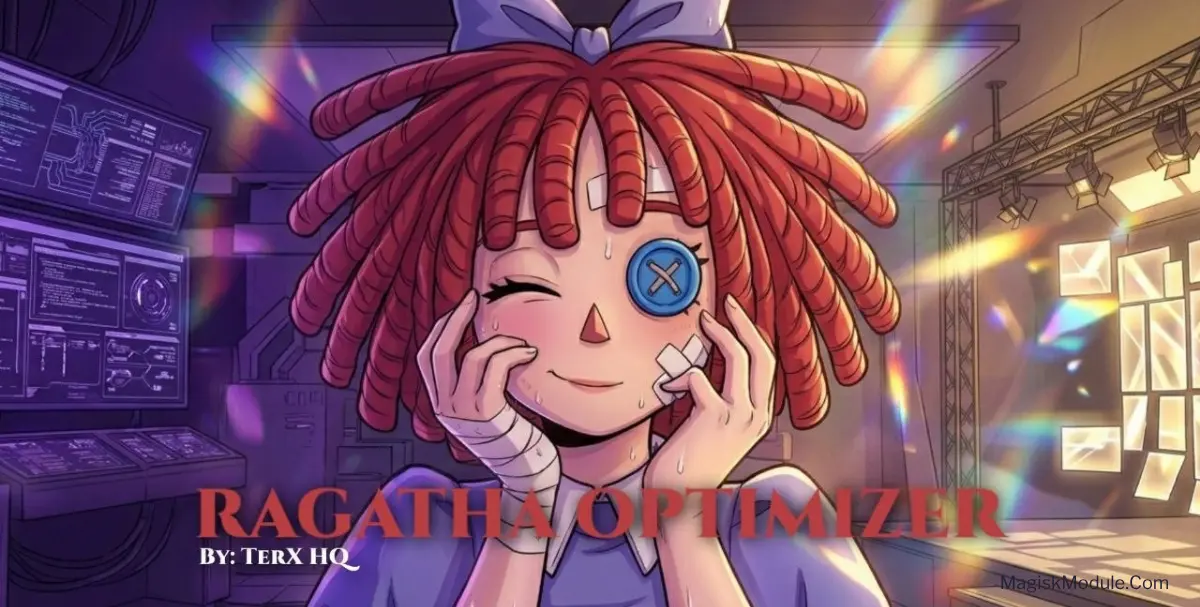
The Ragatha Optimizer is a no-root performance tuning module applied via Turbo FPS Pro. It forces a 120Hz peak refresh rate while modifying CPU, GPU, and I/O scheduler limits to reduce input latency and maintain stable frame pacing across all ARM-based processors.
I’ve been testing this setup on my daily driver, and the difference during heavy gaming sessions is immediately noticeable. Because it actually locks Surfaceflinger to 120Hz and directly tweaks the touch sampling rate, those frustrating micro-stutters during intense fights are practically gone without melting the battery.
Core Features
- Locked 120Hz refresh: Surfaceflinger is forced to maintain its peak rate, which cleans up messy frame pacing across the system UI and games.
- Cuts input latency: The touch sampling rate gets a noticeable bump, translating to instant tap registration when you need fast reaction times.
- Universal processor support: Whether your phone rocks a Snapdragon, Exynos, MediaTek, or Tensor chip, the tuning profile applies without throwing errors.
- Better ping stability: By applying the Westwood TCP algorithm and lowering background WiFi scans, it keeps packet loss and lag spikes at bay during online matches.
- Smarter battery management: Instead of just maxing out frequencies blindly, it preserves the interactive or schedutil governor and relaxes thermal limits, letting you charge quickly even while playing.
My Verdict
If you want hardware-level gaming tweaks but prefer to stay unrooted, this module is an absolute must-have. It bridges the gap perfectly for anyone dealing with UI frame drops and heavy touch delays on modern Android devices.