| File Name | Fake Device iQOO 15 5G |
|---|---|
| Size | 2.1MB |
| Version | Final |
| Category | Magisk Modules |
| Android requirement | + 6.0 |
| Published By | @LIMITGAMINGRILL |
| Rating | 4.9 / 5 |
| Flash Via | Magisk / KSU / AxManager |
Get Link
How to Install via Magisk or AxManager
You can install this module whether you have root access or not. If you have a rooted device, simply flash the .zip file through your Magisk Manager app and reboot your phone.
Don’t have root? We have a great workaround. You can use AxManager. I personally love AxManager because it lets you run unrooted Magisk-style plugins via ADB or Wireless Debugging. Just open the AxManager app, load the module file in the plugin section, and apply the system changes.
How to Use Root Users?
- Ensure Root Access: The first prerequisite is having root access via a custom recovery.
- Install via Magisk Manager:
- Open the Magisk Manager.
- Tap on the “Modules” section.
- Click “Install from Storage” and locate the geted file.
- Confirm the installation and allow the module to apply the necessary changes.
- Reboot Your Device: After installation, reboot your device & KSUWebUi Recommended to activate this.
How to Use Non-Root Users?
- Active AxManager: First, you need to make sure it is active.
- Install via AxManager:
- Open the AxManager.
- Tap on the “Plugin” section.
- Click “Install from Storage” and locate the geted file.
- Confirm the installation..
- Reboot Your Device After installation.
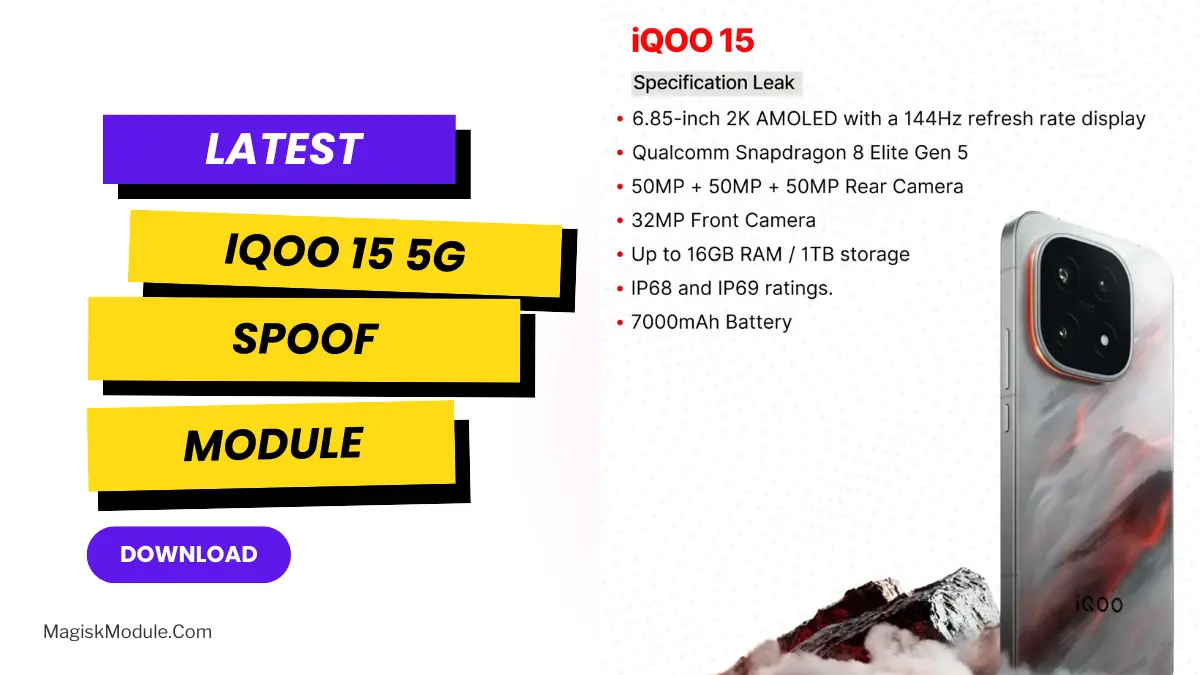
Frame drop and overheating while playing games on Android used to be my problem for a very long time. However, that has somewhat stopped since the last few weeks when I got my hands on the iQOO 15 5G Spoofer Module. The said module helped me upgrade my mid-range phone to a high-end gaming phone capable of smoothly playing games like PUBG, Genshin Impact and many more. Here is a tutorial that explains why you need this package and how to flash it using Magisk or AxManager.
Why I Use the iQOO 15 5G Spoof
You can’t physically upgrade your phone’s internal hardware, but this module does the next best thing. It tricks your system into reading as a flagship device. I’ve been using this exact setup for months, and the performance leap in AAA games is genuinely massive. Here is exactly what it brings to your device:
- Full Device Spoof: It perfectly masks your branding, market name, build prop, and fingerprint to match the iQOO 15.
- CPU/GPU Spoof: Your games will read your processor as a top-tier Snapdragon 8 Gen 4 and an Adreno 830 GPU.
- Display Spoof: It unlocks advanced display protocols like AMOLED LTPO 144Hz and HDR10+ support for buttery smooth visuals.
- Battery & Power Profile: It pushes a simulated 5000mAh and 120W FastCharge profile to help optimize your power drain.
- Thermal Bypass & Unlock FPS: This is my absolute favorite feature. It disables strict throttling limits and lets you push your framerate up to a stable 144Hz.
- Performance Tuning: It activates multi-threaded optimizations tuned strictly for competitive gaming.
Final Thoughts
Remember, this is a software spoof with fake info, not a real hardware upgrade. But if you want to force games like MLBB, CODM, or Free Fire to unlock ultra-graphics and extreme FPS settings, you definitely need to try this out. We recommend backing up your default device profile just in case you want to revert it later.