| File Name | Cpu Boost |
|---|---|
| Size | 70KB |
| Version | v2.0 |
| Category | AxManager Plugin |
| Android requirement | + 6.0 |
| Published By | @bgaszzzz |
| Rating | 4.9 / 5 |
| Install Via | AxManager |
Get Link
How to use?
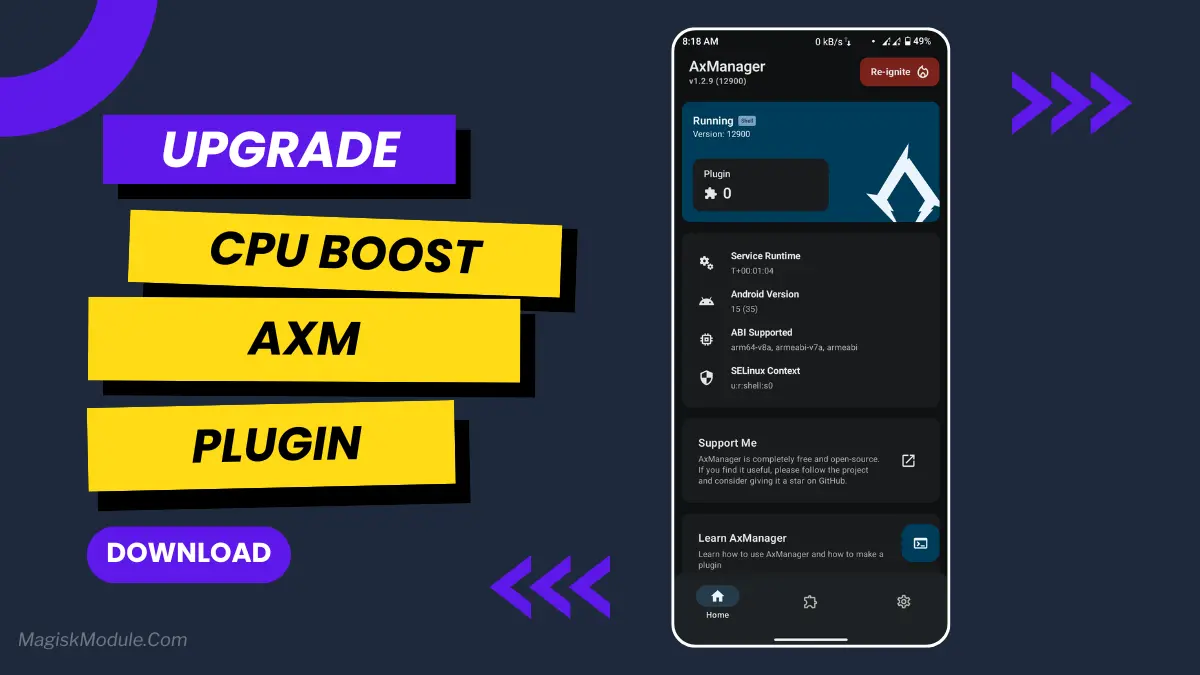
- Active AxManager: First, you need to make sure it is active.
- Install via AxManager:
- Open the AxManager.
- Tap on the “Plugin” section.
- Click “Install from Storage” and locate the geted file.
- Confirm the installation..
- Reboot Your Device After installation.
- Open WebUI or Run Action Button to start
How to Active AxManager?
To use AxManager, you’ll need to enable Developer Options on your device:
- Turn on Wifi
- Go to Settings > About Phone.
- Tap Build Number seven times to unlock Developer Options.
- Open the AxManager, Click “Need To Active”.
- Enable Notification & Click Start Button.
- Click Wireless debugging & Enable Wireless debugging.
- Click Pair device with pairing code.
- Click on “Enter Pairing Code” above and paste the WiFi pairing codes there.
The AxManager CPU Boost Plugin is a performance utility that dynamically scales processor frequencies during heavy workloads. It actively manages runtime behavior to suppress thermal throttling, ensuring your hardware delivers maximum computing power when handling demanding mobile games or intensive applications.
I usually trigger this plugin before jumping into competitive matches to lock in a stable frame rate. It aggressively handles temperature limits in the background, which completely eliminates the random micro-stutters you normally get when switching between heavy apps.
- Forces CPU scaling to temporarily push peak processor frequencies during heavy app launches.
- Aggressively curbs thermal throttling using its internal Z-Bloom management so your phone sustains high speeds longer.
- Stutters and jerky animations completely disappear, resulting in a much smoother multitasking experience across the board.
- Noticeably boosts framerates to give you a solid, consistent edge in highly competitive gaming sessions.
- Heavy UI interactions, like exporting video edits or scrolling media-heavy feeds, run without the usual system lag.
If you rely on the AxManager environment to squeeze extra power out of your daily driver, this plugin is absolutely essential. It automatically balances runtime and thermals so you can maintain peak performance without destroying your hardware.