| App Name | AxManager App |
|---|---|
| Size | 9.13MB |
| Version | v1.4.8 |
| Category | No Root |
| Android requirement | + 6.0 |
| Published By | fahrez182 |
| Rating | 4.9 / 5 |
| Price | Free |
Get Link
To access the latest version, previous updates, and secure files for this module, please proceed to our official download portal below.
Step-by-Step Installation
- How To Install:
- Enable “Unknown sources” in your device’s settings
- Open your device’s file manager
- Find the APK file
- Tap the APK file to install the app
- Confirm the installation
How to Active AxManager?
To use AxManager, you’ll need to enable Developer Options on your device:
- Turn on Wifi
- Go to Settings > About Phone.
- Tap Build Number seven times to enable developer options.
- Open the AxManager, Tab the “Need To Active”.
- Tap the Start Pairing & Allow All Permission.
- Tap Pair device with pairing code.
- Tap the “Enter Pairing Code” above and paste/submit the WiFi pairing codes there.
Getting custom modules running without fully committing to root has always been a massive headache. After testing the new AxManager app, I can finally say there is a reliable way to tinker with your device without needing a custom recovery.
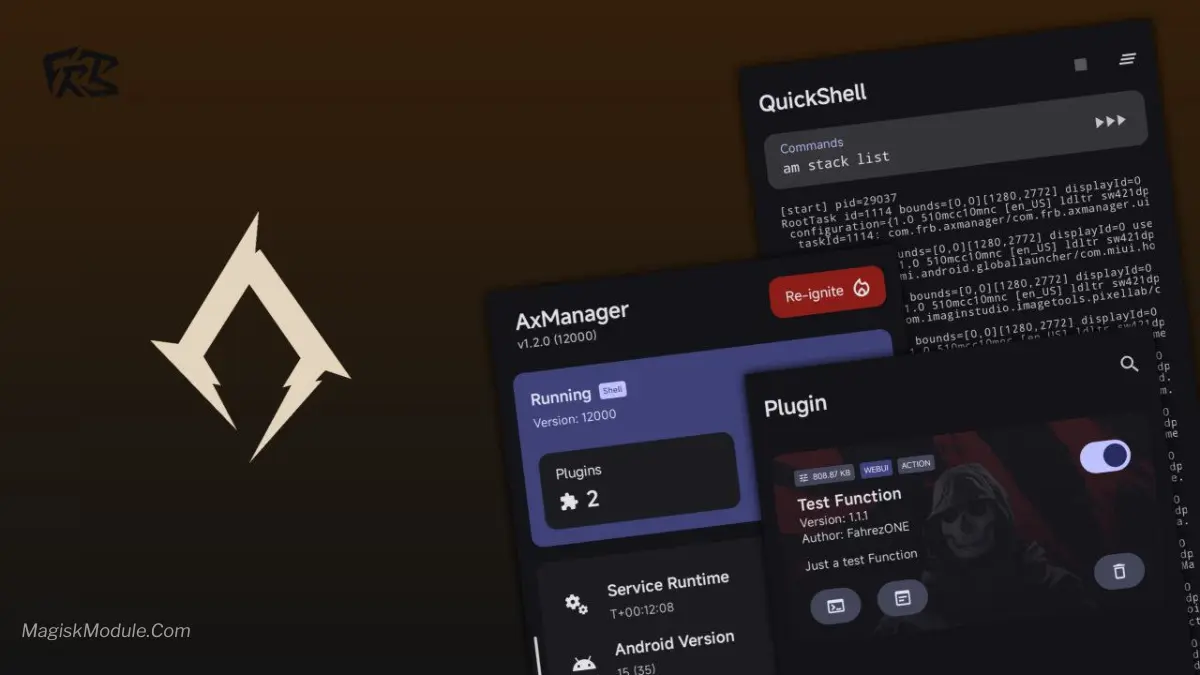
The AxManager app is a system modification tool designed to install Android modules without requiring root access or custom recovery flashing. It functions as a rootless alternative to Magisk, featuring built-in bootloop protection by leaving the core system partition completely unmodified.
Under the hood, this tool applies modifications systemlessly, meaning your base firmware stays completely intact. In my daily usage on a custom ROM, bypassing the need to reboot into recovery just to flash a zip saved me a ton of time. Plus, the peace of mind knowing the bootloop protection actually kicks in if a module goes rogue makes it a staple on my daily driver.
- Rootless module installation means you bypass traditional superuser requirements entirely.
- Direct in-app operations replace the old, tedious method of booting into recovery to flash zip files.
- Bootloop protection mechanism: Even if things go wrong, your system partition remains untouched so the phone will still boot safely.
- A clean, intuitive interface makes the whole process beginner-friendly rather than feeling like a complex developer terminal.
- Universal custom ROM support worked perfectly during my testing across different Android builds.
- Easily toggle features on and off whenever you want without leaving the main dashboard.
If you want to modify your stock Android setup but are afraid of bricking your phone, you need to grab this. It’s a highly practical Magisk alternative for users who want module functionality without fully committing to a rooted environment.
FAQs
Is AxManager APK safe to use?
Yes, if downloaded from trusted sites like Github & my website. It’s systemless, so it doesn’t modify core system files.
Does AxManager work on non-rooted devices?
Absolutely! That’s its main perk, it runs without root or Magisk framework.
Where can I find modules for AxManager?
Stick to well known communities like dedicated AxManager repositories for reliable modules.