| App Name | Lucky Tool |
|---|---|
| Size | 9.91MB |
| Version | v1.3.4 |
| Category | Xposed Module |
| Android requirement | + 10 |
| Published By | luckyzyx |
| Rating | 4.9 / 5 |
| Install Via | LSposed Manager |
Get Link
Step-by-Step Installation:
- Make sure you have LSposed installed on your device.
- Install modules as regular apps.
- After installation:
- Open the LSPosed Manager.
- Tap on the “Modules” section.
- Click the module you installed.
- Tick the enable switch.
- Select apps to which the modules should apply. [Most of the modules now support displaying recommended scope, which LSPosed will select automatically]
- Reboot Your Device
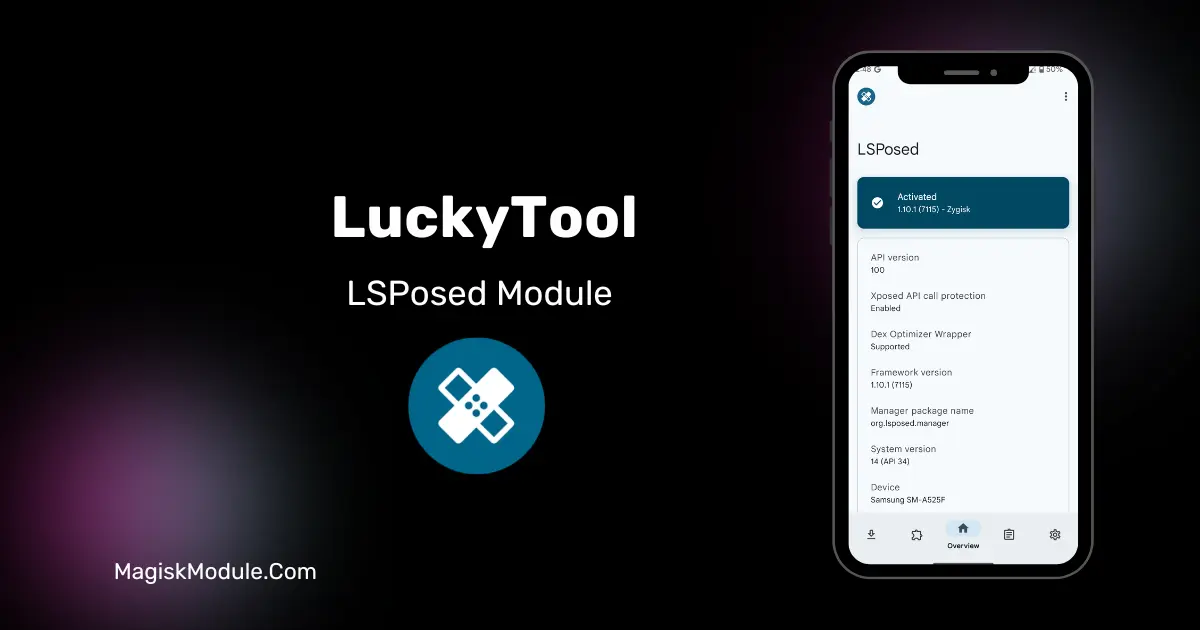
LuckyTool is a dedicated Xposed module built to customize and modify the ColorOS system environment. It functions by hooking into system frameworks to bypass native software restrictions, remove built-in advertisements, and unlock advanced developer settings on supported devices.
I’ve been running this on my daily driver to fix some of the more annoying quirks of ColorOS. Instead of dealing with hardcoded limits, the module forcefully injects custom parameters, which instantly allowed me to push past normal multitasking caps and finally get rid of those intrusive market ads.
Core Features
- Massive multitasking expansion: You can run up to twenty floating windows simultaneously without crashing the system UI.
- Precise numerical metrics are injected directly into your volume sliders and control center progress bars.
- Ad-blocking capability that strips out those frustrating startup commercials inside the default ColorOS software store.
- Bypassing secure flags means screenshot restrictions are gone across all your installed applications.
- Hardware limit removal for both lock screen charging wattage displays and restrictive battery caps.
- Engineering mode access gets fully unlocked for deeper system-level tweaking.
My Verdict
If you are tired of the default OS dictating how you use your phone, this is a must-have install. It strips away the bloat and gives heavy multitaskers the actual system control they paid for.