| App Name | Pixelify GPhotos |
|---|---|
| Size | 3.66MB |
| Version | v4.1 |
| Category | Xposed Module |
| Android requirement | + 10 |
| Published By | SayantanRC |
| Rating | 4.9 / 5 |
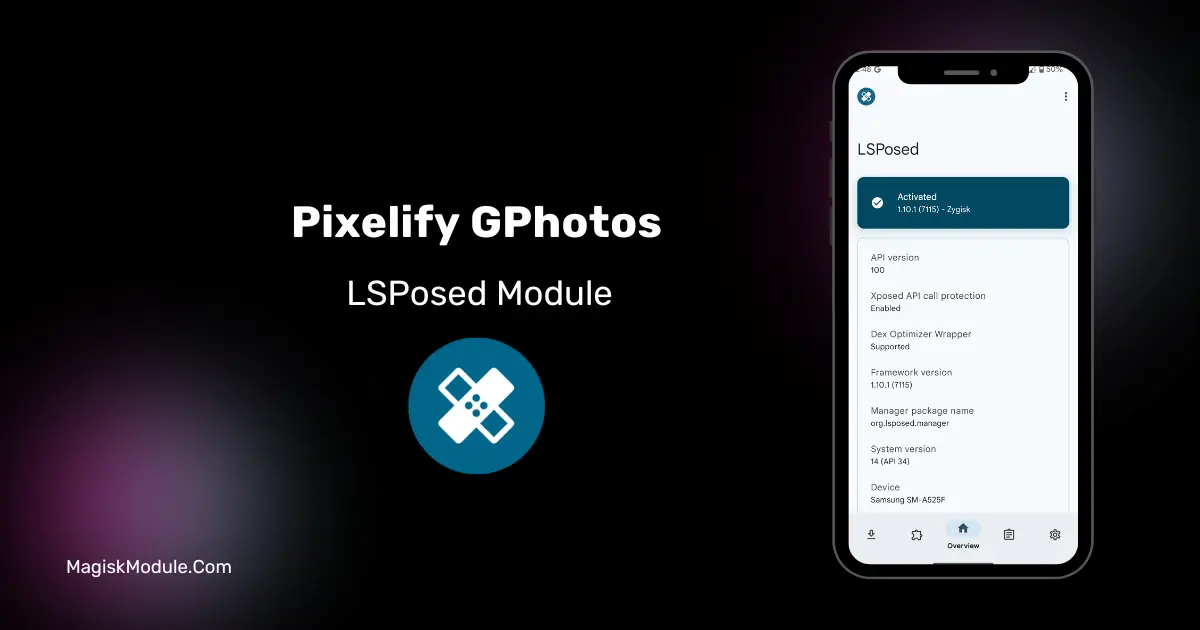
| Install Via | LSposed Manager |
Get Link
Step-by-Step Installation:
- Make sure you have LSposed installed on your device.
- Install modules as regular apps.
- After installation:
- Open the LSPosed Manager.
- Tap on the “Modules” section.
- Click the module you installed.
- Tick the enable switch.
- Select apps to which the modules should apply. [Most of the modules now support displaying recommended scope, which LSPosed will select automatically]
- Reboot Your Device
The Pixelify Google Photos XPosed Module is a systemless modification that unlocks Pixel-exclusive photo editing and backup features on any Android device. It actively spoofs device identity signatures to trick the Google Photos application into treating standard phones like native Pixel hardware.
I’ve been running this alongside LSPosed on my daily driver to get those premium editing tools without actually buying a Pixel. Because it hooks directly into the system framework to fake your build properties, the app genuinely thinks you are on Google hardware, giving you all the perks without altering your core files.
- Unlocks exclusive features inside Google Photos, granting any Android phone access to Pixel-only capabilities.
- System framework hooking easily bypasses strict application device checks right at the core level.
- Fake build properties like your device brand, manufacturer, and fingerprint are spoofed to perfectly mimic native Pixels.
- Runs flawlessly alongside modern root managers like Magisk using an active LSPosed or EdXposed framework.
- Zero permanent changes are made to your actual system files thanks to the systemless nature of the modification.
My Verdict
If you want the premium photo tools of a Pixel without spending the money to switch devices, this is the exact module you need. It is a lightweight, reliable spoofing tweak that every rooted user should have in their setup.