| App Name | ColorOS File Manager |
|---|---|
| Size | 49MB |
| Version | v16.4.12 |
| Category | Ported App |
| Android requirement | + 10 |
| Published By | @AndroidPortWorld |
| Rating | 4.9 / 5 |
| Supported | All Android |
Get Link
Step-by-Step Installation
- How To Install:
- Enable “Unknown sources” in your device’s settings
- Open your device’s file manager
- Find the APK file
- Tap the APK file to install the app
- Confirm the installation
When it comes to file managers that come preloaded on Android handsets, most can feel rather clumped in terms of interface and cluttered, either packing in more features that you probably don’t need and usually in vain, or full of sponsored lockscreen ads – really a breach of ethics in my book and the kind of practise I personally hate. I used to go in search of a proper File Manager years and years ago until I found a port of the ColorOS File Manager App that I shall introduce to you here today.
I’ve used this app on my android everyday driver for months & it’s been perfect for organizing my file, app. This port definitely delivers a premium experience without wasting your money on a costly new handset.
Features
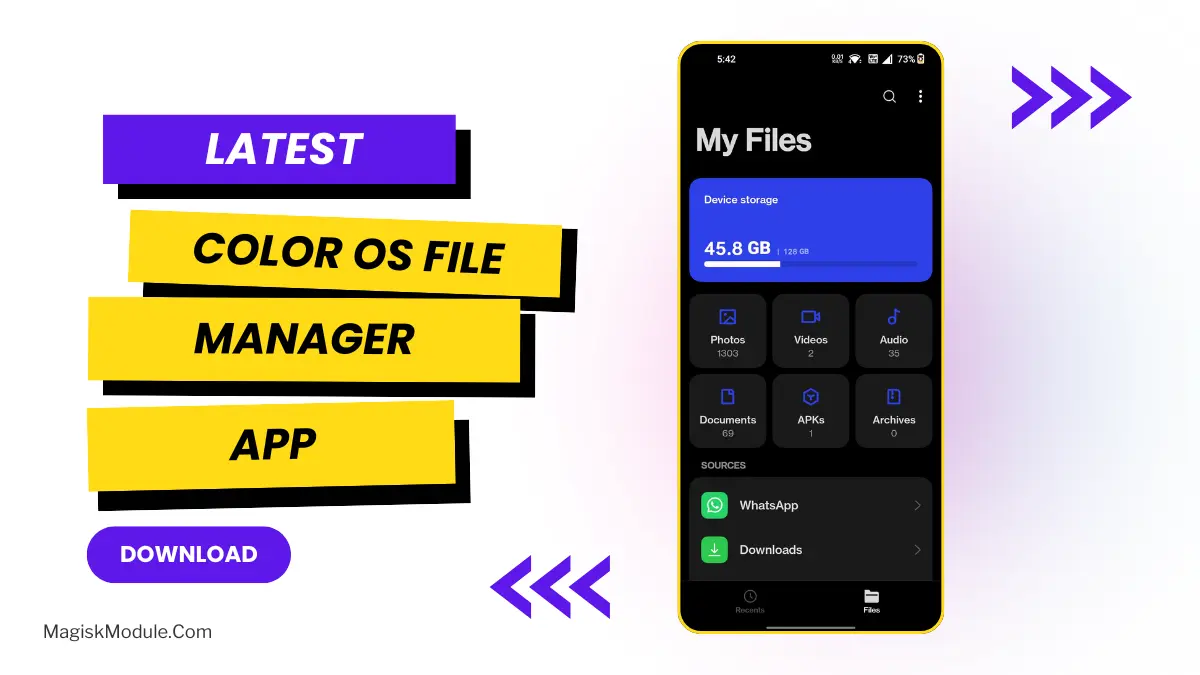
- Smart File Organisation: All files are organized into relevant folders: photos, videos, music, documents, and APKs etc., so you never have to sift through messy folders again.
- Efficient Advanced Search – Search for what you want and Find It in Seconds. Advanced Search results can be filtered by Date, Format and Source.
- Integrated Storage Cleaner: Always have a fast phone. The Integrated Storage Cleaner function analyzes your phone’s storage and finds unnecessary junk files to free up space.
- Secure Your Private Space: Store your most personal data in an encrypted vault locked with a fingerprint or PIN.
- Seamless Cloud Drive Integration: Access and upload files from any location with OPPO’s cloud integrated for seamless backup and file management across all devices.
- Built-in Archive Management: archiver supports Zip and RAR files, allowing you to extract or pack archives with the touch of a button. No need for a third party app to extract or archive files.
- Custom File Tagging & Sorting: Increase productivity by tagging most used files and have them always readily available and accessed in a new sorted order.
- Cleanlooks, no ads: Clean interface based on a new version of ColorOS, naturally minimalist-looking, Ad-Free.
Once you get used to this sort of storage organization, you can never go back to “normal” file managers. This is best user friendly File Manager app, so you can easily install it.