
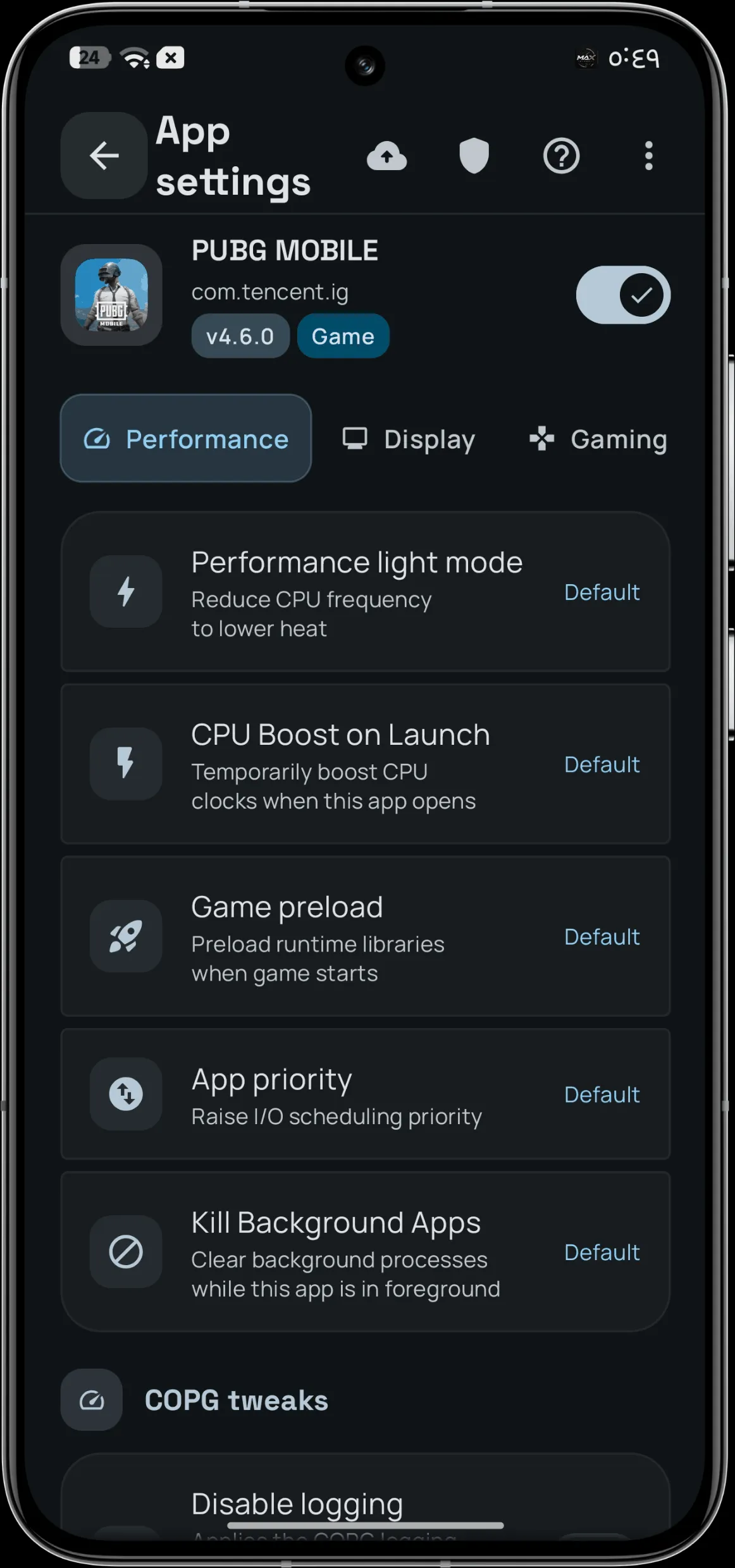
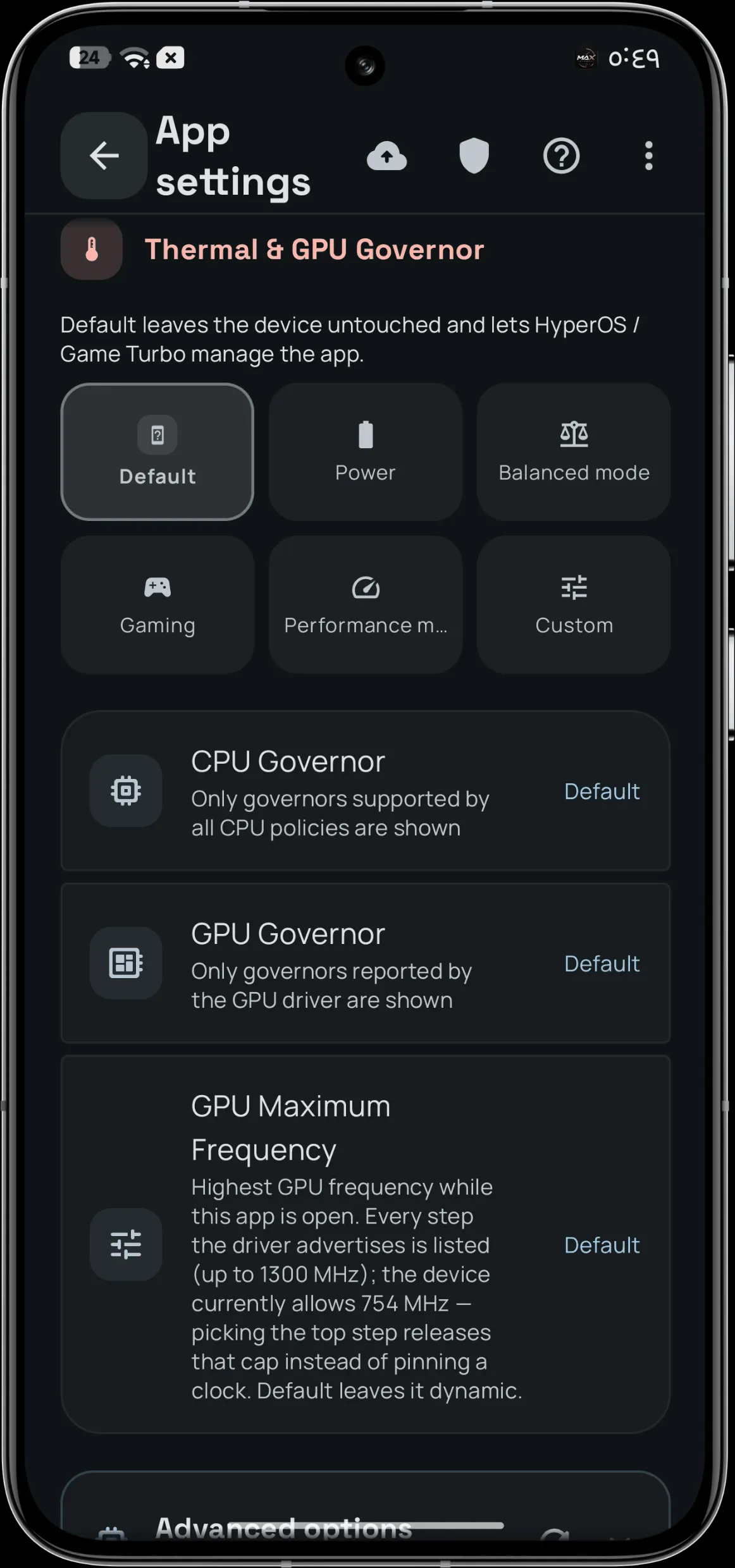
MaxManager is a systemless performance and power control panel for rooted Android that only displays kernel interfaces present on your device. It safely tunes hardware parameters without permanently altering /system, restoring all stock configurations upon uninstallation.
| Image 1 | Image 2 |
|---|---|
 |  |
Technical Details
Driven by the Max Atlas adaptation engine, MaxManager maps exposed kernel interfaces to prevent non-functional toggles and invalid register writes. Every hardware instruction routes through an audited arbiter with an ownership ledger, enforcing read-back verification and automatic rollbacks if parameters fail to hold. This architecture operates via five native binaries without altering system partitions, giving users measured control over CPU, GPU, and thermal thresholds.
Core Features of MaxManager
- Max Atlas: Detects and displays active hardware interfaces exposed by your specific kernel, eliminating non-functional switches.
- Verified writes: Validates every parameter change via read-back confirmation, triggering an automatic rollback if the value fails to hold.
- Ten domains: Manages CPU clusters, GPU frequencies, memory stall pressure, display refresh rates, and charging bypass.
- Per-app profiles: Enforces dedicated performance baselines, thermal limits, and render resolutions configured for individual applications.
Support & Requirements
Requires Android 10 or newer on arm64-v8a or armeabi-v7a architectures, supported via Magisk, KernelSU, or KernelSU Next root managers.
How to Install MaxManager
- Download and flash MaxManager.zip in Magisk or KernelSU.
- Reboot the device to load the systemless binaries.
- Open MaxManager and complete the initial setup to map device capabilities.
Disclaimer: MaxManager is proprietary software requiring written copyright holder permission, and it automatically disables itself if two consecutive boot failures occur.