
Custom Bootanimation
Developed by @readonlynux
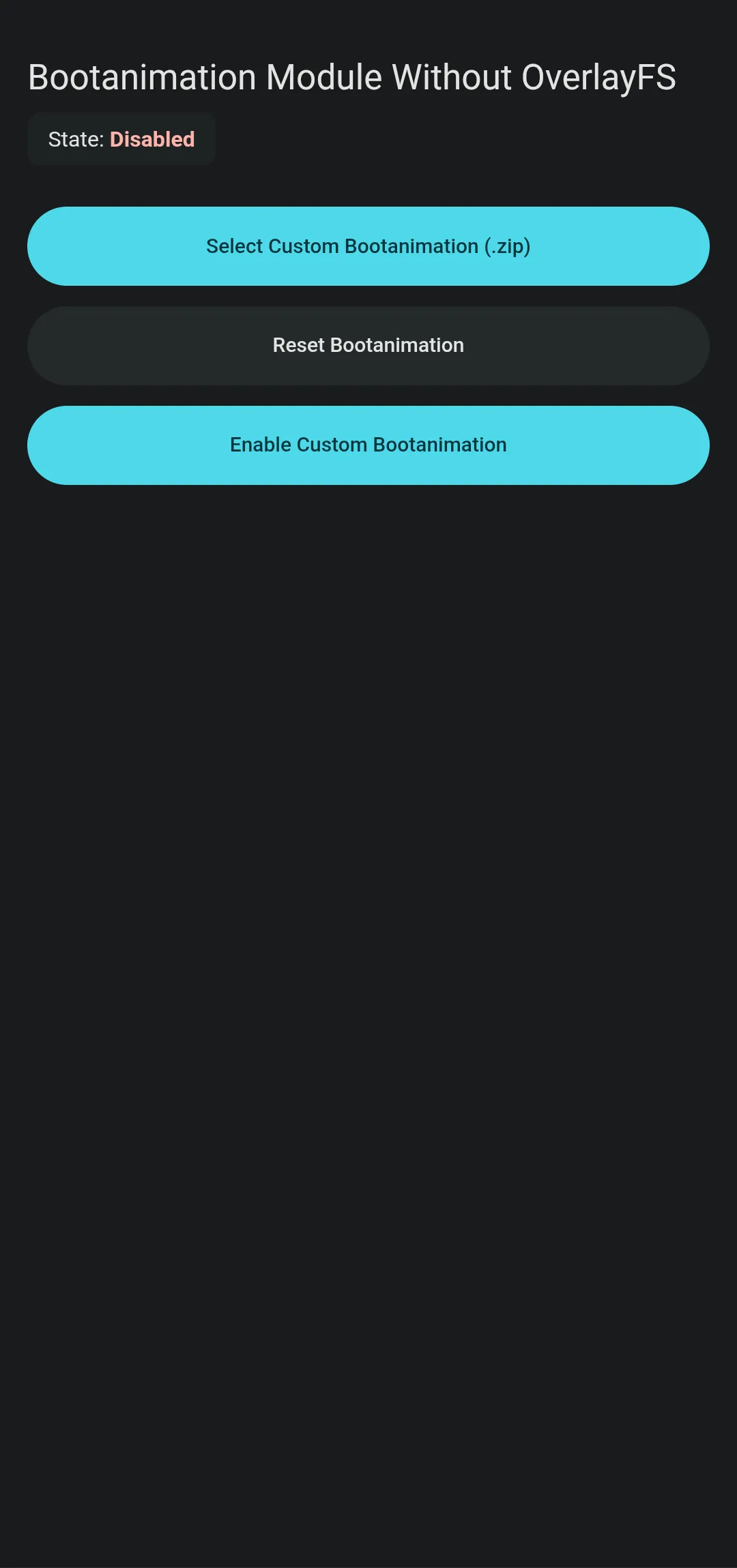
The Custom Bootanimation module lets you safely change your Android startup animation without relying on meta-overlayfs or magic mount. It works systemlessly via a lightweight script, ensuring strict compatibility across modern root solutions.
| Screenshot 1 | Screenshot 2 |
|---|---|
 |  |
Technical Details
The tool copies your selected boot sequence directly to the /data/adb/bootanimation directory. On every device reboot, a lightweight post-fs-data.sh shell script executes to safely bind-mount the bootanimation.zip file. This dynamic partition determination bypasses the need for Magisk Magic Mount completely.
Core Features of Custom Bootanimation
- No OverlayFS required to run custom animations safely.
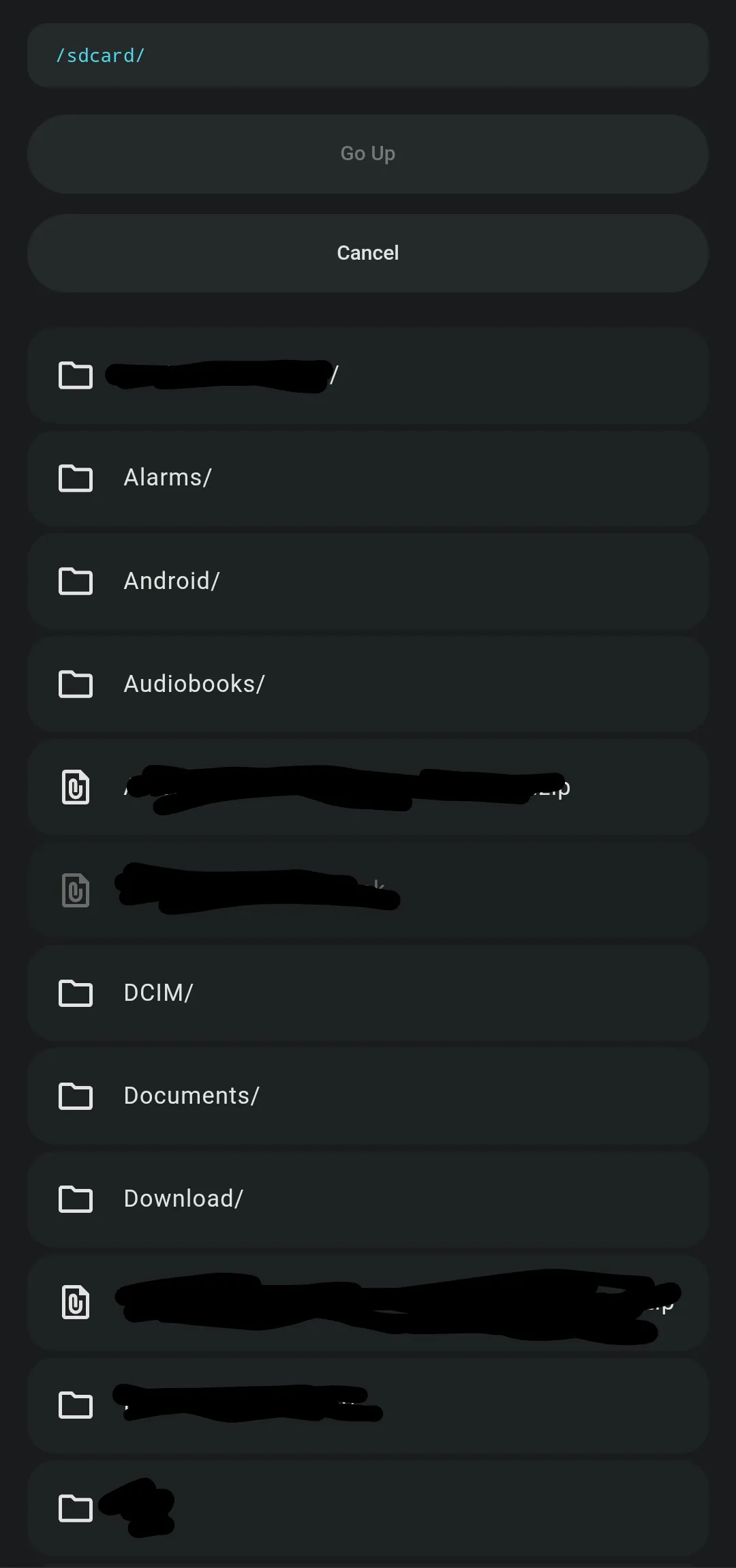
- Experimental WebUI included for straightforward visual file picking.
- Dynamic Partition determination ensures proper mounting across different device trees.
- Simple CLI access available via standard terminal emulator commands.
Support & Requirements
Tested successfully on Android 15 and 16, requiring Magisk, KernelSU, or APatch to function.
How to Install Custom Bootanimation
- Download the latest module release
.zipto your internal storage. - Open your Root Manager (Magisk, KernelSU, or APatch) and access the Modules menu.
- Tap "Install from storage," select the downloaded file, and flash it.
- Reboot your device and configure using a terminal emulator by typing
sufollowed bybootanim -h.
Disclaimer: The creator is not responsible for bricked devices, dead SD cards, or any damage caused by using this tool; use at your own risk.