
Always-On Tethering (AOT) is a systemless root networking module that transforms your Android device into a persistent, high-performance NAT router. It securely bridges USB and Ethernet connections while actively bypassing carrier restrictions.
Technical Details
AOT operates by leveraging Android's native ndc (netd) networking stack alongside custom priority 5000 routing rules to establish a stable DHCP environment. This systemless approach forces traffic through the active WAN interface to bypass provider blocks while handling iptables MASQUERADE directly for maximum throughput exceeding 800Mbps. Users need this package to maintain a reliable 10.0.0.1 gateway and access headless ADB-over-TCP without altering core system partitions.
| Screenshot 1 | Screenshot 2 |
|---|---|
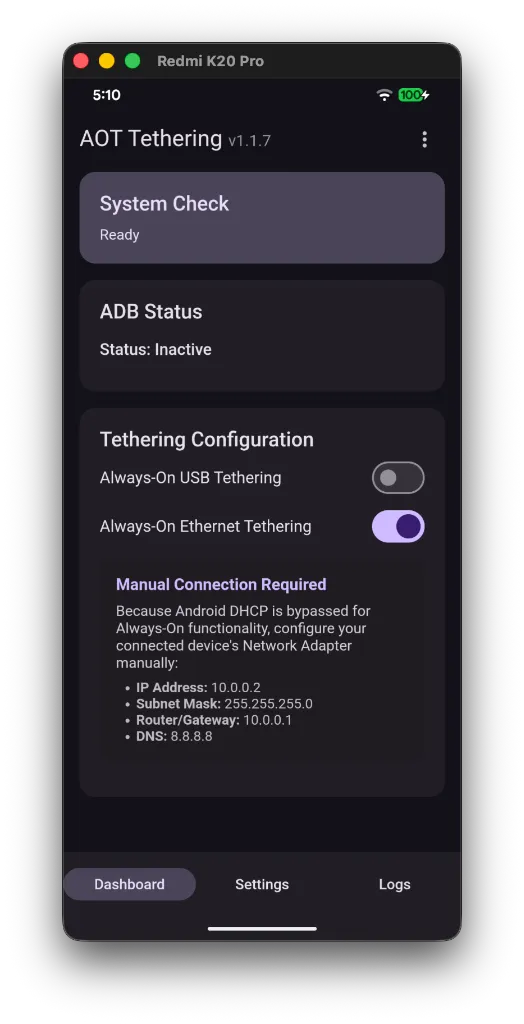 | 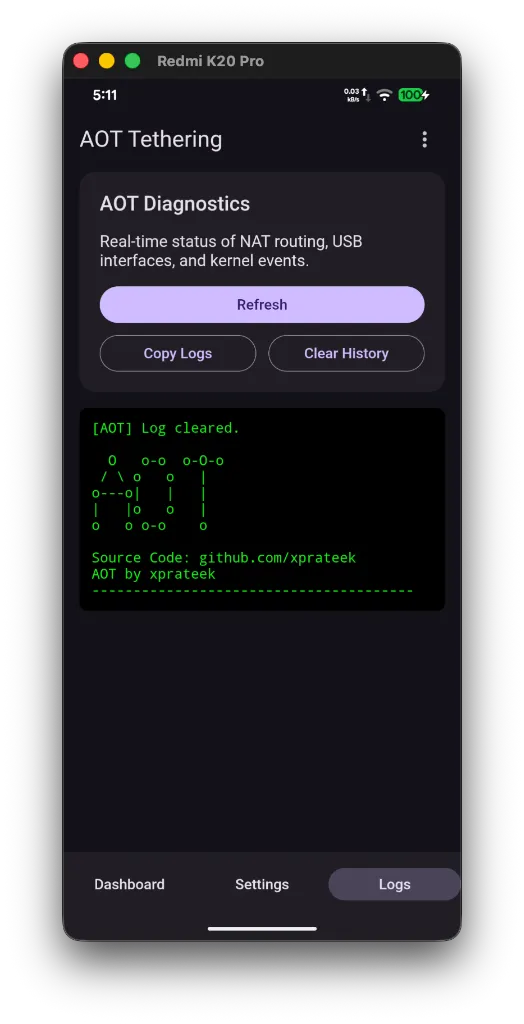 |
Core Features of Always-On Tethering
- State-Aware Watchdog: Background monitor ensures bridge persistence across reboots, restoring network routing automatically 120 seconds after boot.
- Policy Routing: Implements strict priority 5000 networking rules to actively evade cellular provider data restrictions.
- Native DHCP: Utilizes Android's internal dnsmasq server via netd to automatically assign IP addresses for immediate client connectivity.
- ADB Integration: Binds adbd to all interfaces, allowing remote wireless debugging directly over the bridge gateway IP.
Support & Requirements
Compatible with modern Android operating systems equipped with Magisk, KernelSU, or APatch root managers.
How to Install Always-On Tethering
- Download the AOT release .zip file to your local storage.
- Open your root manager app (Magisk, KernelSU, or APatch) and access the Modules section.
- Select the option to install from storage, then flash the downloaded .zip file.
- Reboot the device to activate the watchdog and establish the network bridge.