
Twemoji Resurrection
Developed by @deserthouse
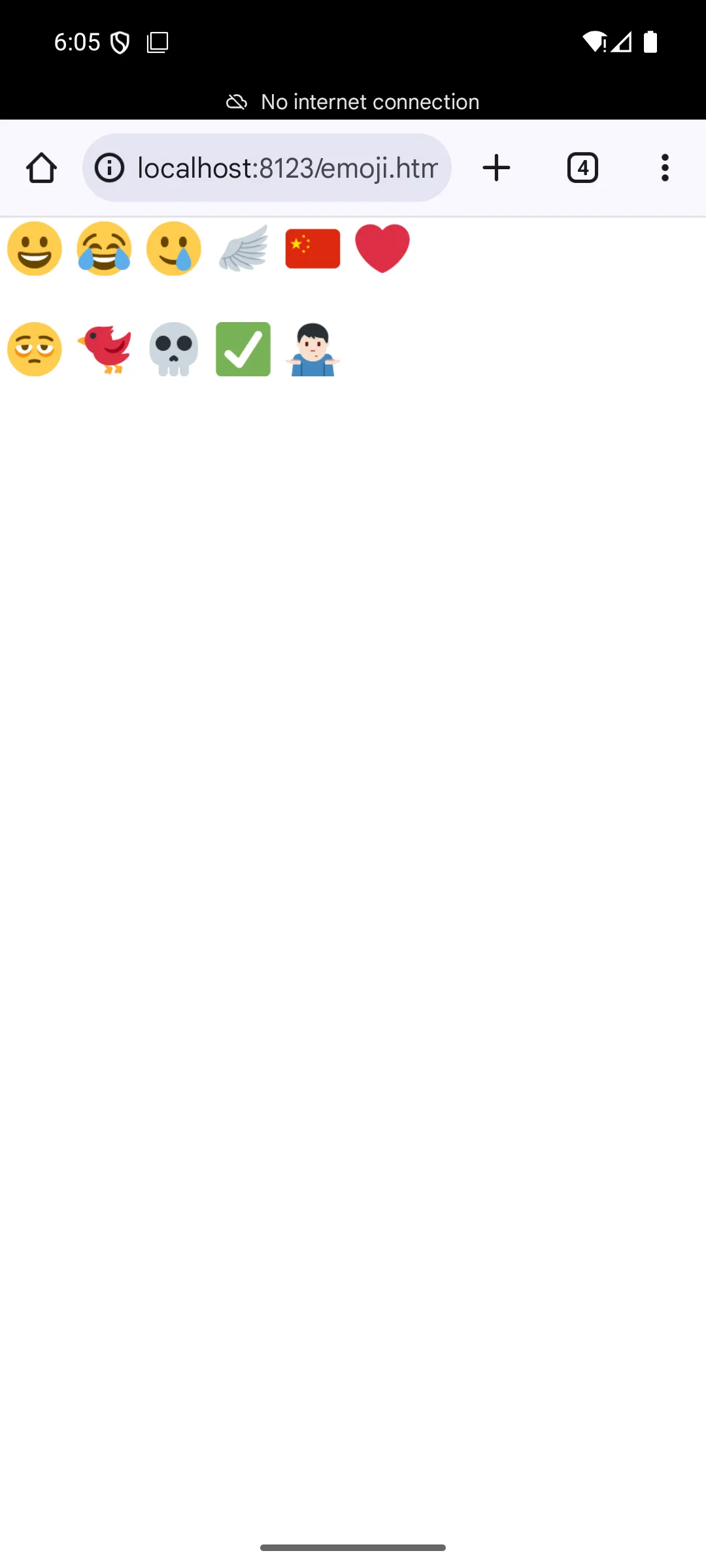
Twemoji Resurrection is a systemless root module that completely replaces your Android system font with Twitter emojis (Twemoji). It operates without altering system partitions, allowing full restoration to stock by simply removing the package and rebooting.
| Screenshot 1 | Screenshot 2 |
|---|---|
 |  |
Technical Details
During the post-fs-data boot phase, this module parses fonts.xml or font_fallback.xml to dynamically locate all active emoji font slots. It then utilizes Magisk's Magic Mount or KernelSU/APatch's bind-mount mechanisms to directly point those specific slots to the bundled Twemoji file, achieving completely systemless font replacement.
Core Features of Twemoji Resurrection
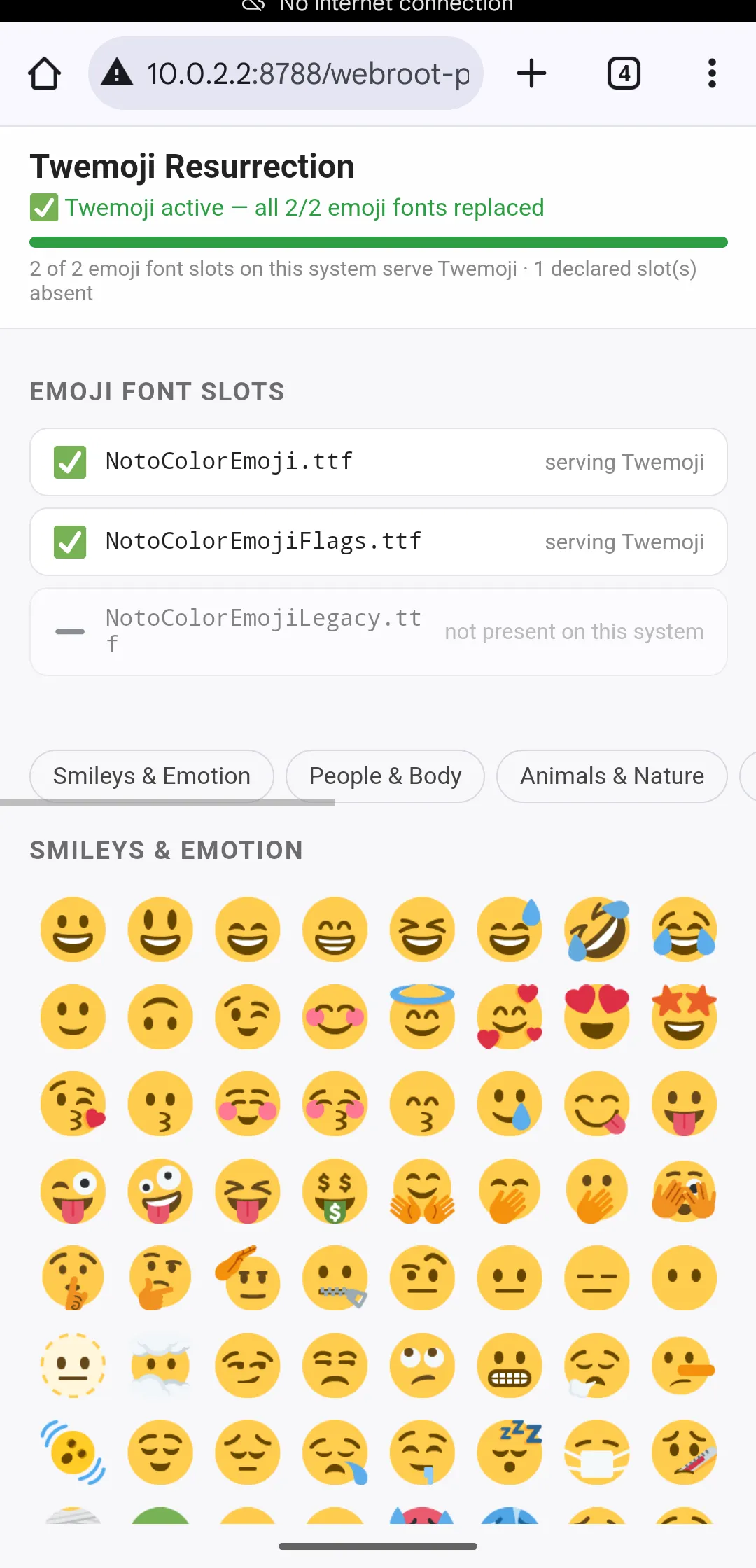
- State Verification: Validates the actual served font for each slot during boot and writes the true status directly into the module description.
- WebUI Gallery: Includes an integrated dashboard accessible via the root manager to visually confirm the font replacement using categorized emojis.
- OEM Compatibility: Resolves upstream parsing errors to properly handle OEM-specific xml variants and fully supports Android 15+ fallback structures.
- Native Updates: Integrates updateJson support to provide direct version update notifications within the root manager application.
Support & Requirements
Compatible with all modern Android operating systems including Android 15+, requiring Magisk, KernelSU, or APatch as the root manager.
How to Install Twemoji Resurrection
- Download the latest
.ziprelease file to your local device storage. - Open your Magisk, KernelSU, or APatch application and open the modules menu.
- Flash the downloaded zip file and reboot your device to build the font cache.
- Verify the module description shows
✅ Twemoji activeto confirm successful installation.
Disclaimer: This project is provided "as-is" without any warranties, and users assume all risks regarding potential font rendering issues.