NoMount Suite
Developed by @Bouteillepleine
NoMount Suite is an advanced systemless utility that applies module configurations without generating traditional system mounts. Powered by the Prism kernel driver, it streamlines VFS lookups directly in RAM to serve files, ensuring your /proc/mounts log remains perfectly clean and uncluttered.
| Screenshot 1 | Screenshot 2 |
|---|---|
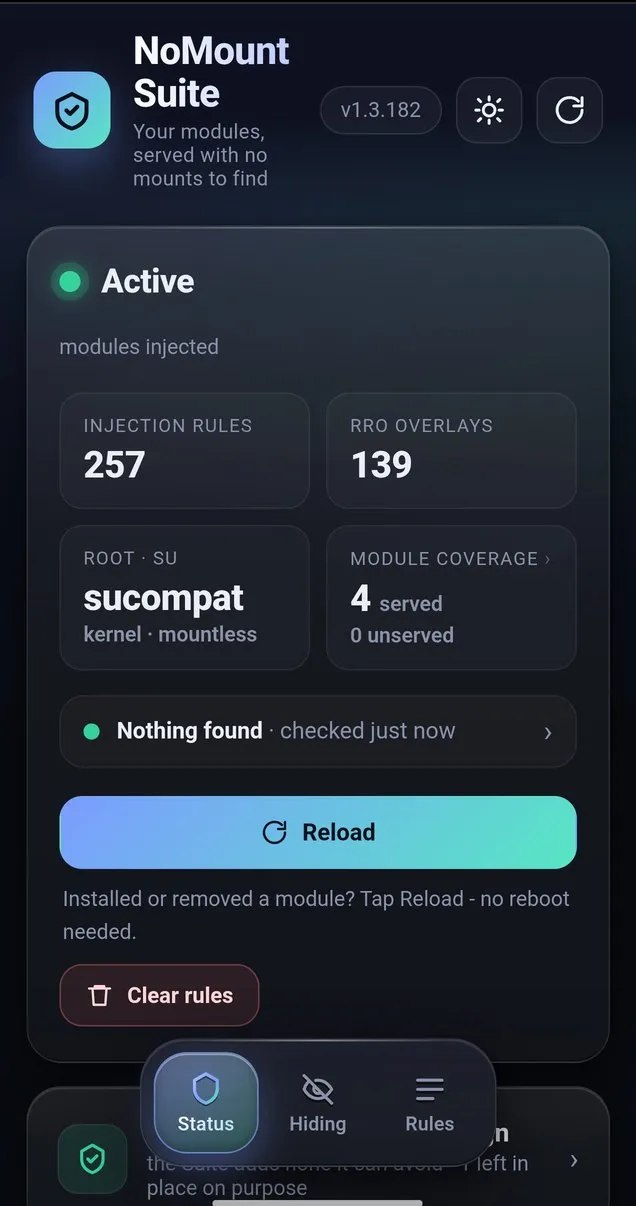 | 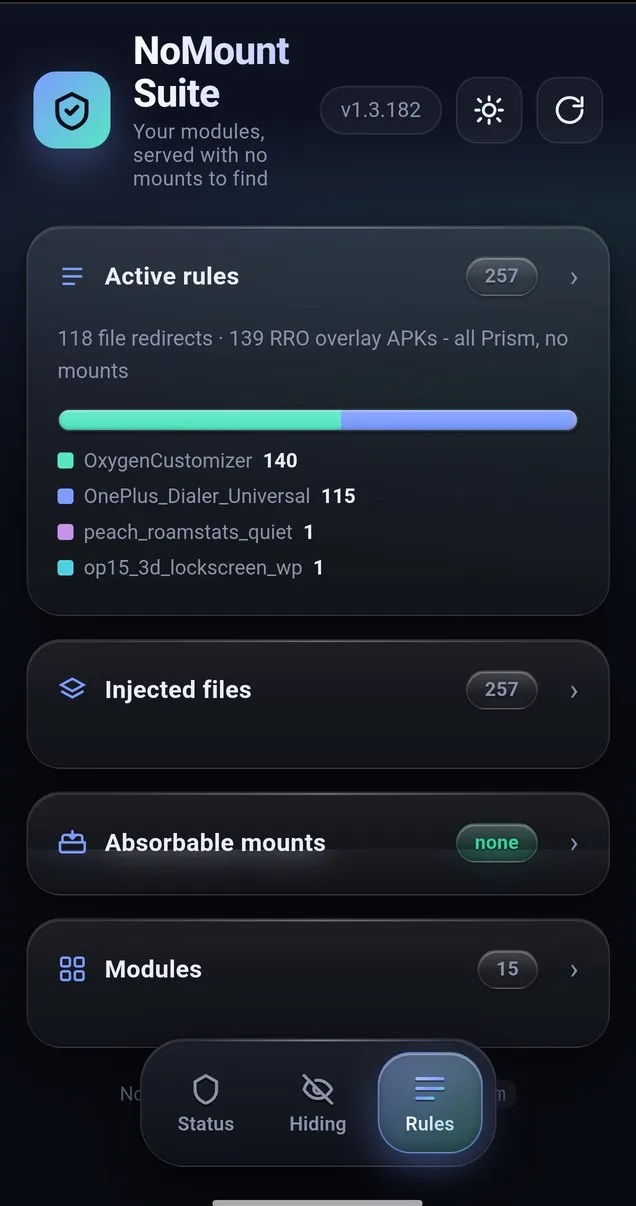 |
Technical Details
NoMount Suite optimizes traditional overlayfs and tmpfs methods by dynamically managing directory operations at the kernel VFS layer. Instead of altering the mount table, the Prism driver redirects path resolutions directly in RAM to serve the necessary module files. This streamlined approach ensures that your core operating system environments remain clean and structurally unmodified when standard applications read /proc/mounts.
Core Features of NoMount Suite
- Zero Mounts: Files are served by redirecting VFS lookups via the Prism kernel driver, keeping
/proc/mountsentirely clean and reducing filesystem overhead. - Metamodule Design: Scans
/data/adb/modules/at boot and programs the kernel engine automatically without requiring complex per-module setup. - App Isolation: Safely isolates custom configuration rules from specific UIDs, ensuring that standard applications run in their native, unmodified environments.
- Durable Whiteouts: Allows developers to persistently manage virtual paths across reboots, maintaining a clean original directory structure without permanent system alterations.
Support & Requirements
Requires an arm64 device running a custom kernel with the Prism engine (CONFIG_NOMOUNT=y) and a compatible system manager like KernelSU, SukiSU, ReSukiSU, Magisk, or APatch.
How to Install NoMount Suite
- Step 1: Download the latest
.ziprelease of NoMount Suite. - Step 2: Open your preferred module manager (KernelSU, Magisk, or APatch) and access the Modules menu.
- Step 3: Install from storage by flashing the
.zipfile. - Step 4: Reboot the device so the metamodule can initialize and serve content on the first boot pass.
Disclaimer: Altering kernel behavior carries real risk, including instability and data loss; developers are not responsible for bricked devices or thermonuclear war.