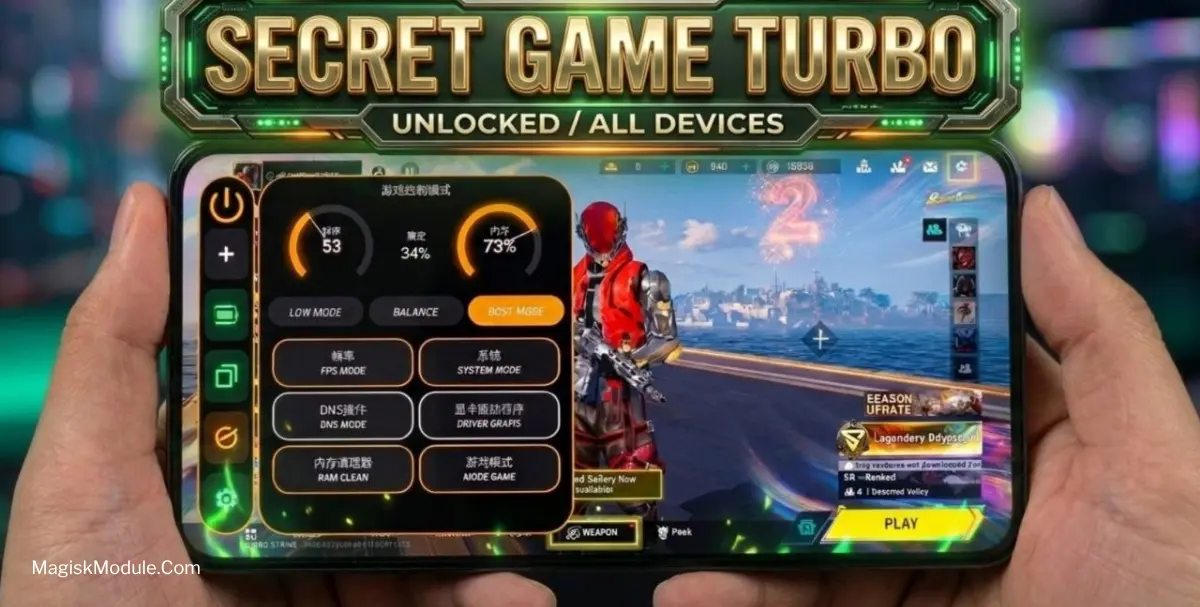
Game Control Performance
Developed by @Zx Tweaks
DownloadDls
VersionVer
vFinal
Size
7.12MB
UpdatedDate
5 Jul 2026
game-control-performance.md
Is your phone freezing at the worst possible moment, costing you a match or victory? This is an issue that many competitive mobile gamers face, and I can attest to the frustration that comes with having a non-stable gaming experience. I’ve been playing mobile games competitively for a long time, and through the years, I’ve experienced my fair share of random frame drops and lag spikes that plague the mobile gaming scene.
Features
- Instant Speed: Heavy games can slow down your android, but with this tools, you get a one-tap performance boost for lag-free gaming.
- Realistic gameplay: It really feels more authentic.
- Smooth Gameplay - Runs Quietly - Smart Background RAM and CPU Clearer.
- No Distractions: You can block calls and notifications, so you can play games without any distraction.
- Graphics Enhancer: These really enhance the visuals, making the game look really sharp.
- No Overheating: The advanced temperature control and battery saver available.
Compatibility & Quick Setup
Requires Android 8.0 or newer. install the APK and grant ADB permissions via Shizuku