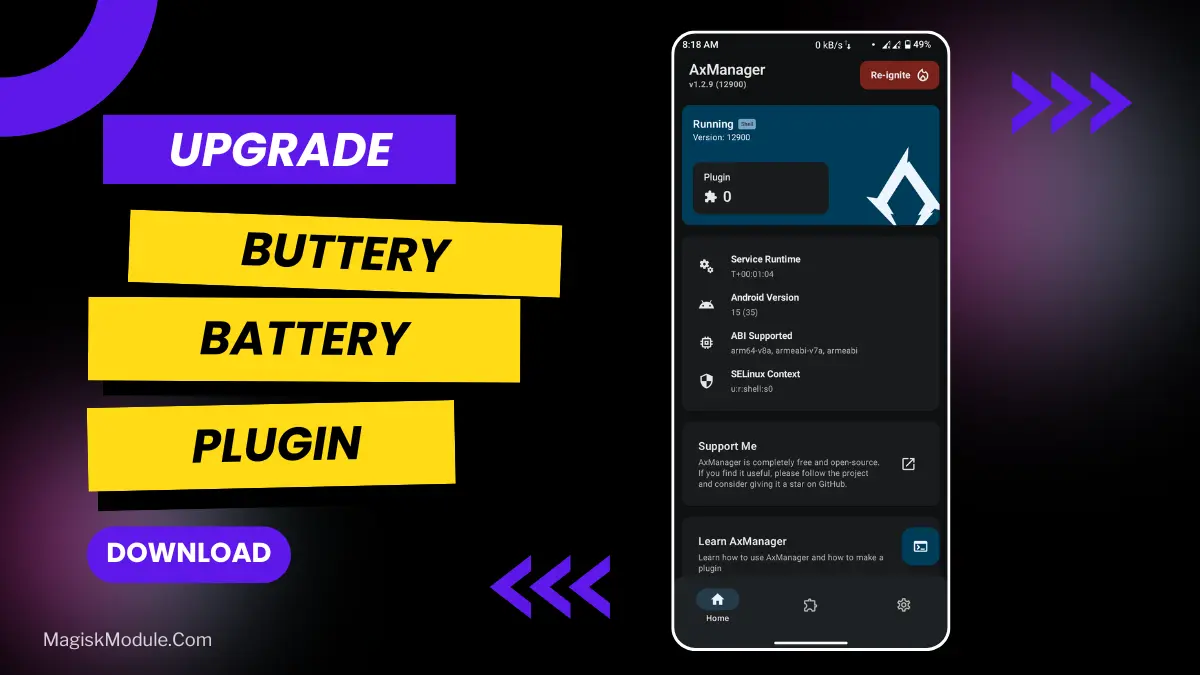
| File Name | Buttery Battery |
|---|---|
| Size | 301KB |
| version | 2.0 |
| Category | AxManager Plugin |
| Android requirement | + 6.0 |
| Published By | @MelanieMari |
| Rating | 4.9 / 5 |
| Install Via | AxManager |
Get Link
How to Use?
- Active AxManager: First, you need to make sure it is active.
- Install via AxManager:
- Open the AxManager.
- Tap on the “Plugin” section.
- Click “Install from Storage” and locate the geted file.
- Confirm the installation..
- Reboot Your Device After installation.
How to Active AxManager?
To use AxManager, you’ll need to enable Developer Options on your device:
- Turn on Wifi
- Go to Settings > About Phone.
- Tap Build Number seven times to unlock Developer Options.
- Open the AxManager, Click “Need To Active”.
- Enable Notification & Click Start Button.
- Click Wireless debugging & Enable Wireless debugging.
- Click Pair device with pairing code.
- Click on “Enter Pairing Code” above and paste the WiFi pairing codes there.
This little plugin is named for “battery anxiety,” the fear of having your phone run out of juice exactly when you need to view its contents. Okay, so it’s not the most pressing concern of all time, but serious travelers wouldn’t want their phone to suddenly die at exactly the wrong moment. Of course, most of us can’t exactly stuff our batteries into our wallets, but with a little tweaking, your phone can run just as long on the same battery, and that’s nothing to sneeze at. Called Buttery Battery, the new plugin for TourBar’s AxManager is a “ patented technique that encourages mobile computer batteries to last longer.”
Does exactly what it says on the tin, it’s a no root solution to the power consumption issue on the software side of things. It’s an energy accountant and it finds places where you looses little amounts of power and stops it. This is a plugin, and it can also be used to boost performance by optimal battery using when in game.
Features
So what does it do?:
• Optimizes battery usage for longer screen-on time.
• Reduces background power drain intelligently.
• Enhances gaming performance with balanced battery efficiency.
• Stabilizes CPU and GPU power consumption.
• Improves standby battery life significantly.
• Manages power smartly during heavy gameplay.
• Minimizes overheating and thermal throttling.
• Boosts overall system responsiveness efficiently.
• Extends battery health with optimized charging behavior.
I tested on a mid-range smartphone dropping around 20% overnight whilst idle. After applying the changes, I saw battery life drop around 8% (so still not perfect, but an extra 12% of life which is still pretty handy in the morning) and the phone seemed to run a tad cooler whilst idling and under load (during a video call for example).
AX Manager installs simply via the supplied CD, via disk image or from a networked share drive, and via http, https, ftp or sftp URL, and will magically tune and optimise your AX system after installation. AxManager is provided as a separate application so that the tunnelling process can be left to run unattended in the background whilst you get on with your day job. Simple installation is achieved via the intuitive interface provided by the AxManager application. To install the ax manager simply follow the prompts, peel off the appropriate number of stickers and apply wherever recommended.
Don’t expect it to help a battery that’s already beyond its physical prime, say, if you’re still rocking a few-year-old notebook. But for people with somewhat healthier batteries seeking a bit more efficient usage from their devices, this is a useful new trick in your bag.
Thanks for your attention! Bye
Special thanks to:
-Hoyoslave
-Reljawa
-Koneko
-Kazuyoo
FAQ
How does the Buttery Battery plugin work without root access?
It uses the accessible system permissions within the AxManager framework to adjust software-level power management settings, like limiting wasteful background processes, without needing deep root access.
Will this slow down my phone to save battery?
Not from my experience. Its goal is balanced efficiency, trying to save power without killing performance. Features focus on reducing wasteful drain, not underclocking your core speed during normal use.