| File Name | GoodPing |
|---|---|
| Size | 8KB |
| Version | v5.0 |
| Category | Vexiro Modules |
| Android requirement | + 6.0 |
| Published By | @traatweak |@bgaszzzz |
| Rating | 4.9 / 5 |
| Supported | Non Rooted |
Get Link
How to Setup Vexiro Apk via Shizuku
Install Shizuku App
- Get the Shizuku app from the google play store.
- Install the app on your device.
How to setup Shizuku app on your device
To use Shizuku, you’ll need to enable Developer Options on your device:
- Turn on Wifi
- Go to Settings > About Phone.
- Tap Build Number 7 times to unlock Developer Options.
- Then again go to the Shizuku app and tap on Pairing button.
- Go back to Settings > System > Developer Options and Enable Wireless debugging.
- Tap Wireless debugging > Pair device with pairing code.
- Copy the wifi paired code.
- Put the wireless pairing code in notification panel.
- Install Vexiro Manager and grant necessary permissions via Shizuku.
- [Video Tutorial For Setup Shizuku]
Install Vexiro Modules Without Root
- Grant Permissions: Grant necessary permissions via Shizuku.
- Install via Vexiro Manager:
- Open the Vexiro Manager.
- Tap on the “Modules” section.
- Tap on the “Install Module From Storage” section.
- Tap on the “SELECT A FILE” section and locate the geted file.
- Tap on the “Right Arrow ➡️” section And Confirm the installation.
- Reboot Your Device: After installation, reboot your device to activate the module.
There’s nothing worse than ending a game on a lag spike, or having a video call drop right when you need to see someone the most. And in general, everyone dislikes program crashes or freezes the most.
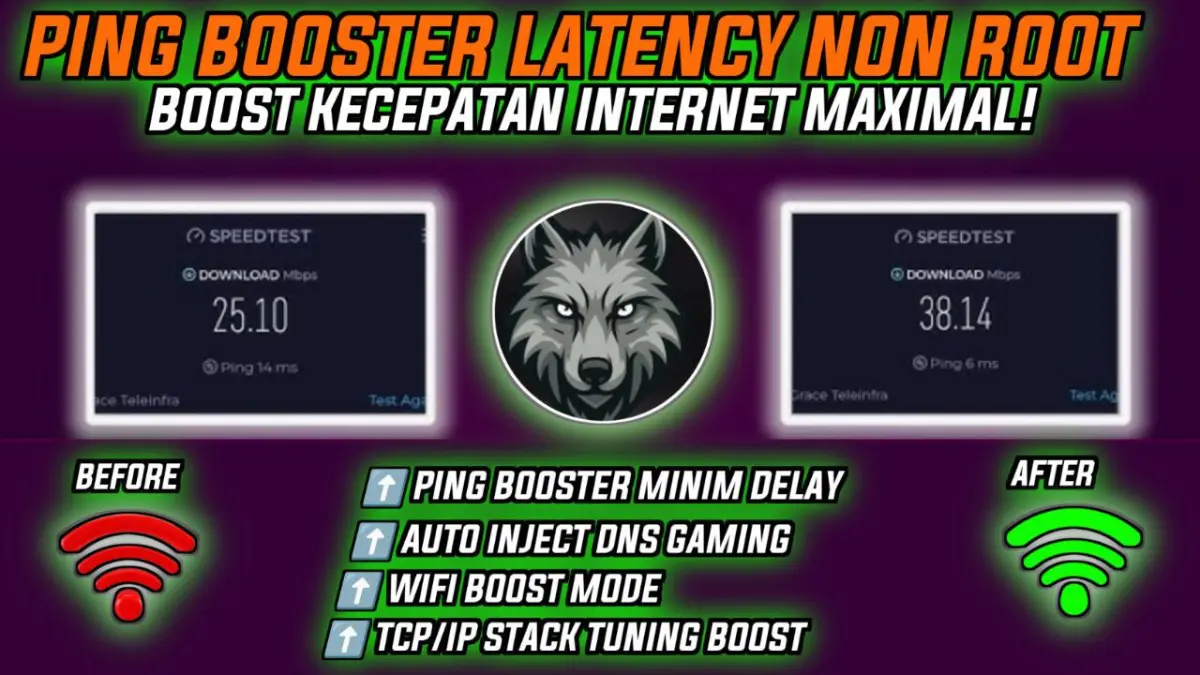
As a non-techy individual, fixing a slow Internet connection can be both time and effort consuming. The GoodPing Vexiro Module is the solution you need to fix and stabilize the speed of your connection within a few clicks. You will be happy to know that you can install GoodPing Vexiro Module without root on your phone. It’s easy to install and gives the results immediately.
But streaming and browser heavy users are not the only ones who can benefit from this service. Anyone with a connection can use it to improve download and upload speeds for gaming, but also for general use, whether that is for watching HD TV streams or simply keeping up with social media with a flurry of browser tabs open at the same time. Being optimized for both WiFi and mobile internet, there is little that this service can’t handle.
I’ve been running this on my poor laptop while doing Zoom calls and downloading files for work today, and it’s been going great! Essentially it boosts your laptop for video calls and general online multitasking. Working all day so far it hasn’t dropped a single packet.
Instant Download from Official Site and In-App Quick Setup – Works Instantly! This module is extremely easy to setup and begin using. All you need to do is download the module from the official website and follow a few quick steps in-app to activate. The module will then automatically start to work, optimizing your internet speeds and enhancing your user experience, without you having to lift a finger.
Our technology optimizes network behavior, signal handling and packet delivery to deliver ultra low latency with minimal jitter for the best possible online gaming and social media experience.
Fed up with slow internet? This tip could save your life.