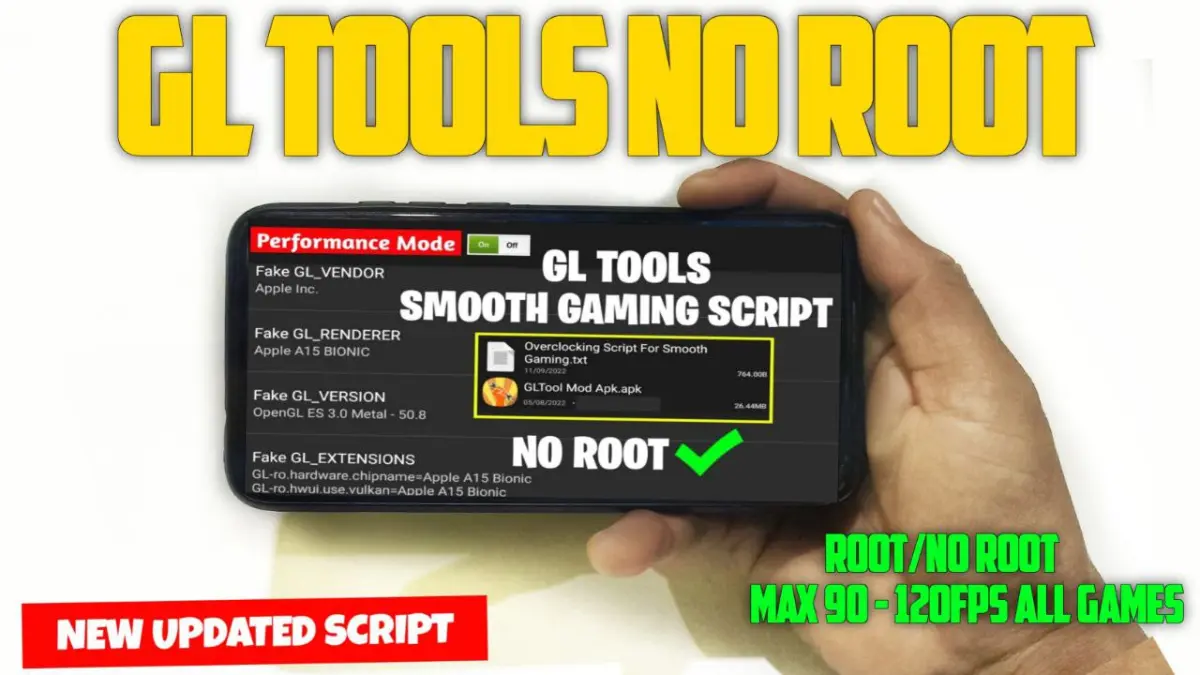
| App Name | GLTOOLS No Root |
|---|---|
| Size | 19.6MB |
| Version | FinAL |
| Category | Ported App |
| Android requirement | + 6.0 |
| Published By | Zx Tweaks |
| Rating | 4.9 / 5 |
| Price | Free |
Get Link
Step-by-Step Installation
- Download: Download the Ported App.
- How To Install:
- Enable “Unknown sources” in your device’s settings
- Open your device’s file manager
- Find the APK file
- Tap the APK file to install the app
- Confirm the installation
I remember getting frustrated with my phone during a big boss fight. The frame rate dipped at the worst moment, and let’s just say my character didn’t make it. My phone had the horsepower, but something wasn’t clicking. That’s when I tried the GL Tools No Root app, and honestly, it felt like giving my phone a shot of espresso.
This isn’t a magic wand, but it’s a clever toolbox that tweaks how your device handles graphics. Without needing root access (which means zero risk of bricking your phone), it lets you fine-tune things under the hood. I’ve been tinkering with it for a few weeks, and here’s what it brings to the table:
• GPU Optimize & GL Render: Adjusts how games talk to your graphics chip. I noticed less graphical pop-in. • Smart CPU Tuner: Manages your processor’s workload smarter during games to prevent thermal throttling. • One-Tap Boost Mode: My go-to switch before launching any demanding game for a quick performance profile. • Real-Time Monitoring: Lets you see your FPS and CPU load, which is handy for figuring out what settings work best.
• Works on Any Android Device: The big sell. Used it on a mid-range device and saw a genuine improvement in smoothness.
The biggest win for me was the overall smooth UI and enhanced scrolling smoothness. It doesn’t just target games; the whole system feels a bit more responsive. For gaming, textures loaded better, and those annoying micro-stutters during fast-paced action were reduced.
A quick, real talk moment: Your results will vary. It works best on devices that are almost capable of running a game smoothly but need that extra nudge. It can’t make a budget phone run like a flagship, but it can help a capable device perform more consistently.
Would I recommend it? If you’re an Android gamer or just want a snappier interface and you’re comfortable with a bit of light tweaking, absolutely. Just always back up your data before trying any system-level app, even one as safe as this. It turned my phone into a more reliable gaming buddy, and that’s a win in my book.


