| File Name | Abandon Engine |
|---|---|
| Size | 282KB |
| Version | Final |
| Category | AxManager Plugin |
| Android requirement | + 6.0 |
| Published By | @dcx4012 |
| Rating | 4.9 / 5 |
| Install Via | AxManager |
Get Link
Step-by-Step Installation:
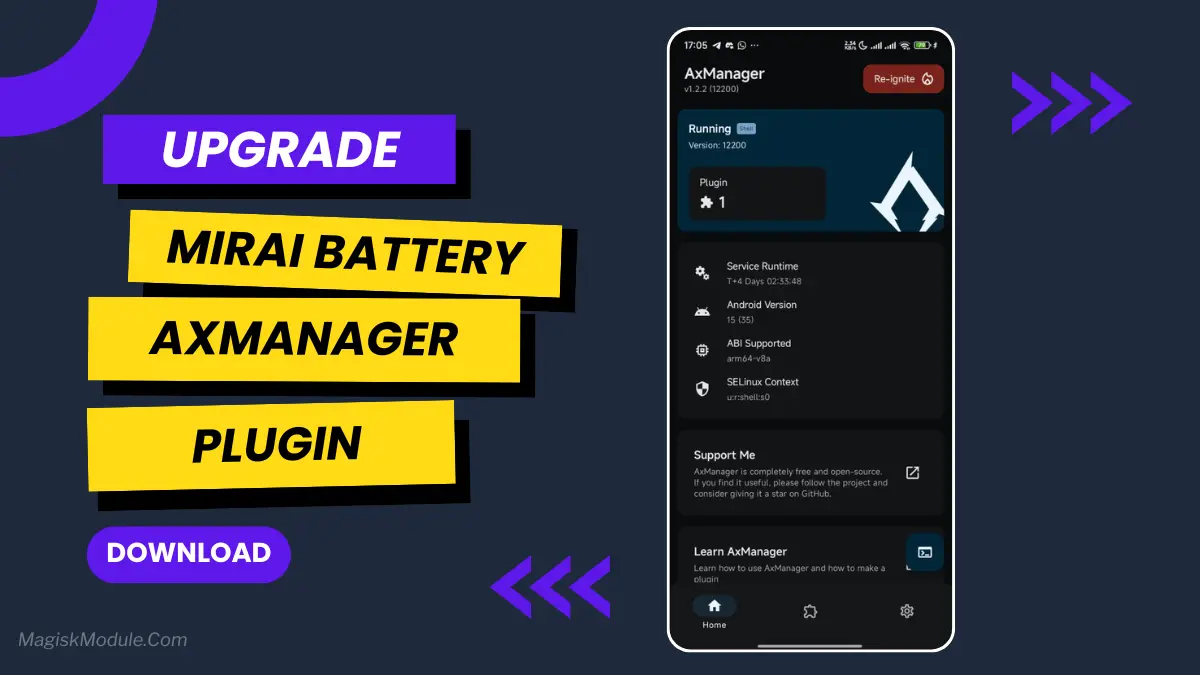
- Active AxManager: First, you need to make sure it is active.
- Install via AxManager:
- Open the AxManager.
- Tap on the “Plugin” section.
- Click “Install from Storage” and locate the geted file.
- Confirm the installation..
- Reboot Your Device After installation.
How to Active AxManager
To use AxManager, you’ll need to enable Developer Options on your device:
- Turn on Wifi
- Go to Settings > About Phone.
- Tap Build Number seven times to unlock Developer Options.
- Open the AxManager, Click “Need To Active”.
- Enable Notification & Click Start Button.
- Click Wireless debugging & Enable Wireless debugging.
- Click Pair device with pairing code.
- Click on “Enter Pairing Code” above and paste the WiFi pairing codes there.
This is a file for AxManager. It’s not a Magical wand but a way to organize your phone by sleeping some non-essential system processes just like the above post said and that will help improve your battery life without rooting your Infinix, Tecno, itel and other Android phone.
Why does this file work so well? This update file was designed for the areas where Transsion has a strong presence and therefore the file was crafted with a simple and reliable approach. It does not interfere with the stock ROM but instead does its job and that’s it.
Features:
- The file is compatible with Infinix, Tecno and itel smartphones.
- Limited alterations to standard setup to maintain optimum performance and stability.
- Improves system handling without heavy, complex tweaks.
- Works seamlessly with stock Transsion ROMs.
- Low usage of system resources to preserve your battery and daily performance.
- Simply Enabled/Disabled through the AxManager program.
- Reduces unneccessary background usage of phone resources.
These tweaks are easy to remove if you don’t like them, but from what I’ve seen so far, my computer feels more snappier and my battery life in the afternoons seems to be improved. Nice.
My results were mixed, but results will vary. This is a utility, not a revolution. Prior to doing anything here, make sure you have a current backup of your data.