Battery Honey Magisk Module You Must Try it 2026

Download the Battery Honey Magisk Module to stop background drain and fix overnight battery loss. Forces deep Doze mode and blocks aggressive app wake locks.
Read more
Aapt Multiarch

Download the AAPT Multiarch Module to easily decompile and package APKs directly on your Android device. Prebuilt binaries ready for AxManager and Magisk.
Read more
Beatrice Thermal X install Via Root Manager & AxManager

Download Beatrice Thermal X to stop Xiaomi thermal throttling and maintain high FPS during gaming. Lightweight, C-compiled daemon flashable via AxManager.
Read more
Phantom Ram Booster Magisk Module You Must Try it 2026
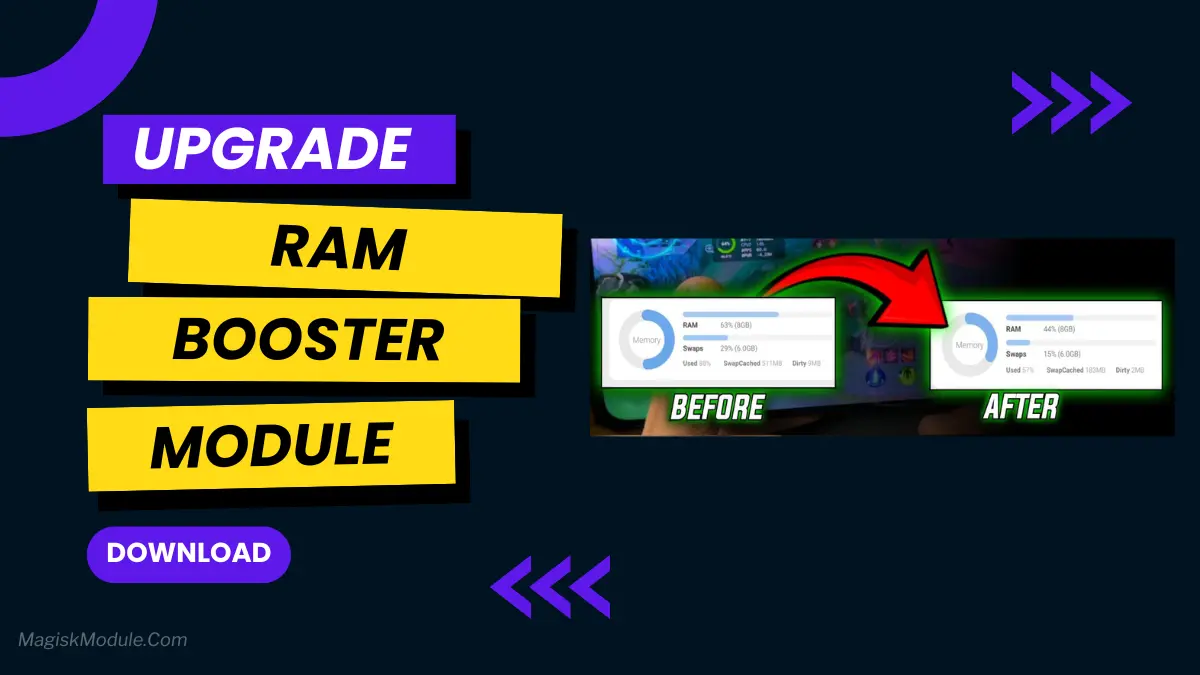
Download Phantom RAM Booster Magisk Module to fix heavy multitasking lag and stop frequent app reloads. Lightweight, battery-friendly memory management for Android.
Read more
Kernelsu Manager
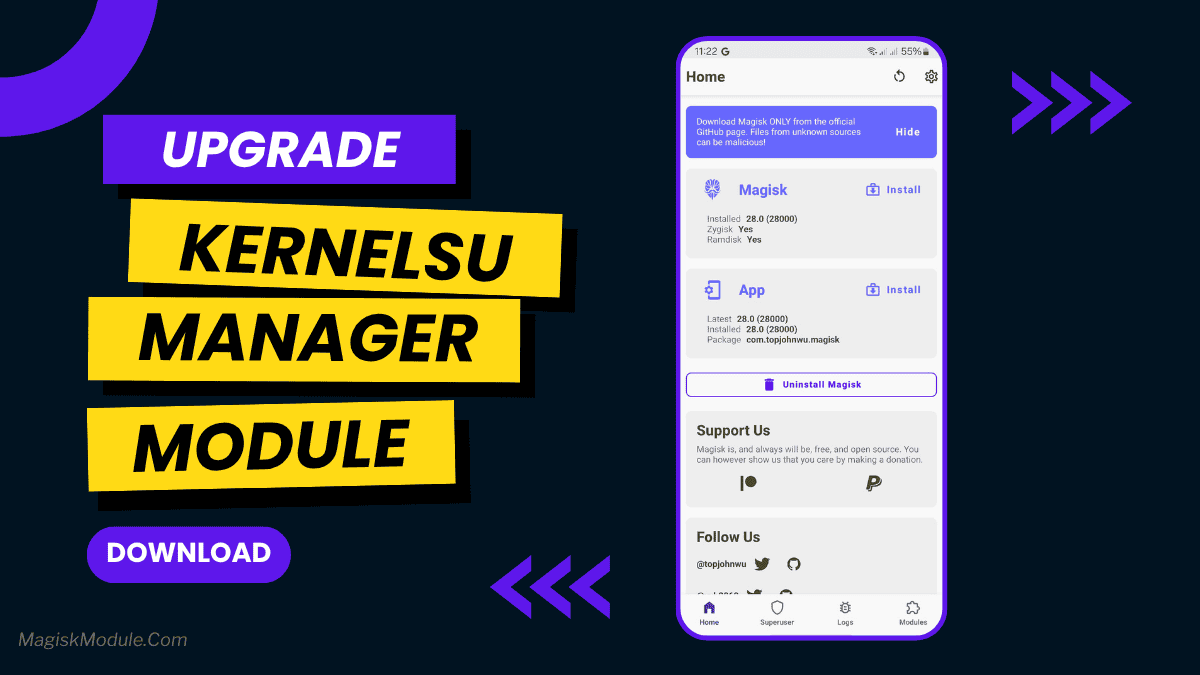
Download KernelSU Manager to get kernel-level root access that naturally hides from banking apps. Supports modern GKI 2.0 devices and systemless metamodules.
Read more
Display++ Universal Magisk Module

Download Display++ Magisk Module to force vibrant colors and high saturation using SurfaceFlinger commands. Systemless and battery-friendly for all ROMs.
Read more
Thermal Void

Download the Thermal Void module for Magisk, KernelSU, and APatch. Improve Android gaming performance, manage PIDs, and track refresh rates.
Read more
LSposed Zygisk v1.11.0 Latest Version 2026
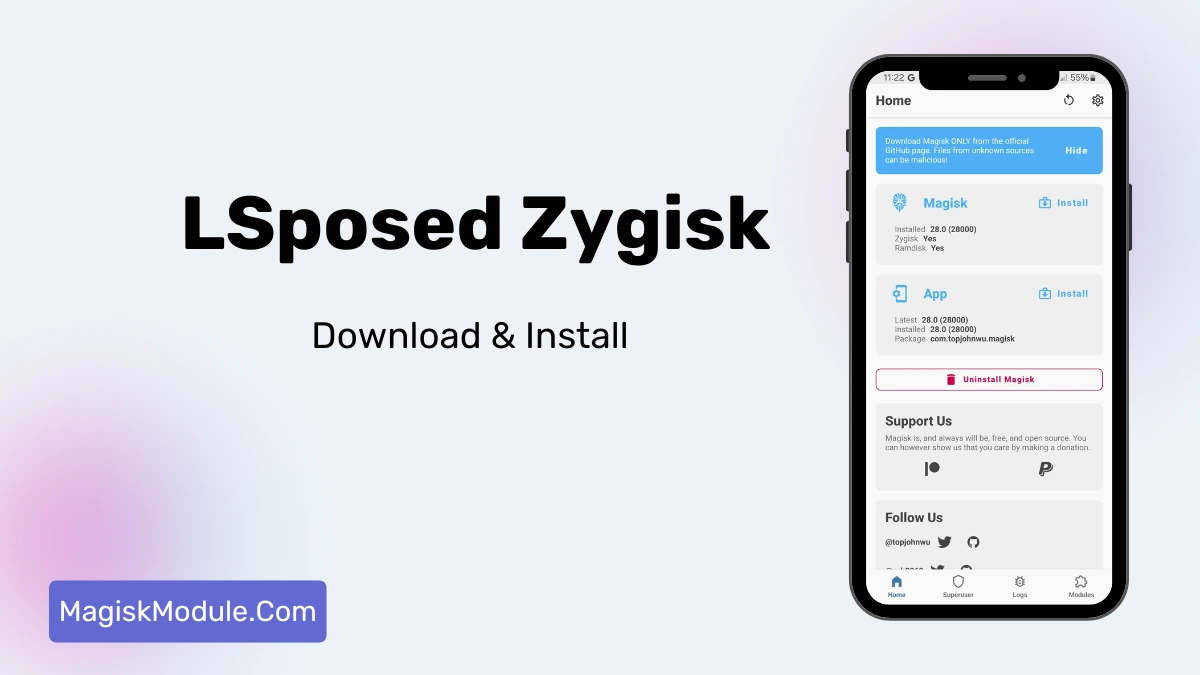
Customize your rooted device safely with the LSposed Zygisk framework. Enjoy systemless Xposed module management, per-app controls, and rock-solid stability.
Read more
Play Integrity Fix Magisk Module Latest 2026
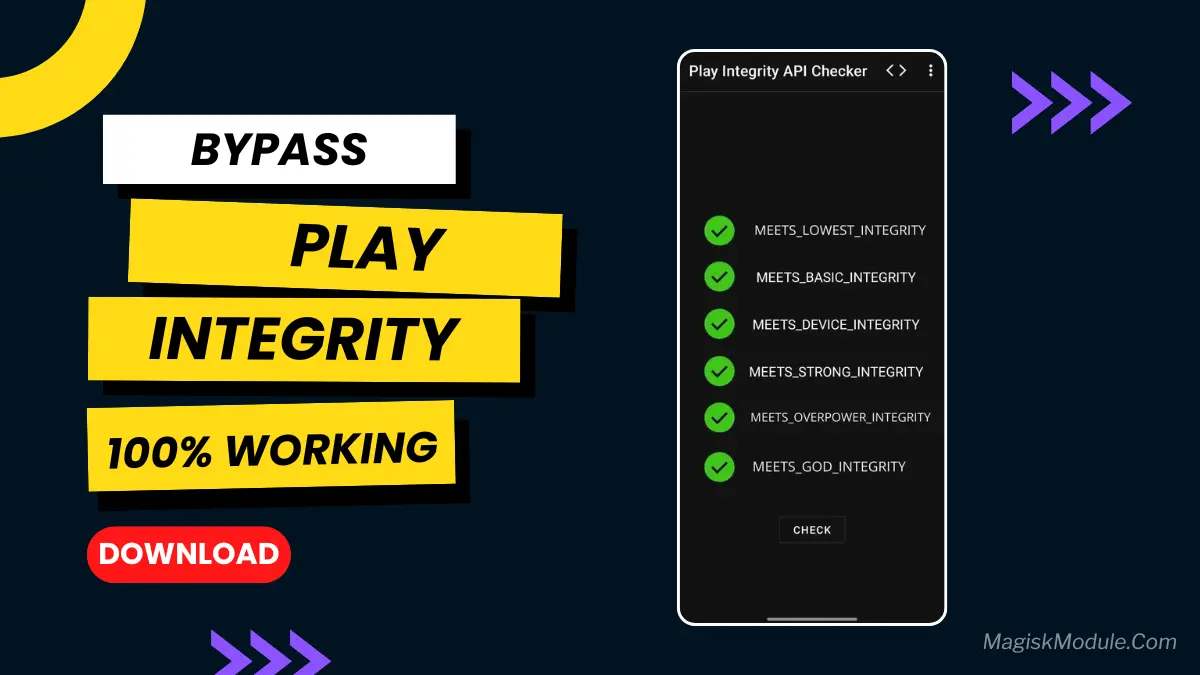
Fix the Device Not Certified error on rooted Androids using Play Integrity Fix Magisk modules. Bypass API checks and restore banking apps instantly.
Read more
Mio Haimiya Module: Ultimate Android Game Optimizer

Fix frame drops and heavy lag with the Mio Haimiya module. It boosts CPU/GPU clocks, expands ZRAM, and bypasses thermals for massive gaming performance.
Read more
Touch Enhancer Magisk Module You Should Try in 2026

Fix Android input lag and UI micro-stutters with the Touch Enhancer Magisk Module. Safely tune SurfaceFlinger and HWUI for a faster, snappier screen.
Read more
FPS Injector Magisk Module You Should Try in 2026
File Name FPS Injector Size 16KB Version v12 Category Magisk Modules Android requirement + 6.0 Published By @LIMITGAMINGRILL Rating 4.9 ...
Read more







