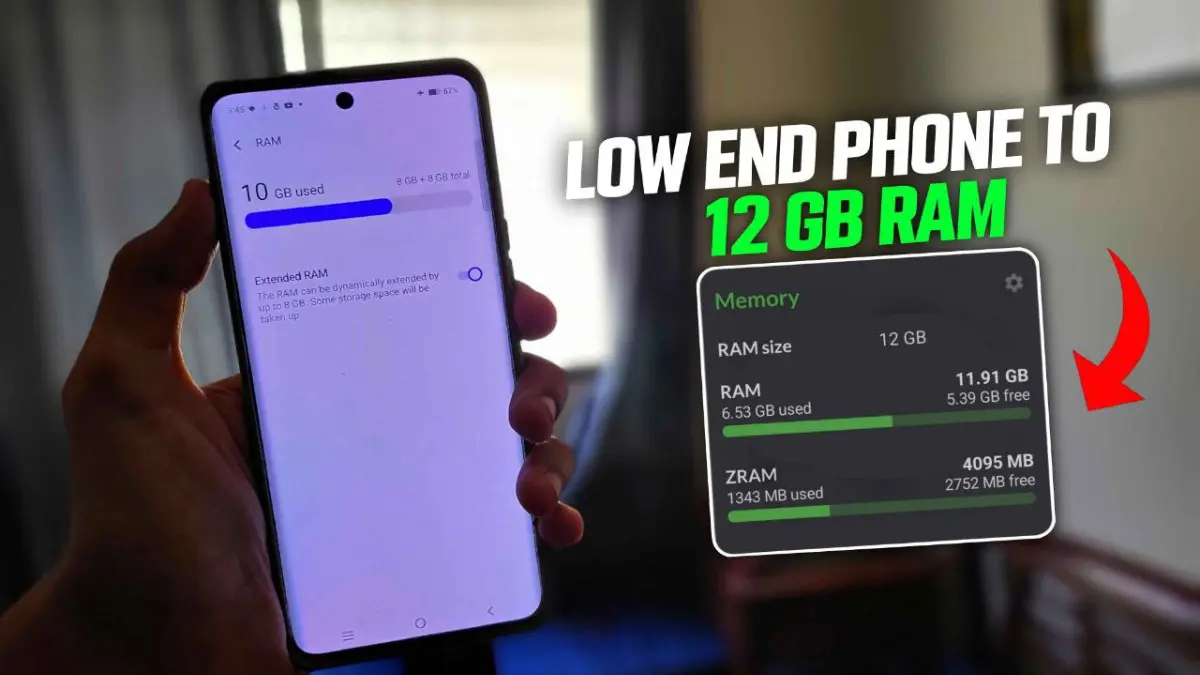
Ultra RAM Swapper Ported App (No Root Required)
Developed by @Hi-Tech Gamerz
Video Tutorial
Step-by-Step Installation
-
Download: Download the Ported App.
-
How To Install:
Enable "Unknown sources" in your device's settings
-
Open your device's file manager
-
Find the APK file
-
Tap the APK file to install the app
-
Confirm the installation
Step-by-Step Installation Shizuku App
Downloading Shizuku App
-
Download the Shizulu app from the google play store.
-
Install the app on your device.
How to setup Shizuku app on your device
To use Shizuku, you'll need to enable Developer Options on your device:
-
Turn on Wifi
-
Go to Settings > About Phone.
-
Tap Build Number seven times to unlock Developer Options.
-
Then again go to the Shizulu app and tap on Pairing button.
-
Go to Developer Option > Enable Wireless debugging from Developer Option.
-
Tap Wireless debugging > Pair device with pairing code.
-
Copy the wifi paired code.
-
Put the wireless pairing code in notification panel.
-
[Video Tutorial For Setup Shizuku]