
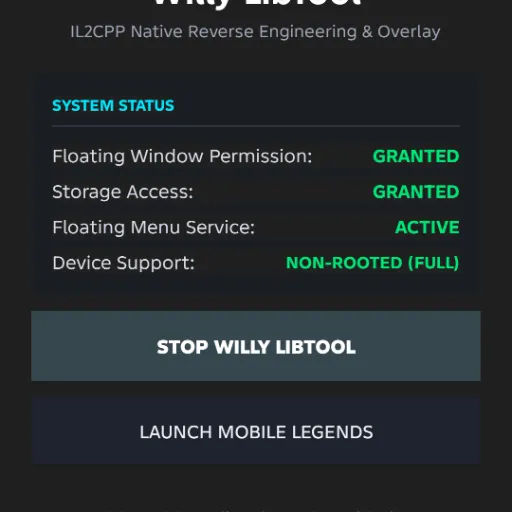
LIBTOOL
@Willygailo
v3.4
Developed by @Willygailo
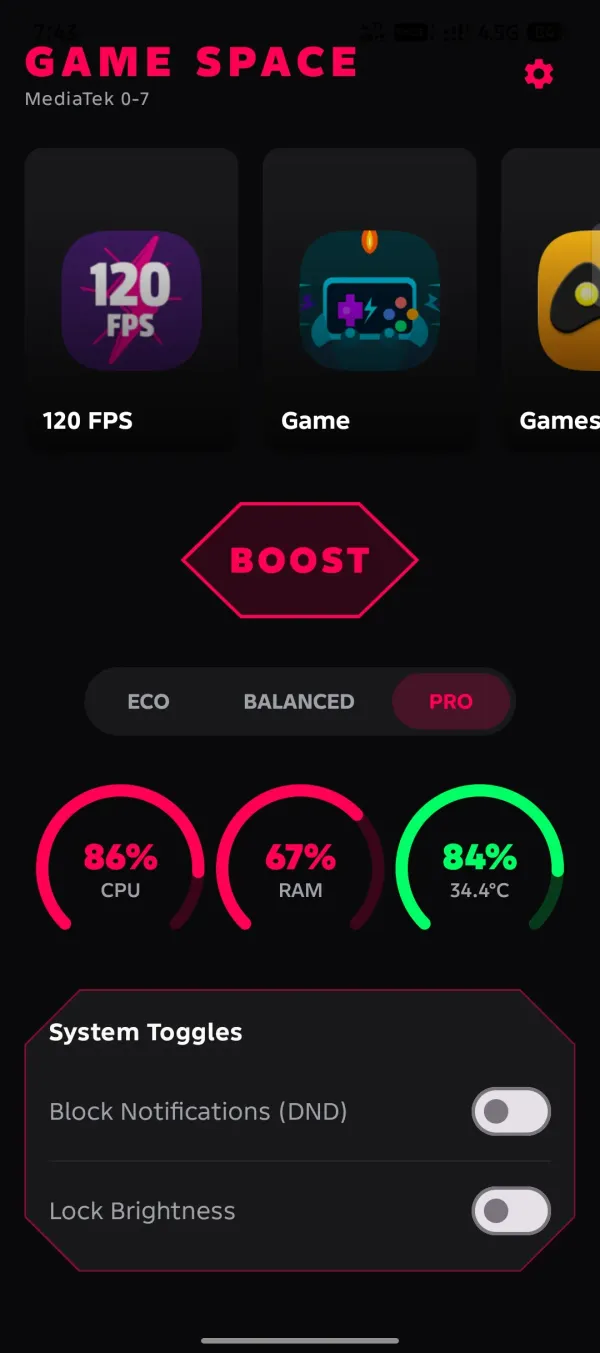
Introducing Game Space PRO v20.6.0 by Willy Gailo. This release focuses on game launch optimization, memory management, graphics pipeline preparation, and background activity optimization for supported Android devices.
Important Note: Shizuku may need to be restarted after rebooting your device. Shizuku does not provide root access, and certain features may require additional system permissions or a rooted device.
Game_Space.apk — Signed Release BuildGame_Space_Debug.apk — Debug Build with Active LoggingDeveloped by Willy Gailo
Star the repository, share the release, and report bugs or compatibility issues on GitHub to support future improvements.
Disclaimer: Availability on external repositories may depend on current directory listings. Actual performance varies depending on the device hardware, Android version, and granted system permissions. Please use third-party configuration tools responsibly in accordance with application guidelines.
the file is in zip

Could you please add this magiskmodule url on your Gith.b README.md?

Make an update that supports Android 12 ,

brow how to install

Bro, the download link is in the description. You can download it from there. 🔥
Could you please add the magiskmodule download l..k to the Gith.b README.md?
Sure bro, I’ll add it to the README.md. Thanks for the suggestion! 🔥

Hi brother, thank you for fixing the last issue I told you about and thank you for such a great app. But I hope you can fix this existing problem, which is that not everything is actually applied, and some things are applied late, some after two hours, and some remain stuck. I don't know exactly what the reason is, but I will give you an example, for example freezing apps - after it freezes and I try to unfreeze it, it doesn't unfreeze, it keeps loading for an hour and doesn't complete. And some settings are applied after an hour, and some not at all. I hope you understood me, please fix the problem and help me so I can play smoothly and fast. All love and respect.
Hi brother! ❤️ Thank you so much for the detailed feedback and for supporting the project. I’m really glad the previous issue has been fixed. I understand exactly what you mean about some settings being applied late, partially, or getting stuck. The app-freezing/unfreezing issue you described—especially when the unfreeze process keeps loading for a long time—is definitely something I need to investigate. I’ll look into the apply/unapply process, background execution, timeout handling, and device/Android compatibility to find out why some operations are delayed or fail to complete. Your example is very helpful for debugging. If possible, please send me your device model, Android version, and the specific settings that get stuck, along with logs/screenshots if available. Thank you again for reporting this instead of just giving up on the app. I’ll work on improving the stability and reliability of these operations. ❤️🔥 Much love and respect, brother! 🙏
@WillygailoI have a Redmi Note 12, and I’m fed up with the device constantly crashing and a system that doesn't allow for any modifications. I’ve avoided rooting the phone because of Xiaomi’s restrictive bootloader policies. While I’m sure your app is excellent, the issue lies with HyperOS—or perhaps my specific setup—as I can't seem to activate everything; I can enable the gaming performance mode, but that's about it. I’ve tried everything with this update. I appreciate you fixing the bugs and getting things working, but I’m still experiencing frame drops and stuttering related to the frame rate setting; I select "120 but it doesn't apply, and the rate stays at 185. I have no idea why.
@ReKsOsHi bro, following up on the frame rate problem from my last message. Here's the info you asked for: • Device: Redmi Note 12, HyperOS [fill in exact version, e.g. 2.0] • Root status: Not rooted, bootloader locked — [specify if you're using ADB/Shizuku or fully stock] • Setting stuck: Frame rate / refresh rate. I select 120 in the app but the actual rate stays at 185 and never changes. • What works: Only Gaming Performance Mode applies correctly. Everything else doesn't apply or applies very late, same as before. You mentioned some system-level settings can't actually be enforced on non-rooted devices, and that the app can report "Applied" even when Android blocked the change. Is the frame rate override one of those root-only features? That would explain why it's locked at 185 instead of my selected value. It also seems like this feature just isn't unlockable on every device in general — maybe that's the real root cause, separate from the root/non-root thing. If so, would it be possible to improve device compatibility so it can actually unlock on more setups, including mine? If there's a workaround in the meantime for non-rooted/ADB setups (Shizuku, wireless debugging, a specific permission to grant), I'm happy to try it. Just want it working smoothly. Thanks for staying on this.
😑😑
@ReKsOsHi brother! ❤️ I understand the issue now. One important thing to clarify is that not every system-level setting can actually be applied on a non-rooted device. Some operations are restricted by Android, so the app may be able to request or send the command, but Android can prevent the actual system change from being made. In some cases, the app may also report that a setting was processed/applied even though the system did not fully accept or enforce the change. That is something I need to improve. I’ll work on making the app better at verifying the actual system state after each operation, instead of simply reporting “Applied” when the change has not been confirmed. For non-rooted devices, especially when using Safe Debugging / ADB-based access, some functions may have limitations compared with a properly rooted device. So the goal is to improve the system so it can clearly distinguish between: ✅ Successfully applied and verified ⚠️ Requested but restricted by Android ❌ Failed to apply ⏳ Still processing / waiting for the required service I’ll also look into the freeze/unfreeze issue and the operations that remain stuck or take too long. Thank you for reporting this, brother. Your feedback helps me make the app more reliable. ❤️🙏
Dear bro thank you for yhis amazing booster but i have some problem and want uou help me always when i use this app and test it everything is good but with next time the driver angle broke my all apps all ex face massengee and the app Force stooping my phone Redmi Note 12 hyper os 2 i try always to fix it but i cant and i need this app can you help me
Sorry for the days when I’m not able to open or check things right away. Sometimes I get really busy with the projects and other things I’m working on. 🙏 Please know that I appreciate all your feedback and comments, and I’ll do my best to fix and address them as soon as I can. ❤️ Thank you so much for your patience, support, and understanding! 🫶✨
Why you not replying me -_-
@ReKsOsSorry for the days when I’m not able to open or check things right away. Sometimes I get really busy with the projects and other things I’m working on. 🙏 Please know that I appreciate all your feedback and comments, and I’ll do my best to fix and address them as soon as I can. ❤️ Thank you so much for your patience, support, and understanding! 🫶✨
First of all, I just want to say that this launcher is really amazing. You’ve done a great job with it, and I really appreciate the effort and creativity you’ve put into making it. It already feels very useful, and I think it has a lot of potential to become even better. That said, I found a few things that could still be improved. Honor of Kings and Roblox are currently not detected by the launcher, so it would be great if the game detection could be improved or if users could add games manually. I’d also really appreciate an Undo button for applied features, so we can easily return to the previous setting without having to manually turn everything off again. Adding logs or history would also be very helpful to see what changes were applied and whether they worked successfully. Lastly, I think the UI would look even better with a Material You design to make it feel more modern, clean, and polished. These are just some suggestions from my experience using the launcher. Overall, I really like what you’ve made, and I hope you keep improving it. Great work!
Thank you so much for the detailed feedback! 🙏 I really appreciate you taking the time to test the launcher and share these suggestions. I’ll definitely consider adding: • Better game detection for Honor of Kings and Roblox • Manual game adding • An Undo/Restore option for applied features • Logs or history to track applied changes and results • A more modern Material You-inspired UI Please wait for the upcoming update. 🚀 I’ll work on fixing and improving the app so I can properly apply the features and suggestions you requested. I’ll do my best to make the new version more stable, useful, and polished. Thank you again for supporting the project, testing the launcher, and sharing your ideas. Your feedback really helps me improve it. ❤️ Stay tuned for the next update! 🔥
!Error:module.prop not detected!这是怎么回事怎么输入不了我希望你赶紧给我个解释😡
device name: explain the problem:
English only
说错了是怎么刷入不了不是输入
@sadI can't understand please English only I will fixed bug error or something else
Dear Developer, Your profile was showing a 404 error because your username was created with a space. You can now sign in to your account using the username Willygailo or your Gmail address.

i will fix this error