| File Name | StarFlow |
|---|---|
| Size | 121KB |
| Version | v3.2 |
| Category | AxManager Plugin |
| Android requirement | + 6.0 |
| Published By | @koneko_dev |
| Rating | 4.9 / 5 |
| Install Via | Magisk / KSU / AxManager |
Get Link
How to Use Root Users?
- Ensure Root Access: The first prerequisite is having root access via a custom recovery.
- Install via Magisk Manager:
- Open the Magisk Manager.
- Tap on the “Modules” section.
- Click “Install from Storage” and locate the geted file.
- Confirm the installation and allow the module to apply the necessary changes.
- Reboot Your Device: After installation, reboot your device & KSUWebUi Recommended to activate this.
How to Use Non-Root Users?
- Active AxManager: First, you need to make sure it is active.
- Install via AxManager:
- Open the AxManager.
- Tap on the “Plugin” section.
- Click “Install from Storage” and locate the geted file.
- Confirm the installation..
- Reboot Your Device After installation.
Changelog
-Web Ui (The best)
-And freaking many Feature,fuck.. Just use it you will know
-Open source
-Axmanager Only
-Added Sf-lxte
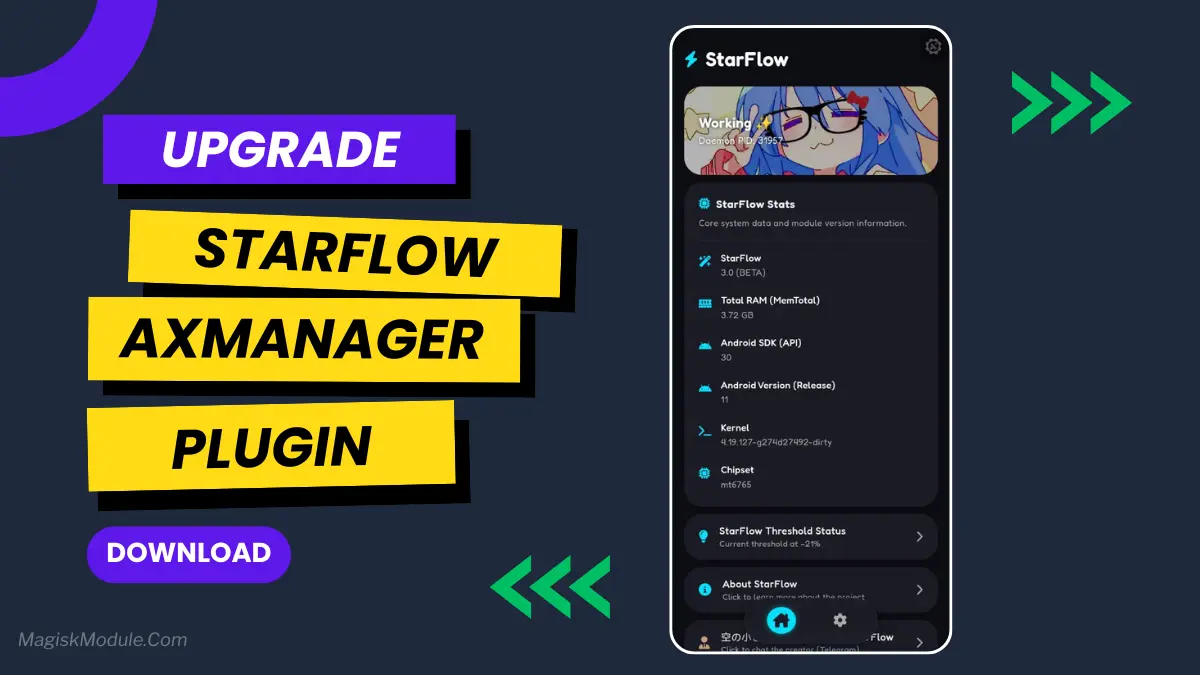
A smart module that REALLY learns your charging and usage habits to automatically optimize and extend your phone’s battery life and performance.Without disabling any app or changing appops.