| File Name | SkiaGL Renderer |
|---|---|
| Size | 130KB |
| Version | v1.0 |
| Category | Magisk Modules / No-Root |
| Android requirement | + 6.0 |
| Published By | Kzyoo | kazuyoo-stuff |
| Rating | 4.9 / 5 |
| Install via | Magisk, AxManager |
Get Link
Step-by-Step Installation Root Users:
- Ensure Root Access: The first prerequisite is having root access via a custom recovery.
- Install via Magisk Manager:
- Open the Magisk Manager.
- Tap on the “Modules” section.
- Click “Install from Storage” and locate the geted file.
- Confirm the installation and allow the module to apply the necessary changes.
- Reboot Your Device: After installation, reboot your device & KSUWebUi Recommended to activate this.
Step-by-Step Installation Non-Root Users:
- Active AxManager: First, you need to make sure it is active.
- Install via AxManager:
- Open the AxManager.
- Tap on the “Plugin” section.
- Click “Install from Storage” and locate the geted file.
- Confirm the installation..
- Reboot Your Device After installation.
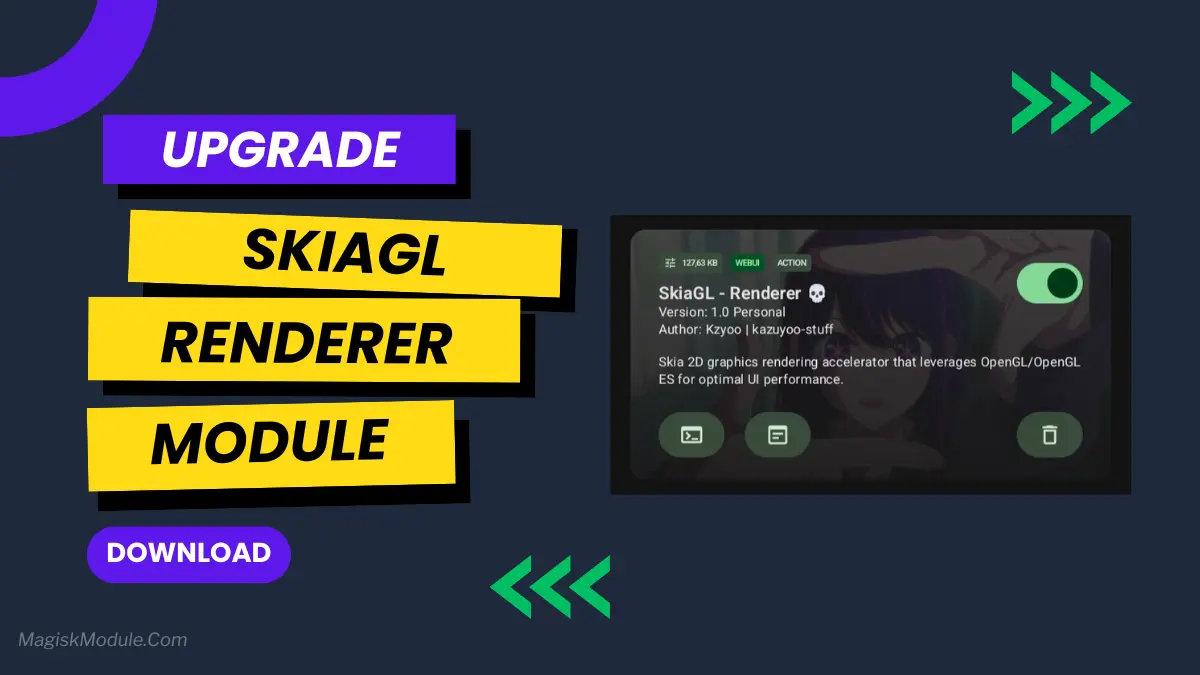
If you are rooted and looking to extract every last ounce of performance from your phone, then you probably already know about the various tweaks available that can allow you to maximize your handheld’s potential. For those who are rooted and looking to up the ante on their phone’s performance, I can attest that utilizing the SkiaGL Renderer Module via Magisk in conjunction with AxManager (which I’ve been using for a while now) makes a monumental difference in terms of how your GPU can handle rendering, and the overall responsiveness of your system.
Instead of eating away at your CPU cycles to render your UI, it efficiently pushes that to where it belongs – the graphics processor. I’m loving the performance and I went back to stock to prove to myself that I DO notice a change. I’ve been toying around with resizing the home screen widgets for a better feel, and any general theming tweaks to better highlight said performance.
Features
- Smoother visuals–all animations and scrolling are now even smoother.
- Faster rendering of visuals on the system.
- Reduced lag after touch: Reduces the tiny delay after a touch screen interaction.
- Utilize Hardware Efficiently: By leveraging your GPU, the CPU’s workload is significantly decreased.
- Always a fluid interface 🙂
- Faster Performance for common use & Games: Take advantage of increased performance when running common applications and games, resulting in a tangible boost to system speed.
- Much more stable graphics handling which should prevent random crashes.
- Wide compatibility for use on many Android enabled handsets.
For anyone looking for a more responsive phone, I’ve found that this allows the phone to perform at a completely new level. It’s very low level, so that’s why it’s packaged in a tiny zip. Just install over magisk or axmanager, reboot and you’re good to go.