| File Name | Realtime Performance |
|---|---|
| Size | 23KB |
| version | v1.0 |
| Category | AxManager Plugin |
| Android requirement | + 6.0 |
| Published By | @AduhaiWelewele (blebleble) |
| Rating | 4.9 / 5 |
| Install Via | AxManager |
Get Link
How to Active AxManager?
To use AxManager, you’ll need to enable Developer Options on your device:
- Turn on Wifi
- Go to Settings > About Phone.
- Tap Build Number seven times to unlock Developer Options.
- Open the AxManager, Click “Need To Active”.
- Enable Notification & Click Start Button.
- Click Wireless debugging & Enable Wireless debugging.
- Click Pair device with pairing code.
- Click on “Enter Pairing Code” above and paste the WiFi pairing codes there.
How to Install This Plugin?
- Active AxManager: First, you need to make sure it is active.
- Open the AxManage:
- Tap on the “Plugin” section.
- Click “Install from Storage” and locate the geted file.
- Confirm the installation..
- Reboot Your Device After installation.
Whether you’re frantically swiping away at Bejeweled or locked in a sniper fire exchange in Cover Fire, there’s little worse than having your perfect shot knocked from your fingertips by a brief stutter. Sure, sometimes that stutter is your internet connection, but quite often it’s the result of your phone’s CPU not giving your games priority processing. Many modern phones have multiple CPU ‘banks’ which can handle different tasks simultaneously, but if your game is set to process via a low-priority CPU core, that means other running applications—like Skype or Facebook—can eat into its resources and introduce that infamous lag.
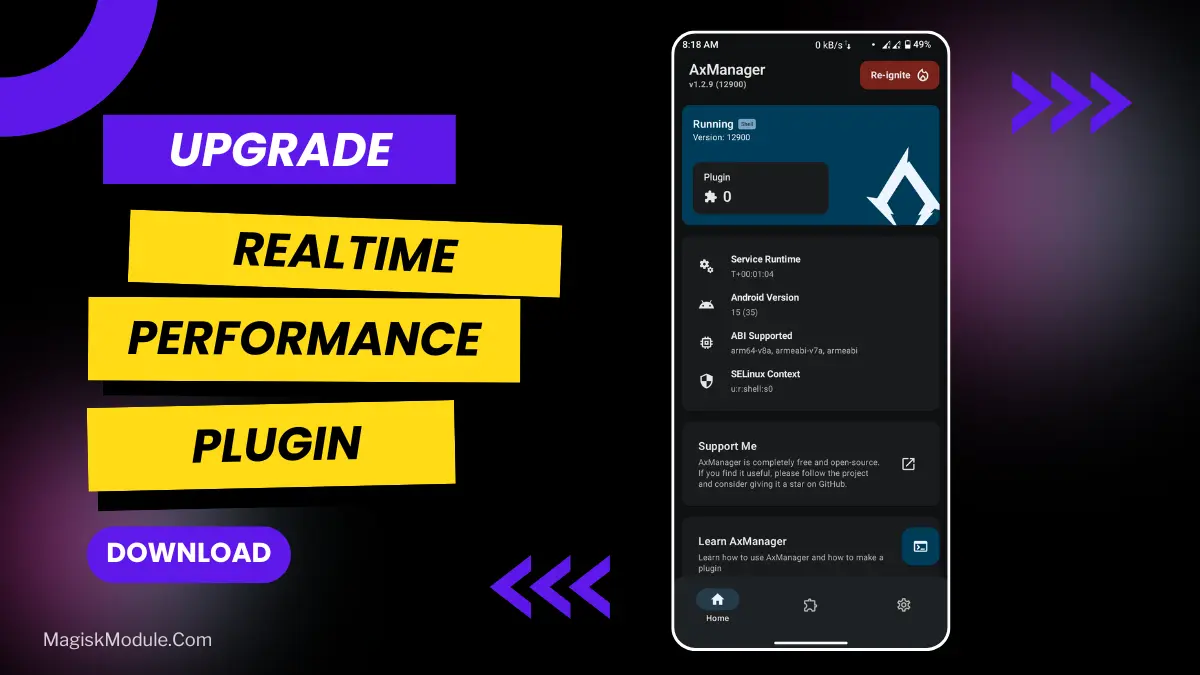
This is the Realtime Performance (RP) module for AxManager, something which I couldn’t find much information on. It essentially acts as traffic control for your phone’s RAM, prioritising Unreal 3 games as the default, and can also be set to other processes, such as FMOD.
Features:
- Real-time performance optimization for gaming and apps.
- Prioritizes latency-critical game threads instantly.
- High-priority scheduling for real-time tasks.
- Reduces input lag and frame stutter.
- Ensures smooth and responsive gameplay.
- Maintains system stability under heavy load.
- Dynamic resource allocation during gameplay.
- Faster touch-to-action response.
- Optimized CPU handling for real-time execution.
I’ve also used this on my android phone which suffers from a slight jitter while playing online battle royale games, this has taken that away and while I wouldn’t say it’s been a complete revolution, it has made a slight improvement which is what I was hoping for. Also the odd freeze frames it used to get while playing have dropped dramatically. It hasn’t made my phone feel cooler in terms of performance, but it hasn’t increased the heat when idling either which is great.
RealtimePerformance is an application or game enhancer that ensures applications and/or games perform and run in a timely and responsive manner while real-time, critical tasks are performed with very high priority to maintain system stability and responsiveness. This tweak can be enabled or disabled at user’s choice, and it can be installed directly from within the AxManager app – no root required.
This won’t quite double your frame rate on a less powerful device, but it should help if you have decent hardware but inconsistent frame rates. It organizes CPU workload efficiently, now that optimisation has been added, to get your game flying smoothly.
Disables excessive CPU throttling allowing mobile gamers a more consistent experience while playing RPG Maker games. Tweaks rather than overhauls the performance to prevent unwanted freezes on mobile devices.