| File Name | PerfExt |
|---|---|
| Size | 51KB |
| Version | v5.0+3.0 |
| Category | Magisk Modules |
| Android Requirement | + 6.0 |
| Published By | @Bgaszz |
| Rating | 4.9 / 5 |
| Flash Via | Veziro Or AxManager |
Get Link
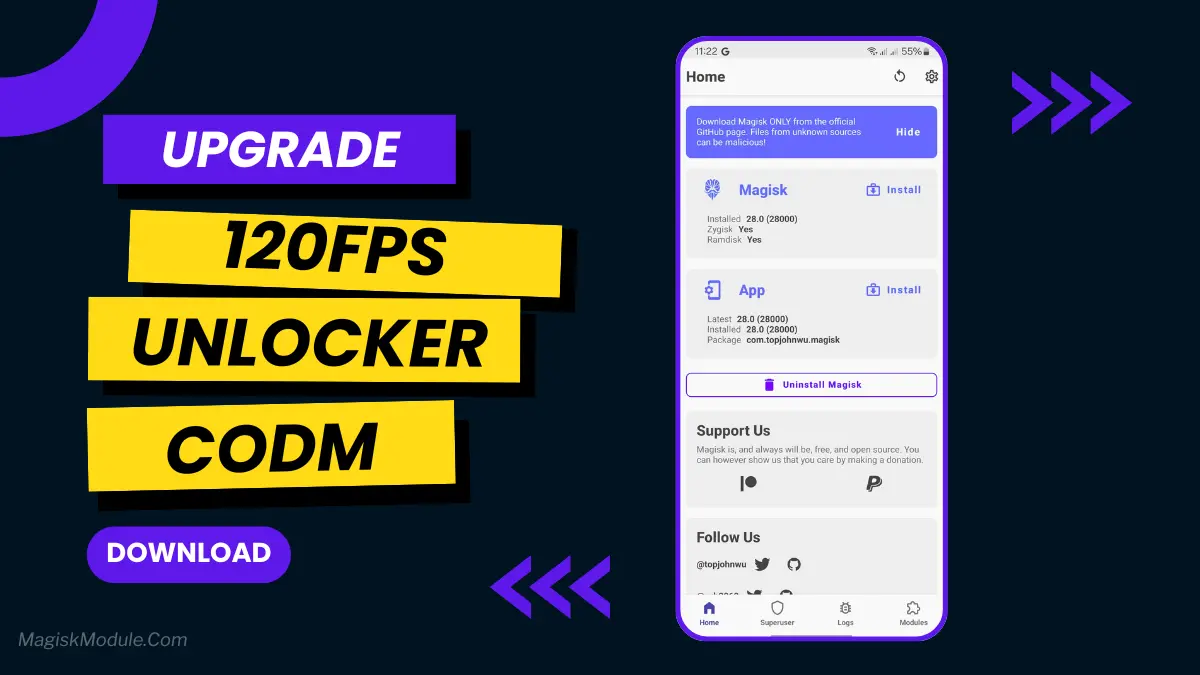
How to install via Vexiro Manager?
Install Shizuku App
- Get the Shizuku app from the google play store.
- Install the app on your device.
Setup Shizuku app on your device
To use Shizuku, you’ll need to enable Developer Options on your device:
- Turn on Wifi
- Go to Settings > About Phone.
- Tap Build Number 7 times to unlock Developer Options.
- Open the Shizuku, Click on Pairing button > Click Developer Options.
- Click Wireless debugging & Enable Wireless debugging.
- Click Pair device with pairing code.
- Click on “Enter Pairing Code” above and paste the WiFi pairing codes there.
- After pairing is Successful open Shizuku again and click on start button.
- [Video Tutorial For Shizuku]
How To Install Module?
- Grant Permissions: Grant necessary permissions via Shizuku.
- Install Vexiro Manager:
- Open the Vexiro Manager.
- Tap on the “Modules” section.
- Tap on the “Install Module From Storage” section.
- Tap on the “SELECT A FILE” section and locate the geted file.
- Tap on the “Right Arrow ➡️” section And Confirm the installation.
- Reboot Your Device: After installation, reboot your device to activate the module.
How to install via AxManager?
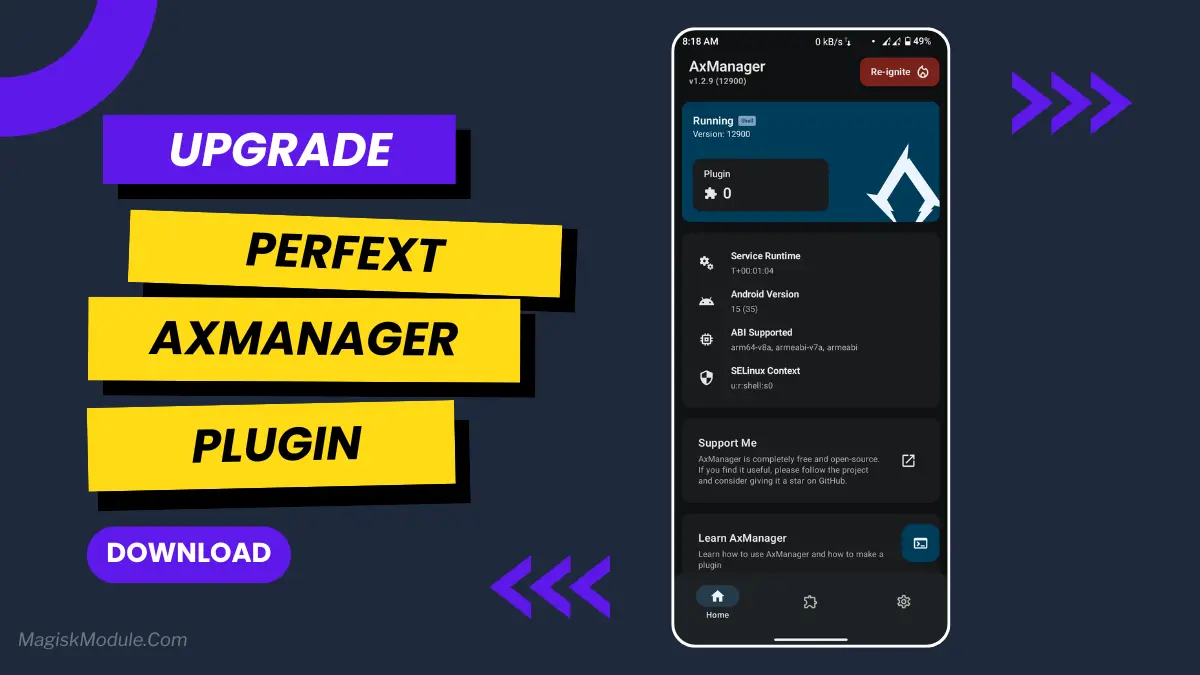
Active AxManager
To use AxManager, you’ll need to enable Developer Options on your device:
- Turn on Wifi
- Go to Settings > About Phone.
- Tap Build Number seven times to unlock Developer Options.
- Open the AxManager, Click “Need To Active”.
- Enable Notification & Click Start Button.
- Click Wireless debugging & Enable Wireless debugging.
- Click Pair device with pairing code.
- Click on “Enter Pairing Code” above and paste the WiFi pairing codes there.
How to Install Module?
- Active AxManager: First, you need to make sure it is active.
- Install AxManager:
- Open the AxManager.
- Tap on the “Plugin” section.
- Click “Install from Storage” and locate the geted file.
- Confirm the installation..
- Reboot Your Device After installation.
Have you ever had your phone freeze in the middle of doing something important? It literally happened to me the other day when I was in the middle of a round in a pretty fun mobile game. My character stumled (and I mean, literally just stuttered) right off the side of a cliff and I lost my entire round. The experience had been generally frustrating over the course of the day, but that was the last straw. Rather than doing a root, which I’ve done before and is honestly kind of annoying, I decided to give a app that claims to give you a performance boost a shot. That app is called PerfExt.
This plugin is very simple. It’s just one switch that enables “High Performance Mode” and voila, your phone suddenly feels faster. Very good for gaming and a whole host of other situations.
Features:
- Instant performance boost to your CPU and GPU.
- Better performance with less lag and frame drops in games and applications.
- It optimizes your system resources so everything runs more efficiently.
- You get enhanced FPS stability for much smoother visuals.
- It will disable background throttling, which can slow down the functionality of your device at any time.
- Everything feels snappier because it improves touch responsiveness.
Give your device a power boost with a portable battery. Easy as that. When you need more power for any reason, this simple accessory delivers.