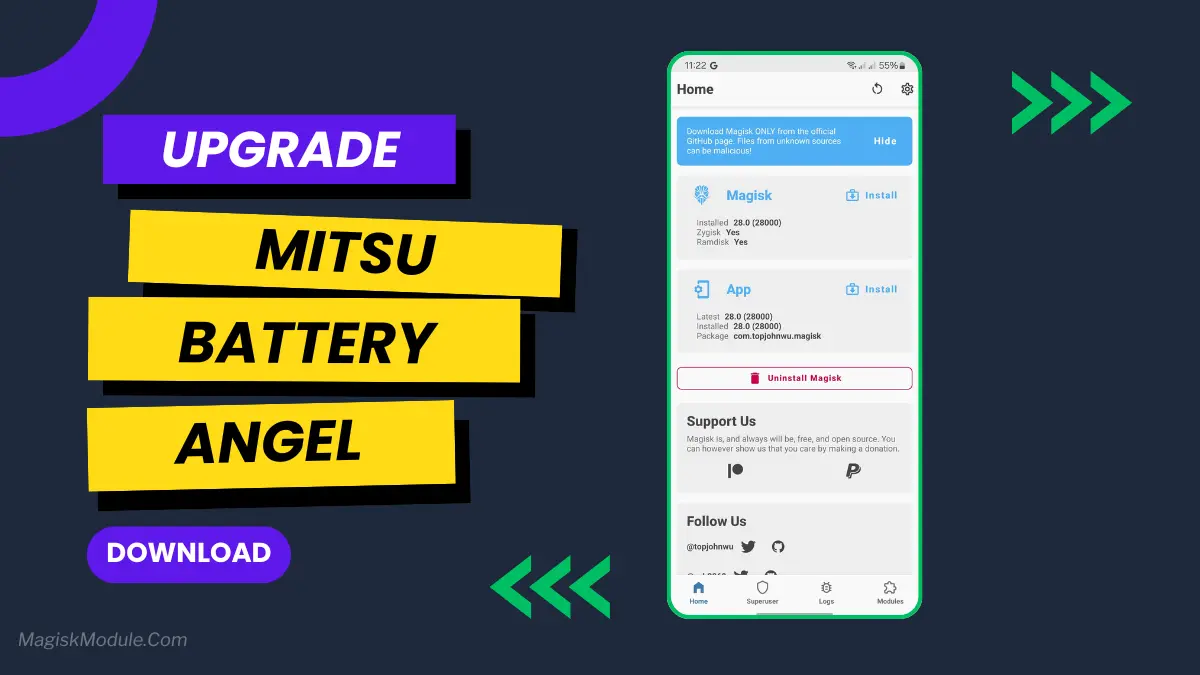
| File Name | Mitsu Battery Angel |
|---|---|
| Size | 80KB |
| Version | v6.3 |
| Category | Magisk Modules |
| Android requirement | + 6.0 |
| Published By | @awasajalu |
| Credit | @mitsuki.aika_ |
| Install Via | Magisk, KernelSU, AxManager |
Get Link
How to Use Root Users?
- Ensure Root Access: The first prerequisite is having root access via a custom recovery.
- Install via Magisk Manager:
- Open the Magisk Manager.
- Tap on the “Modules” section.
- Click “Install from Storage” and locate the geted file.
- Confirm the installation and allow the module to apply the necessary changes.
- Reboot Your Device: After installation, reboot your device & KSUWebUi Recommended to activate this.
How to Use Non-Root Users?
- Active AxManager: First, you need to make sure it is active.
- Install via AxManager:
- Open the AxManager.
- Tap on the “Plugin” section.
- Click “Install from Storage” and locate the geted file.
- Confirm the installation..
- Reboot Your Device After installation.
The Mitsu Battery Angel is a lightweight background utility module designed to extend device screen-on time and manage power efficiency. It actively scales CPU frequency and restricts background app drain to improve overall thermal management and standby longevity.
I’ve been running this for the last few weeks to see if it actually replaces carrying a heavy power bank everywhere I go. My phone easily pushes through a full day of heavy scrolling and messaging, dropping significantly less charge while sitting idle overnight.
- Cuts down CPU activity to keep power consumption strictly under control.
- Aggressive background restriction stops sneaky apps from draining your charge while the screen is off.
- Better thermal management keeps the hardware running cool during extended daily use.
- Dramatically improves standby time, meaning you lose fewer percentages overnight.
- A lightweight footprint ensures the tool itself does not hog valuable system memory.
- Supports long-term health by balancing active performance with deep battery savings.
If you are tired of constant battery anxiety, applying this via your root manager or AxManager is an absolute no-brainer. It gives your device the extra endurance it needs without suffocating basic performance.