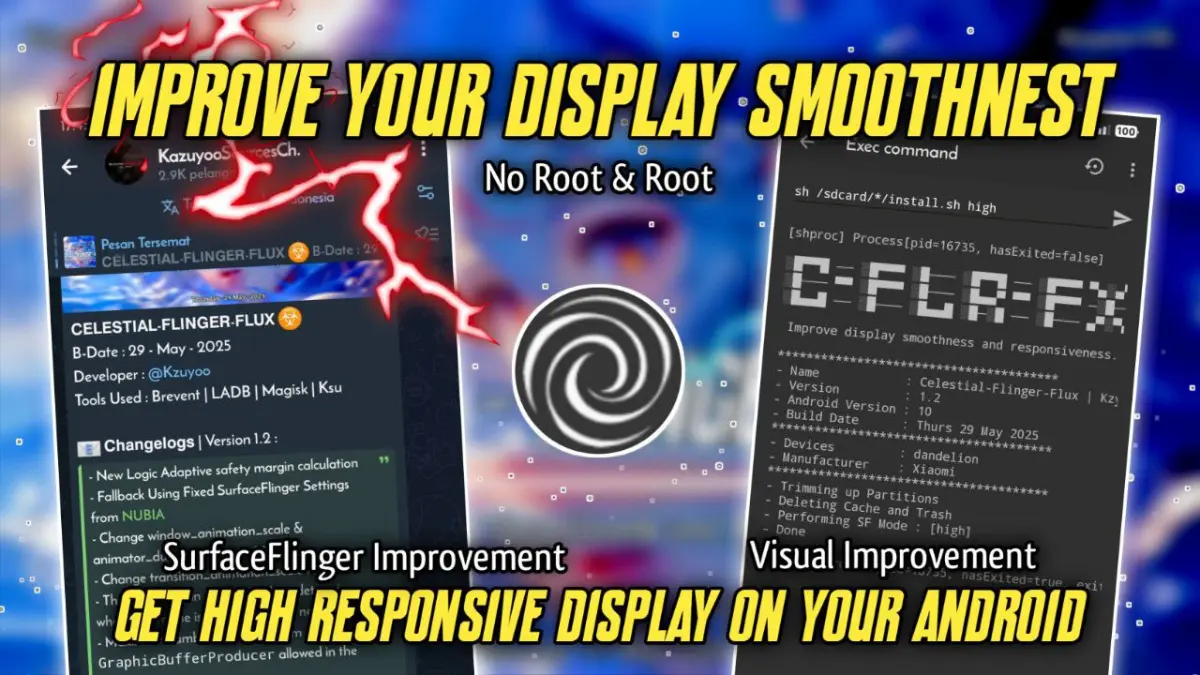
| File Name | Celestial – Flinger – Flux |
|---|---|
| Size | KB Only |
| Version | Final |
| Category | No Root |
| Android requirement | + 6.0 |
| Published By | Kazuyoo |
| Rating | 4.9 / 5 |
| Price | Free |
Get Link
Step-by-Step Installation:
Downloading Brevent App
- Download the Brevent app from the google play store.
- Install the app on your device.
How to setup Brevent app on your device
To use Brevent, you’ll need to enable Developer Options on your device:
- Turn on Wifi
- Go to Brevent App
- Tab on Developer Option
- Open Android Settings > About Phone.
- Tap Build Number seven times to unlock Developer Options.
- Navigate to Settings > Developer Options and enable USB Debugging.
- Enable Wireless debugging from Developer Option.
- Then again open the brevent app and tap on wireless
debugging port. - Tap on Pair device with pairing code from Developer Option..
- Copy the wifi paired code.
- Paste this in the wireless pair in the notification.
- [Video Tutorial]
How to install the module?
- Download the Zip File.
- Open the Zarchiver app
- Extract The Zip File and Copy ” Folder “.
- Paste it on your Device Storage.
- Open Brevent and tap on Exec command from left site.
- Paste The Commands.
Installing Command
You will find the command inside the extracted folder. IT'S TEXT FILE.Uninstall Command
You will find the command inside the extracted folder. IT'S TEXT FILE.