| File Name | HyperOS Security Center |
|---|---|
| Size | 53MB |
| Version | v5.0 |
| Category | Magisk Modules |
| Android requirement | + 6.0 |
| Published By | kakashi |
| Rating | 4.9 / 5 |
| Price | Free |
Get Link
Step-by-Step Installation:
- Ensure Root Access: The first prerequisite is having root access via a custom recovery.
- Install via Magisk Manager:
- Open the Magisk Manager.
- Tap on the “Modules” section.
- Click “Install from Storage” and locate the geted file.
- Confirm the installation and allow the module to apply the necessary changes.
- Reboot Your Device: After installation, reboot your device to activate the module.
Changelog
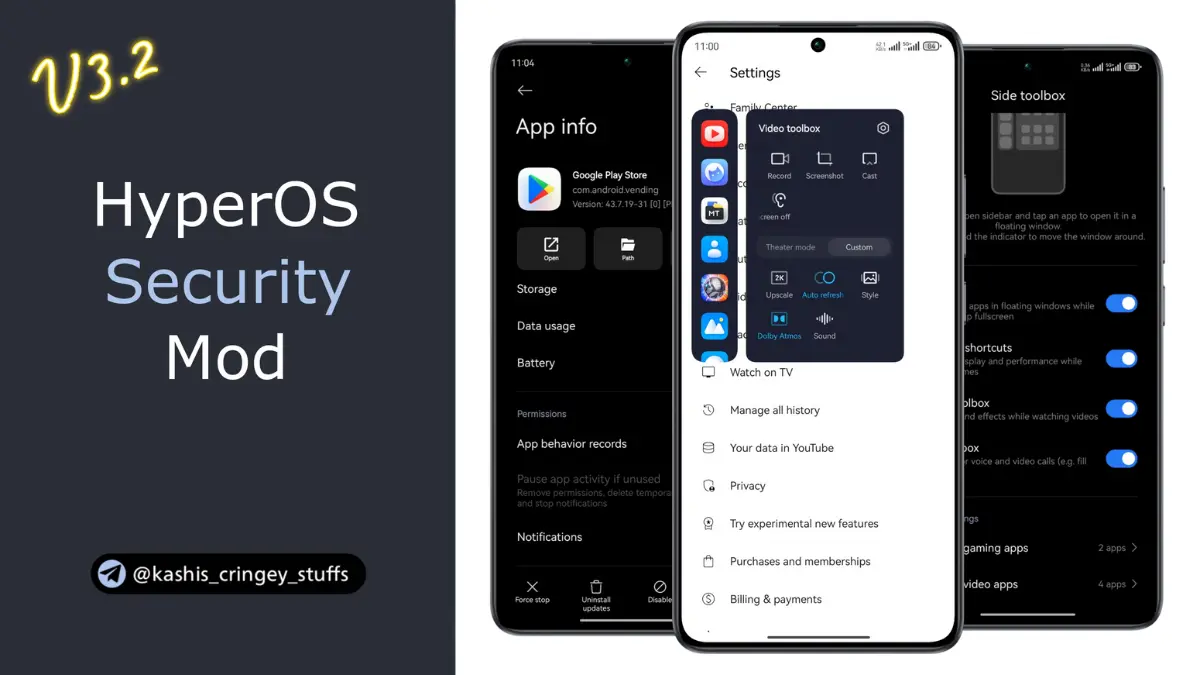
- Added media function in game turbo
- Enabled incognito tile for global users
- Hide apps function can hide system apps as well
- Added screen battery consumption, and new information in battery section
- Removed restriction of wifi access management for system apps
- Unlocked FBO
- Removed the Root detection service
- Removed sim or Xiaomi account dependency
- Rest is same as previous mod
If you are like me then keeping our smartphones safe is very important. Android users are known for heavily customizing their Android smartphones, this brings in the need for more advanced forms of security. One form of security that I find really powerful, and also works really well with Magisk, is the HyperOS Security Center Magisk Module.
This guide will reveal its importance. It will also explain the different ways the module can be installed and will compare NMAP/NCAT to other security tools.