| File Name | Enable Screenshot |
|---|---|
| Size | 20KB |
| Version | v4.3.0 |
| Category | Lsposed Modules |
| Android requirement | + 6.0 |
| Published By | aviraxp |
| Rating | 4.9 / 5 |
| Price | Free |
Get Link
Step-by-Step Installation:
- Make sure you have LSposed installed on your device.
- Install modules as regular apps.
- After installation:
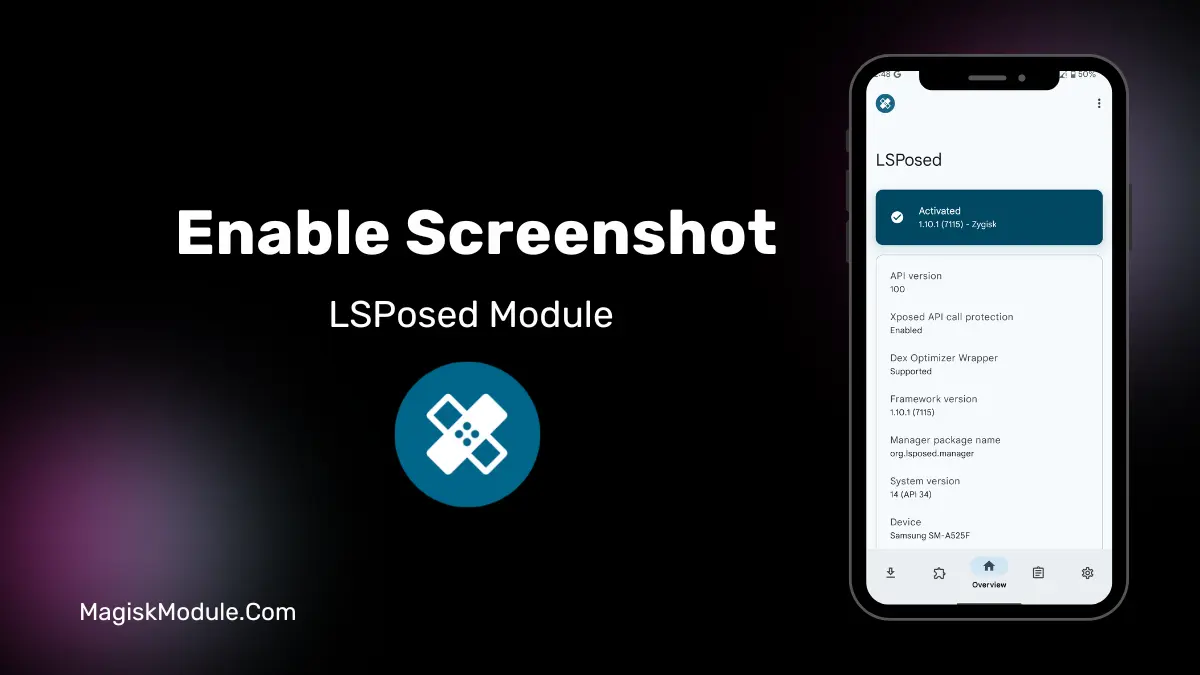
- Open the LSPosed Manager.
- Tap on the “Modules” section.
- Click the module you installed.
- Tick the enable switch.
- Select apps to which the modules should apply. [Most of the modules now support displaying recommended scope, which LSPosed will select automatically]
- Reboot Your Device
We all know the frustration of not being able to take a screenshot of an error message or a cooking recipe from streaming services like YouTube or Netflix. “Can’t take screenshot due to security policy” pops up instead of the screenshot capturing what you need. This can be super annoying and really annoying at the same time! But fear not, rooted Android users with LSPosed can overcome this.
What’s Blocking Your Screenshots?
Called “FLAG_SECURE”, this is a system flag that is being used by more and more apps, such as banking, private chat apps, and streaming services. The purpose of the flag is for security, to prevent screenshots and recordings from being taken of sensitive information. But again, you may have a perfectly legitimate reason to capture a screenshot of your own screen.
How This Module Works: This Xposed module for LSPosed forces your phone to ignore the flag (screenshot denied) at system level. You can target individual apps as needed.
Here’s what it can unlock:
- Allow taking of screenshots on secure apps (Facebook, WhatsApp, etc.)
- Captures photos taken in Secure Folder and Incognito Mode
- Bypass restrictions on streaming, government and password manager applications.
- Allow screen recording where it’s normally blocked
- Use selected app targeting for system-wide control
My banking app froze up for a second last week while I was trying to transfer money. I needed evidence for banking support but the screenshot I tried to take got stuck in the freeze position. This screen shot app is dedicated to banking apps and worked beautifully. I got the shot I needed in a snap. Thanks again for making this easy!
Important Note & My Opinion: This power comes with responsibility. Please, do not abuse this power to violate terms of service, privacy or to expose sensitive information. This is meant for personal use and for troubleshooting problems with apps that restrict copying of non sensitive information. I need this power to document app issues and copy non sensitive data that apps like to block copying unnecessarily.
FTR, rooted and using LSPosed isn’t really restricted by this module. Basically this module takes something that is pointless to cull and removes it giving users back control of their devices behaviour.
FAQ
Is this module safe to use?
It’s safe for your device if installed correctly via LSPosed. However, bypassing app security can be against some apps’ terms of service.
Do I need a rooted phone?
Yes. This requires a rooted Android device with the LSPosed framework installed.
Will it work on all apps?
It works on most apps using the standard FLAG_SECURE method, but some apps with deeper custom protections might still block captures.