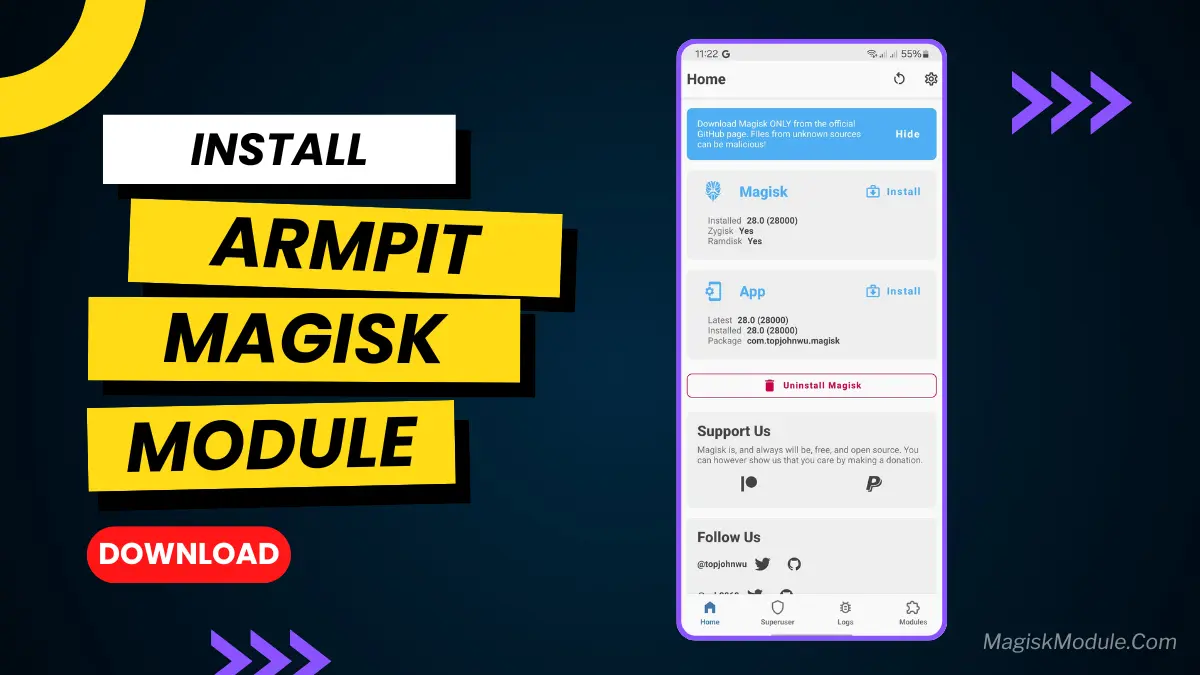
| File Name | ARMPIT |
|---|---|
| Size | 600KB |
| Version | Final |
| Category | Magisk Modules |
| Android requirement | + 6.0 |
| Published By | @kaminarich_here |
| Rating | 4.9 / 5 |
| Support | Magisk • KernelSU• KernelSU Next |
Get Link
Step-by-Step Installation:
- Ensure Root Access: The first prerequisite is having root access via a custom recovery.
- Install via Magisk Manager:
- Open the Magisk Manager.
- Tap on the “Modules” section.
- Click “Install from Storage” and locate the geted file.
- Confirm the installation and allow the module to apply the necessary changes.
- Reboot Your Device: After installation, reboot your device to activate the module.
You may combine with any Perf module & Battery Honey
Changelogs: ARMPIT─ わきのした
Description: Enhances responsiveness and efficiency while preserving stability and power balance.
Reduces kernel and logging overhead
Improves I/O speed and multitasking
Lowers power consumption
Speeds up task migration and app launches
Enhances UI responsiveness and wakeups
Optimizes timer and CPU scheduling
Boosts CPU cache efficiency via task colocation
Retains VFS cache longer for faster access
Disables memory compaction to save CPU cycles
Tunes swap behavior based on total RAM
Minimizes VM stat polling
Increases stability under memory pressure
Reduces TCP latency for faster network response
Disables TCP timestamps for efficiency and security
Improves real-time performance (gaming, VoIP)