| File Name | NetGuard X |
|---|---|
| Size | 14KB |
| Version | v1.0 |
| Category | AxManager |
| Android Requirement | + 6.0 |
| Published By | @SuperChrisss |
| Rating | 4.9 / 5 |
| Flash Via | AxManager |
Get Link
How to Active AxManager?
To use AxManager, you’ll need to enable Developer Options on your device:
- Turn on Wifi
- Go to Settings > About Phone.
- Tap Build Number seven times to unlock Developer Options.
- Open the AxManager, Click “Need To Active”.
- Enable Notification & Click Start Button.
- Click Wireless debugging & Enable Wireless debugging.
- Click Pair device with pairing code.
- Click on “Enter Pairing Code” above and paste the WiFi pairing codes there.
How to Install This Plugin?
- Active AxManager: First, you need to make sure it is active.
- Open the AxManage:
- Tap on the “Plugin” section.
- Click “Install from Storage” and locate the geted file.
- Confirm the installation..
- Reboot Your Device After installation.
Android power users have become familiar with my years of fine-tuning and optimizing Android setups for maximum performance on-the-go. Whether it’s optimized server management apps or the most grueling moments of a 1 vs 1 shootout in Call of Duty Mobile, I require a network experience that is as fast as it is secure, and as lean as it is powerful.
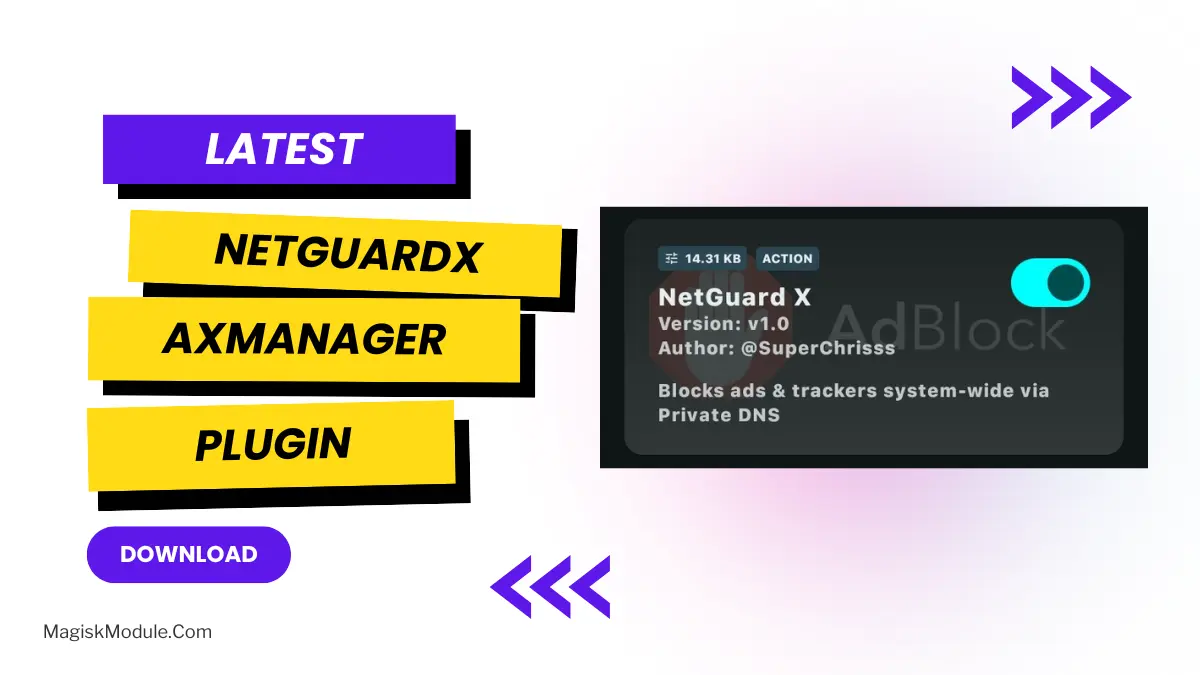
I have been using the NetGuardX AxManager Plugin for a long time and it has been extremely effective for me. This is a very powerful tool for network control that does not require root on your primary device.
This module is super tiny and lightweight, but it’s very handy.
Uncompromised Privacy and Security
NetGuardX stops unwanted adverts and sneaky data trawlers from slowing you down.
- Seamless No-Root Privacy Protection while keeping warranty intact: Stay protected without losing functionality.
- Custom Private DNS Made Simple: encrypted Private DNS configurations may now be easily applied. search and app data is kept fully confidential.
- System-Wide Ads & Trackers Blocking NetGuardX blocks all annoying ads and malicious sites across any application and browser.
- Safe browsing: blocks all phishing attempts and malicious sites distributing malware.
Built for Speed and Efficiency
No one likes lag, and when your network is handicapped by slower-than-necessary speeds, it’s often due to factors you may or may not even know about – and optimizing your DNS is one simple step you can take to improve your overall user experience online.
- Faster Browsing Speed: Server speed boosted to respond to your queries much faster. Heavy ad scripts and codes blocked to speed up apps.
- Ultra-Lightweight, Battery Efficient – It runs quietly in the background without wasting battery life or consuming precious system resources.
Flawless Integration
It is incredibly easy to set up (you don’t need to be a developer) and you can also set up it with your own colour scheme.
- Native Integration with AxManager: Our prices and analytics solution is designed to seamlessly interface with existing systems. Installation is completely straightforward and comes with native AxManager integration, providing a hassle-free setup, with automatic activation and no self-installation required. A fully functional 30 day demo is available for download and comes with a full feature set.
- Dual-Network Reliability: The D-Link® device’s capability to function on both a home network and an overseas mobile network means there is no drop in connectivity or security.
A Quick Reminder Before You Start
For NetGuardX to function, you will need an active internet connection (Wi-Fi or mobile data) and be offline from other sources until you have manually applied the Private DNS configurations on your device.