| File Name | GMS Optimizer |
|---|---|
| Size | 303KB |
| Version | 3.0 |
| Category | Magisk Modules |
| Released | 23042026 |
| Published By | @Kzuyoo |
| Rating | 4.9 / 5 |
| Install Via | Magisk, KernelSU, AxManager |
Get Link
How to Use Root Users?
- Ensure Root Access: The first prerequisite is having root access via a custom recovery.
- Install via Magisk Manager:
- Open the Magisk Manager.
- Tap on the “Modules” section.
- Click “Install from Storage” and locate the geted file.
- Confirm the installation and allow the module to apply the necessary changes.
- Reboot Your Device: After installation, reboot your device & KSUWebUi Recommended to activate this.
How to Use Non-Root Users?
- Active AxManager: First, you need to make sure it is active.
- Install via AxManager:
- Open the AxManager.
- Tap on the “Plugin” section.
- Click “Install from Storage” and locate the geted file.
- Confirm the installation..
- Reboot Your Device After installation.
Changelog
- Added boot-session lock to prevent optimizations from running twice.
- Optimisation applied: automatic notification has been added.
- appops updated for GMS packages to be based off of the original permissions for that application.
- Improved JobScheduler management using improved cancel, stop and timeout commands.
- Fixed hibernation method to be background_restricted instead.
- added support for network restrictions via
restrict-background-blackliston GMS UID. - Fix errors, unknown, or deprecated cmd commands.
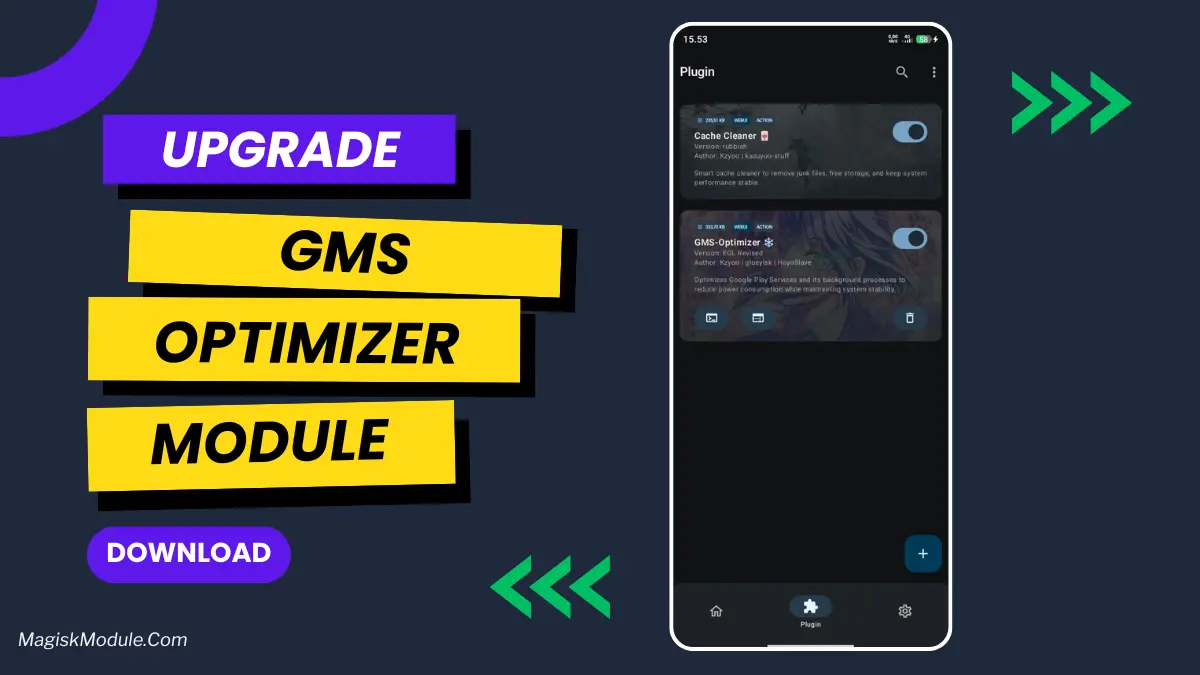
This application optimizes the Google Play Services background process to consume as little power as possible while maintaining system stability.