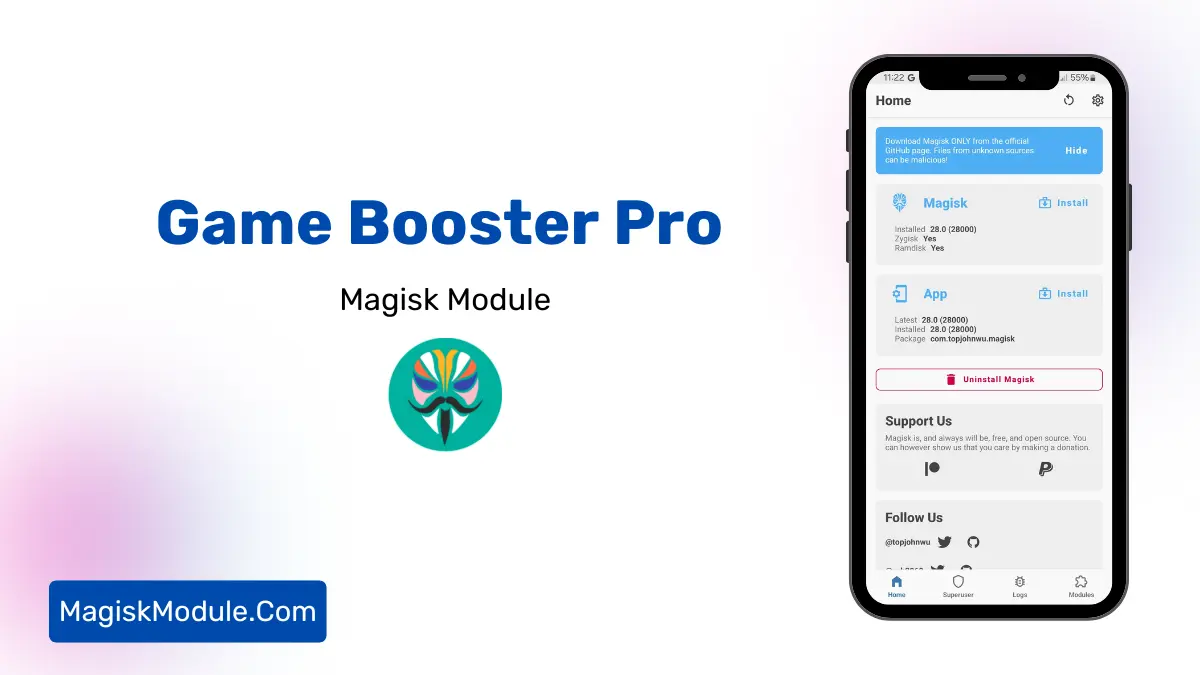
| File Name | Game Booster Pro |
|---|---|
| Size | 224KB |
| Version | Final |
| Category | Magisk Modules |
| Android requirement | + 6.0 |
| Published By | # |
| Rating | 4.9 / 5 |
| Price | Free |
Get Link
Step-by-Step Installation:
- Ensure Root Access: The first prerequisite is having root access via a custom recovery.
- Install via Magisk Manager:
- Open the Magisk Manager.
- Tap on the “Modules” section.
- Click “Install from Storage” and locate the geted file.
- Confirm the installation and allow the module to apply the necessary changes.
- Reboot Your Device: After installation, reboot your device to activate the module.
Mobile gaming is all about quick decisions and smooth action. Whether you’re in PUBG, Mobile Legends: Bang Bang (MLBB), or Apex Legends Mobile, you need a lag-free game. The Gaming Booster Pro Magisk Module is here to help. It boosts your device’s performance for better gaming.
What Is the Gaming Booster Pro?
Android users know about Magisk Modules. They let you customize your device. The Gaming Booster Pro Magisk Module is made for gamers. It tweaks your device for better performance and less lag.
It optimizes your boost kernel, memory, and RAM. This means your games will run smoother and faster.
But what does it do? Let’s look at its main features:
- Game Boosting Algorithms: It gives your gaming apps more resources.
- CPU/GPU Optimization: It adjusts settings for better performance.
- FPS Stabilizer: It keeps your game running smoothly.
- Touch Optimization: It makes your screen respond faster.
- RAM and Memory Optimization: It clears space for your games.
- Refresh Rate Tweaks: It lets you use 90Hz to 120Hz refresh rates on some devices.
Why Mobile Gamers Need This Module
Games like Call of Duty: Mobile (CODM), Fortnite, and Honor of Kings need a lot of power. But even top phones can lag. This module fixes these issues for better gaming.
Unlike apps on the Play Store, this module changes Android’s core. It’s like a custom tune-up for gaming.