| File Name | Ven Uncloker FPS |
|---|---|
| Size | 182KB |
| Version | Latest |
| Category | Magisk Modules |
| Android requirement | + 6.0 |
| Published By | @Vennec |
| Rating | 4.9 / 5 |
| Flash Via | Magisk/KSU/APatch |
Get Link
Step-by-Step Installation:
- Ensure Root Access: The first prerequisite is having root access.
- Install via Magisk Manager:
- Open the Magisk Manager.
- Tap on the “Modules” section.
- Click “Install from Storage” and locate the geted file.
- Confirm the installation and allow the module to apply the necessary changes.
- Reboot Your Device: After installation, reboot your device to activate the module.
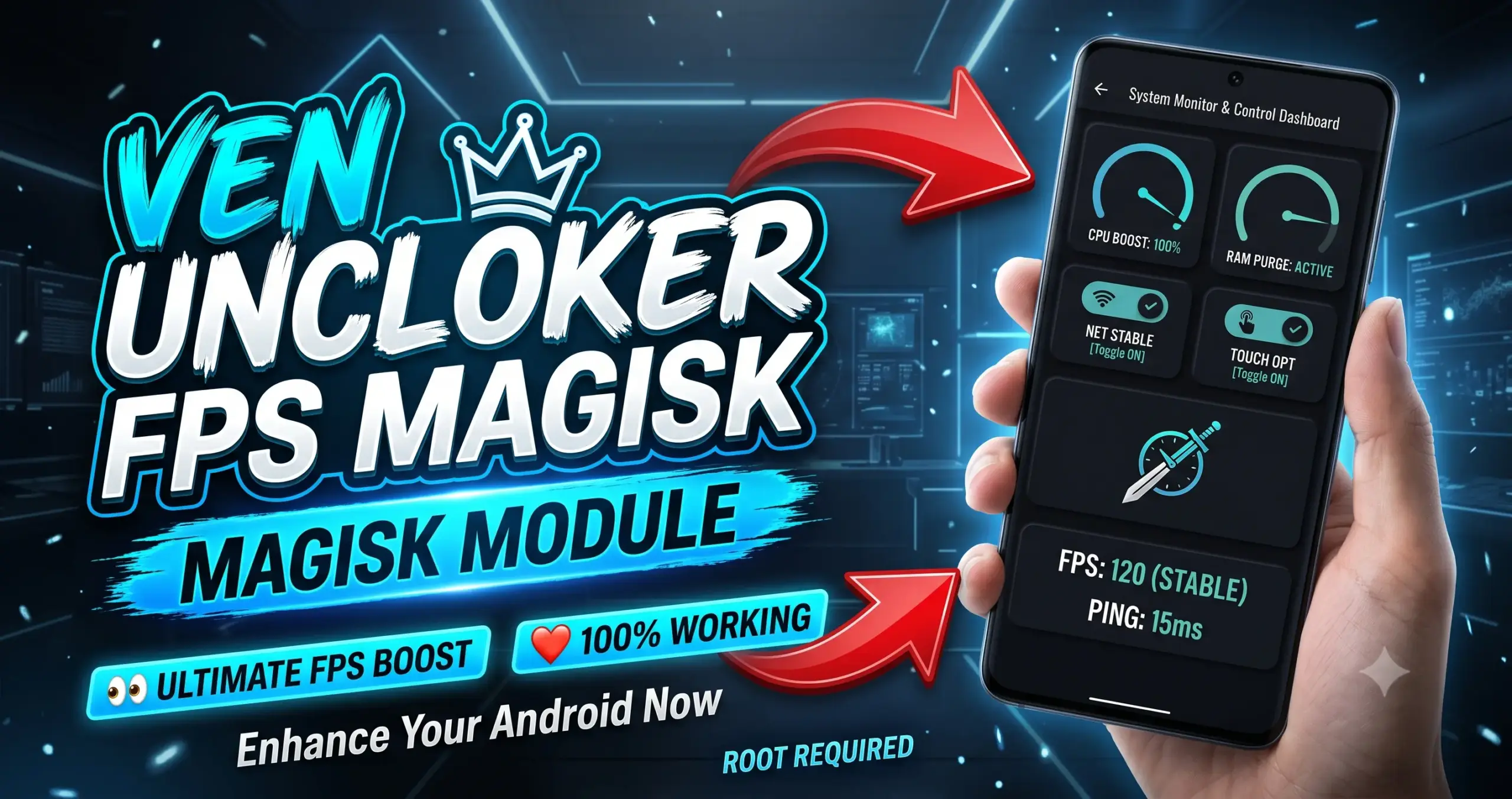
The Ven Uncloker FPS Magisk Module is a system-level Android modification designed to bypass stock software frame rate caps. It forces compatible hardware to display competitive mobile titles at peak refresh rates up to 144FPS while improving overall interface fluidity.
I’ve been testing this module on my daily driver to see how it handles heavy thermal throttling during extended matches. By spoofing flagships and tweaking resource allocation, it actually sustains high frame rates under load without the usual stuttering.
Core Features
- Extreme refresh rates unlocked from 120FPS up to 144FPS for maximum fluid rendering.
- Device model spoofing bypasses strict software restrictions by making your phone appear as a high-end gaming flagship.
- Background resource management handles CPU and GPU cycles better to boost raw gaming performance.
- Touch input responsiveness gets a massive boost, resulting in faster and more accurate registration during chaotic fights.
- System-wide smooth scrolling is instantly noticeable when navigating the UI and image-heavy social apps.
- Lower input latency gives competitive multiplayer gamers a distinct advantage in fast-paced gunfights.
My Verdict
If your display supports high refresh rates but your favorite games lock you at 60Hz, this utility is a must-have tool to get the performance you paid for.