| File Name | MLBB Gaming Script |
|---|---|
| Size | 38KB |
| Version | v3.0 |
| Category | No Root |
| Android requirement | + 6.0 |
| Published By | Gaming_Tweaks |
| Rating | 4.9 / 5 |
| Install Via | Brevent/Qute |
Get Link
How to Use Non Rooted Phone:
Required Brevent App
- Get the Brevent app or Qute App from the google play store.
- Install the app on your device.
How to setup Brevent app or Qute App on your device
To use Brevent, you’ll need to enable Developer Options on your device:
- Turn on Wifi
- Go to Brevent App
- Tab on Developer Option
- Tap on
- Go to Settings > About Phone.
- Tap Build Number seven times to unlock Developer Options.
- Navigate to Settings > Developer Options and enable USB Debugging.
- Enable Wireless debugging from Developer Option.
- Then again goto the brevent app or Qute App and tap on wireless
debugging port. - Split Screen 1.Developer Option and 2.Brevent app or Qute App
- Goto Wireless debugging and tap on Pair device with pairing code from Developer Option..
- Copy the wifi paired code.
- Put the wireless pairing code in Brevent app and tap on wireless pair
- [Tutorial For Setup Brevent]
How to install the module?
- Download the module on your android.
- Open the Zarchiver app
- Extract the downloaded zip file and Copy folder into your internal storage (e.g. /sdcard/folder).
- Go to Brevent or QUTE app and tap on Exec command from left site.
- Command: Now put on the installation command.
Installing Command
sh /sdcard/MLBB_PERF/install.shUninstall Command
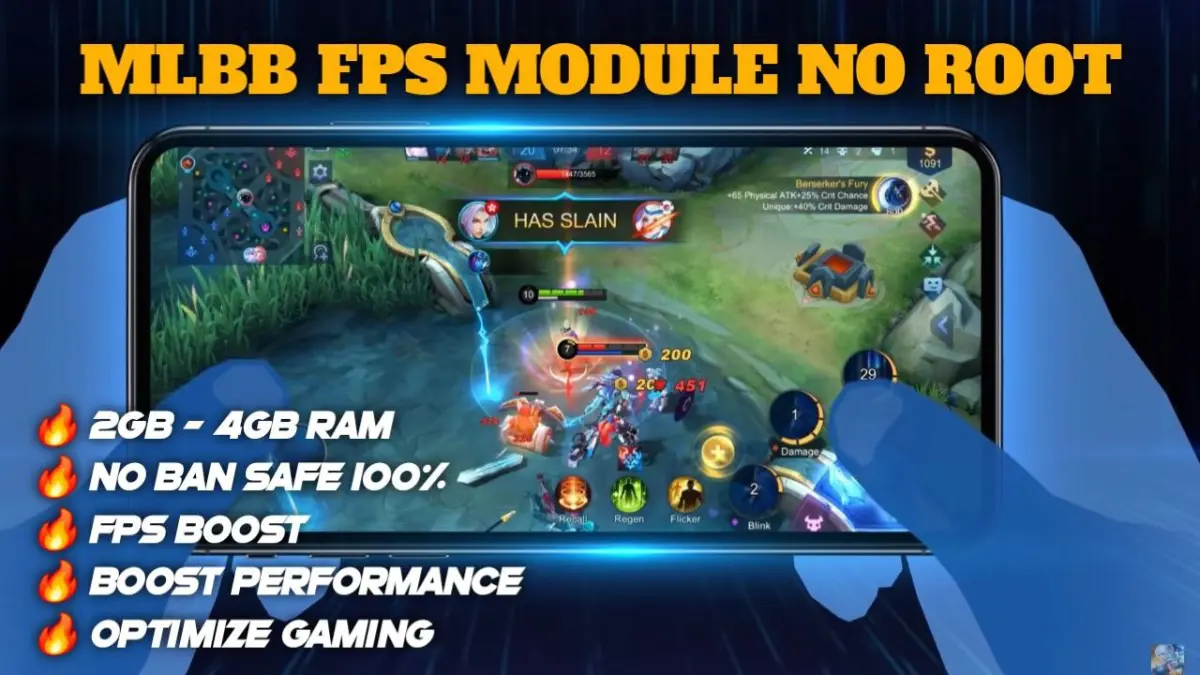
Get the command txt inside the zip fileLag in Mobile Legends is pretty annoying especially if the game is lagging during team fights. You’re in the middle of a team fight, about to cast your ultimate when suddenly the game starts to lag. It’s so frustrating especially when you’re trying so hard to win. This happened to me for weeks until I decided to purchase a gaming script by Brevent.
Now these things normally require root which is a pain in the arse but this is so simple to install. This things a GENIUS, matches just got sooo much better 🙂 works a treat. very smooth “script” — feels kinda awesome.
Features
- seamless gameplay: the game is extremely smooth. no hitches or glitches in the gameplay.
- Super Smooth UI (70% better): This isn’t just limited to in game play, the menus and the lobby are also improved.
- Stable FPS – No more random FPS drops allowing a sneaky enemy to get the upper hand.
- Consistent Performance: KDA is consistent from the start of the game to the end whether in a 1 on 1 or 5v5 scenario.
- Boosted GPU and CPU usage: Takes graphics and CPU processing to the limit without affecting performance.
- Stable frame rate: Having a stable frame rate is far easier on the eyes than having a frame rate that fluctuates wildly, making for a more pleasant viewing experience.
- and many more features Explained in detail on our website, or you can download and try on your mobile phone for yourself.
Mobile Legends climbs the ranks with this 1 trick? Easy to set up with Brevent!