
Ultimate File Manager Pro
Developed by @Kilowatch
Ultimate File Manager Pro is a high-performance, open-source dual-pane file manager for Android, Android TV, and Windows. It provides full local and remote file system access, network storage integration, and encrypted PC-to-mobile file transfers without requiring system root privileges.
Technical Overview of Ultimate File Manager Pro
This application operates as a fully standalone 180 MB suite with built-in networking backends, bypassing the need for third-party cloud SDKs or root-level modifications for comprehensive storage access. It securely interfaces with local PC companions via local Wi-Fi utilizing dynamic PIN verification and TLS certificate pinning.
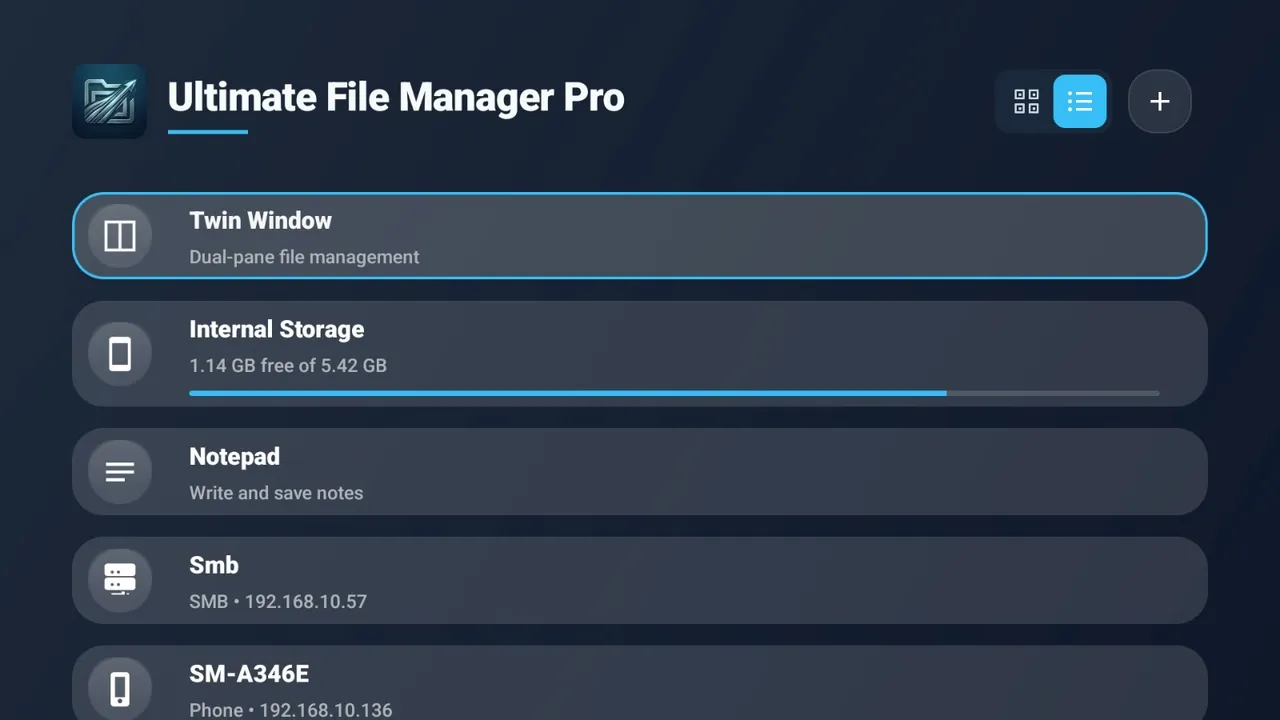
Core Features of Ultimate File Manager Pro
- Dual-Pane Interface: Move and copy files side-by-side efficiently across local storage and remote servers.
- Native Syncing: Connect directly to Windows desktops over LAN using TLS encryption to bypass external cloud servers entirely.
- Remote Sideloading: Install APK packages directly to Android TV or mobile devices via the Windows desktop companion drag-and-drop zone.
- Extensive Protocols: Manage files across SMB, SFTP, WebDAV, FTP, and AWS S3 environments natively.
- FOSS Architecture: Delivers an ad-free, telemetry-free experience utilizing a GPL v3.0 license instead of proprietary Google trackers.
Compatibility & Permissions
Ultimate File Manager Pro supports modern Android Mobile and Android TV platforms, functioning entirely without root or Shizuku permissions by leveraging standard Android storage access frameworks. The latest release provides a unified FOSS APK that strips all proprietary cloud SDK dependencies for enhanced privacy.
How to Setup Ultimate File Manager Pro
- Download the specific APK package for your Mobile or TV device from the official repository.
- Install the application and grant the initial prompt for either targeted folder access or full device storage access.
- Launch the Windows Companion app and connect via the local Wi-Fi PIN to establish an encrypted file transfer session.
Why Choose Ultimate File Manager Pro?
This utility replaces multiple separate archive, document, and network storage applications with one privacy-focused offline suite. It manages complex file transfers and cross-device operations cleanly without making permanent alterations to your system partitions.