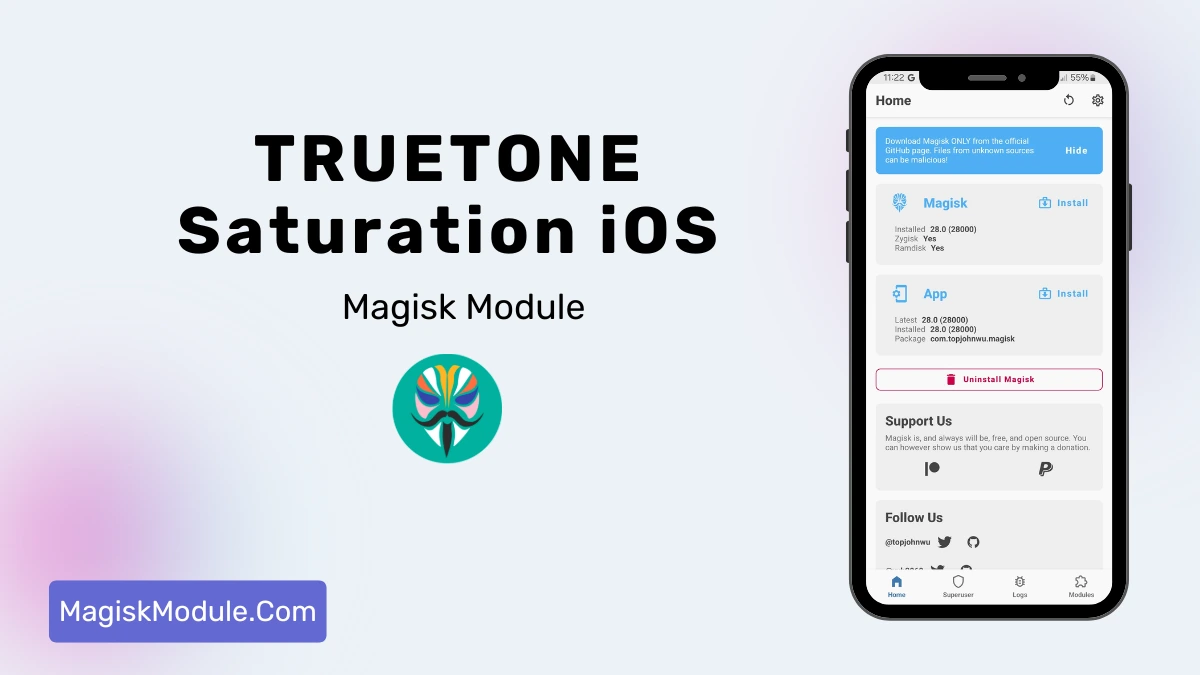
| File Name | TRUETONE Saturation iOS |
|---|---|
| Size | 8KB |
| Version | v10 |
| Category | Magisk Modules |
| Android requirement | + 6.0 |
| Published By | @LIMITGAMINGRILL |
| Rating | 4.9 / 5 |
| Price | Free |
Get Link
Step-by-Step Installation:
- Ensure Root Access: The first prerequisite is having root access via a custom recovery.
- Install via Magisk Manager:
- Open the Magisk Manager.
- Tap on the “Modules” section.
- Click “Install from Storage” and locate the geted file.
- Confirm the installation and allow the module to apply the necessary changes.
- Reboot Your Device: After installation, reboot your device to activate the module.
Let’s be honest. We love our rooted Android phones, but sometimes you look at a friend’s iPhone screen and think, “Okay, that looks incredibly natural.” I used to get a little jealous of Apple’s display tuning. Most Android AMOLED screens run a bit too cold or aggressively punchy out of the box.
Recently, I decided to fix this and flashed the TRUETONE Saturation iOS Magisk Module. Honestly? It completely changed my screen game.
Before this, my eyes used to burn after late-night scrolling sessions. Right after installing this module, the display immediately felt softer, warmer, and perfectly adapted to my room’s lighting. It’s not just some cheap yellow overlay; it actually uses a smart cooler engine to tweak the panel. The best part? I haven’t noticed a single drop in performance or battery life, which is always my biggest fear when messing with display mods.
If you want that premium iPhone color vibe without giving up your Android freedom, here is exactly what this module brings to the table:
- Authentic iOS-style TrueTone display calibration right on your Android device.
- An advanced AMOLED cooler engine that nails the optimal color temperature.
- Enhanced color saturation that perfectly matches Apple’s vibrant visual profiles.
- Systemless Magisk integration for a completely safe and seamless installation.
- Intelligent ambient light adaptation so you get comfortable viewing anywhere.
- Deep contrast optimization specifically tuned to make AMOLED panels pop.
- Built-in blue light reduction for massive improvements in eye comfort at night.
- Lightweight background processing that guarantees zero performance drops.
- Battery-efficient display rendering to help extend your daily screen-on time.
- Professional-grade color gamut tuning without the headache of flashing custom ROMs.
- Universal compatibility with all the latest Magisk and KernelSU versions.
- Effective screen burn-in prevention to keep your AMOLED panel healthy for years.
I honestly think flashing this is a no-brainer if you care about your daily screen experience and eye health. You get the ultimate mix: Android customization paired with top-tier display science. Give it a flash and see the difference for yourself!