| File Name | Trinity Magisk |
|---|---|
| Size | 218KB |
| Version | v5.0 |
| Category | Magisk Modules |
| Android requirement | + 6.0 |
| Published By | @kanaochar | @Geefexs |
| Rating | 4.9 / 5 |
| Price | Free |
Get Link
Step-by-Step Installation:
- Ensure Root Access: The first prerequisite is having root access via a custom recovery.
- Install via Magisk Manager:
- Open the Magisk Manager.
- Tap on the “Modules” section.
- Click “Install from Storage” and locate the geted file.
- Confirm the installation and allow the module to apply the necessary changes.
- Reboot Your Device: After installation, reboot your device to activate the module.
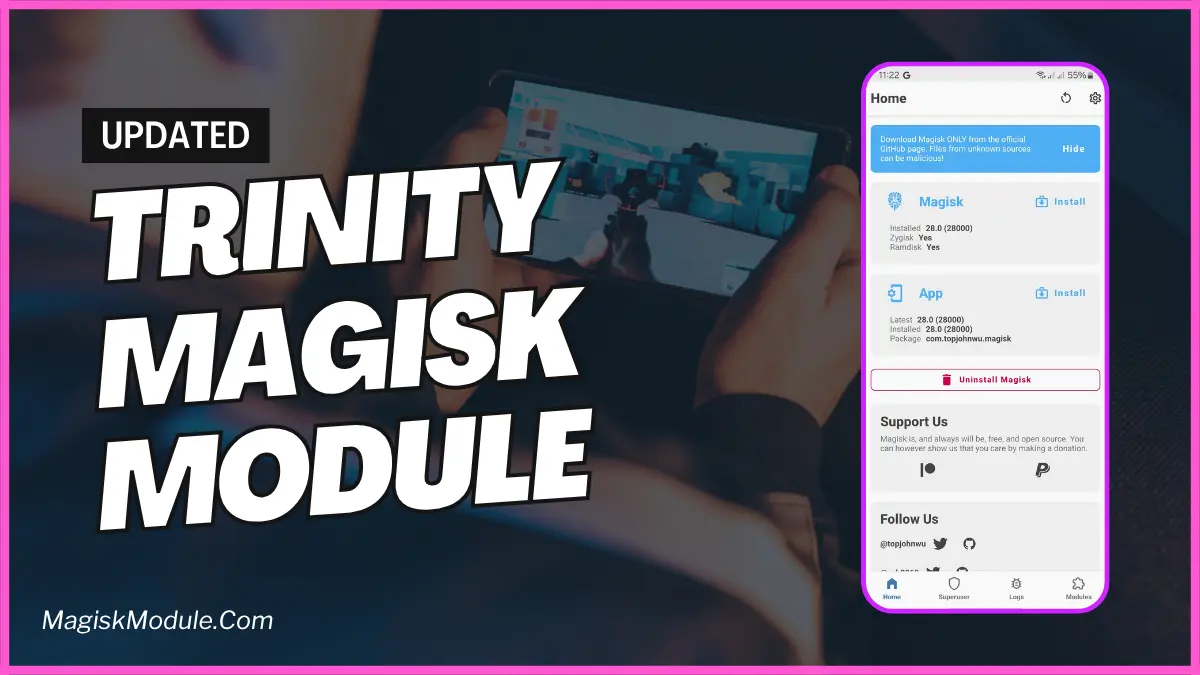
Even though Android has gone a long way in making its interface and user interface much more intuitive and refined with animations and effects, most smartphones are not powerful enough to smoothly handle the everyday tasks, leaving users to suffer from lag and poorly implemented animations whether they are scrolling through a fast paced timeline on an app like Instagram or simply switching between applications. Android mods have long been a fix to these kinds of problems, and today we are highlighting a Magisk Module that is a great all-in-one package for fixing these common issues with your smartphone. The mod in question is called the Trinity Magisk Module.
Adjust how your PC handles important functions like email and dialog boxes.
Features & Benefits
- 🧠 Smarter Scheduling: We have improved how we utilize the CPU and given highest priority to foreground applications. This means whether you are browsing, messaging or gaming, the UI will always be responsive to your needs.
- ⚡ Enhanced Touch & Scrolling (ETAS): Enhance touch experience on your Android phone and device by improving touch response and introducing smooth scrolling for everything on your screen: inside apps, on home screens, contact lists, notifications and feed readers. See your Android phone transform into a new device! (_ Benefit: Improve Android touch response_)
- 🎯 Animation & Frame Rate Boost: This app is designed to ensure that as much as possible, frames are not skipped to maintain full animation and transition quality on the screen and to limit lag. (_ Benefit: Frame rate optimization & Reduce animation lag Android_)
- 🛠️ Lightweight & Adaptive: This version of the script works quietly in userspace and is designed to adapt to your usage. An ideal version for Android optimization done elegently. _ Benefit: Optimize Android system efficiently