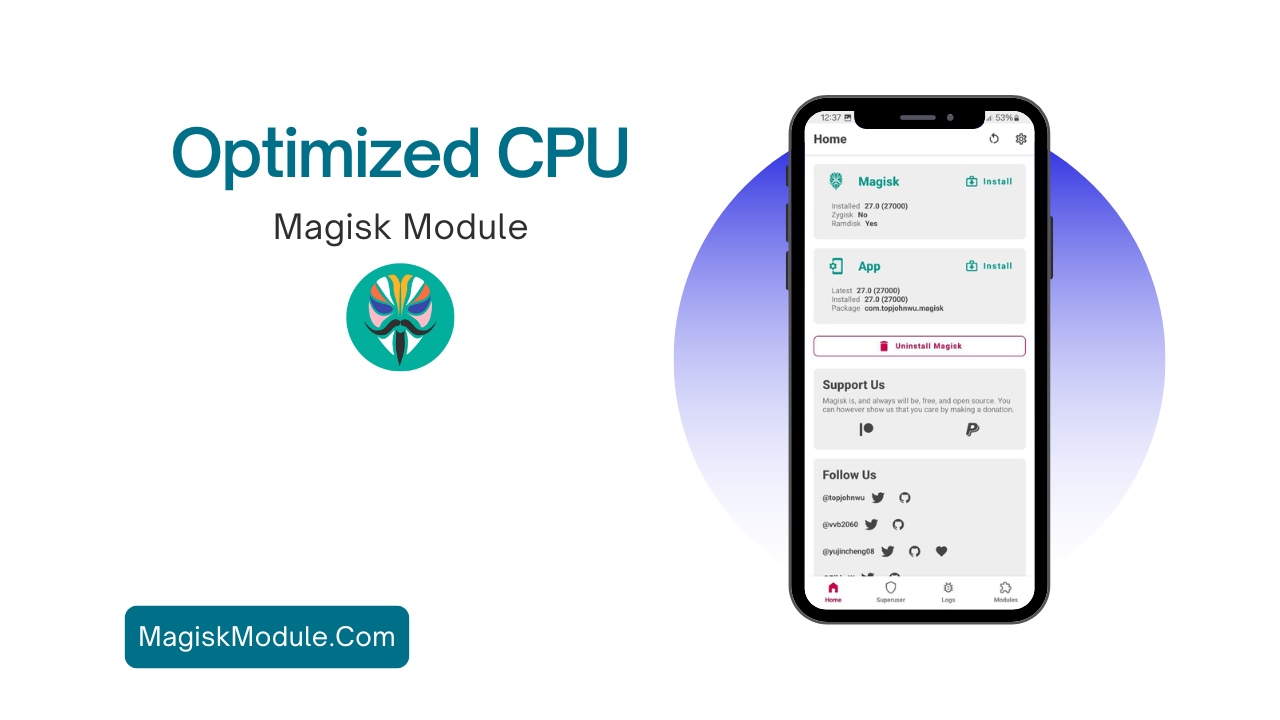
4. Step-by-Step Installation Guide
To use the STRP x RAM Maximizer Magisk Module, follow these steps:
- 1. Root Your Device: Make sure your device is rooted and Magisk is installed.
- 2. Download the Module: Get the module from the download link.
- 3. Open Magisk Manager: Go to the Modules section.
- 4. Install Module: Tap the “+” button and choose the downloaded module.
- 5. Reboot: Reboot your device to start using the module.
RAM Maximizer has a smart function. It cleans up RAM when usage hits 55% and the battery is over 15%.
- Enhanced background daemon for continuous monitoring and optimization of RAM usage.
- Improved memory allocation algorithms for more efficient utilization of available resources.
- Added compatibility with the latest Android system updates, ensuring optimal performance.
- Fixed minor bugs related to certain device models and system configurations.
- Optimized resource consumption of the module itself, resulting in negligible impact on overall device performance.
- Streamlined codebase for smoother integration with Magisk and seamless installation.
- Implemented automated memory defragmentation to prevent memory fragmentation and maintain peak performance.
- Integrated a real-time RAM usage inside daemon for better control.
- Enhanced the module’s adaptive learning capabilities, fine-tuning optimizations based on individual usage patterns.
Credit:
In conclusion, the STRP x RAM Maximizer Magisk Module is a game-changer. It optimizes your Android device’s performance. It efficiently manages RAM, making older devices faster and smoother. Follow the installation guide and take precautions for a better smartphone experience.