Skia Vulkan Magisk Module: Fix the Blank Screen

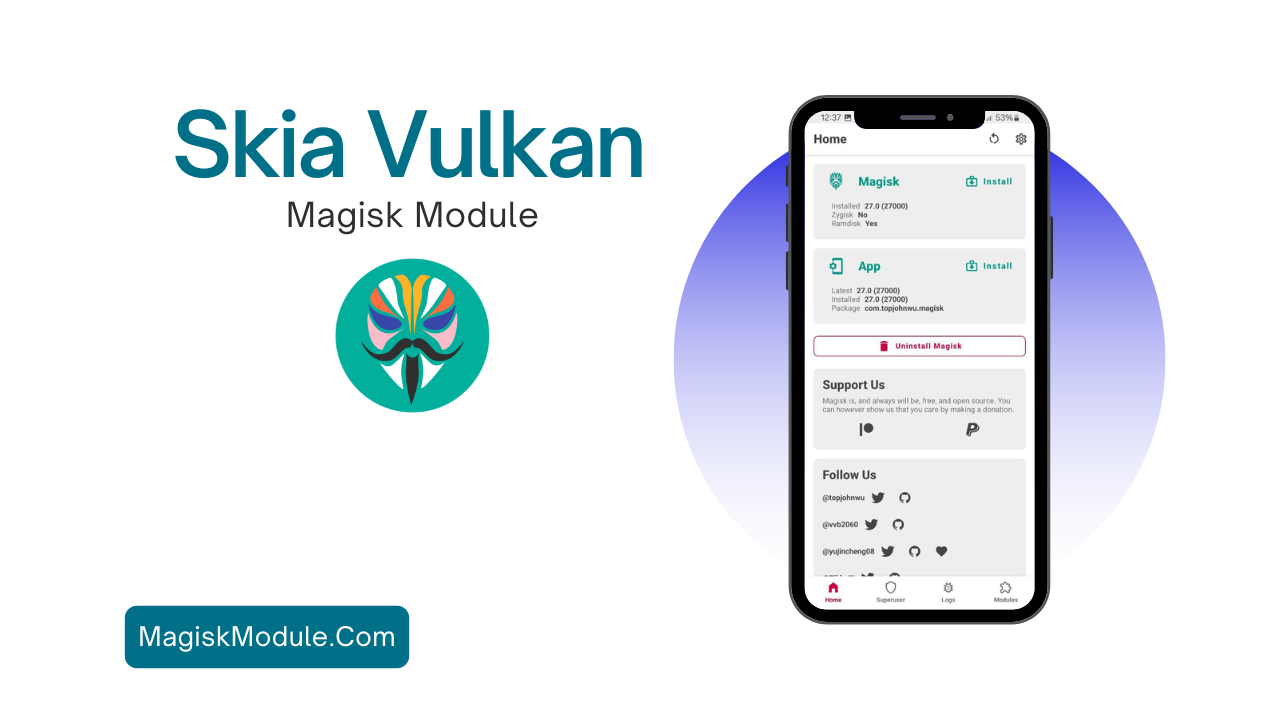
Skia Vulkan

How to install the Module

If compatibility isn’t the problem, try installing the Skia Vulkan module.

Installing the Skia Vulkan Magisk Module is easy. Here’s how:

  • Prerequisites: Make sure you have Magisk installed on your device.
  • Get the Module: Find the Skia Vulkan Magisk Module on our website.
  • Open Magisk Manager: Launch the Magisk Manager app and go to the ‘Modules’ section.
  • Add the Module: Tap the ‘+’ icon to add the module from your storage.
  • Reboot Your Device: After installing, reboot your device for the changes to take effect.

Get Link

Skia Vulkan v3.0

Note: All modules shared here are tested and reviewed by Shakil Hassan Joy. All original development credits belong to their respective third-party creators.

Shakil Hassan Joy

As a former custom ROM porter and Android developer, my builds have been used by thousands in the community. Now, I focus exclusively on curating root and non-root modules for this platform. I personally benchmark every tweak on real devices to ensure safe, stable performance before sharing it with you.