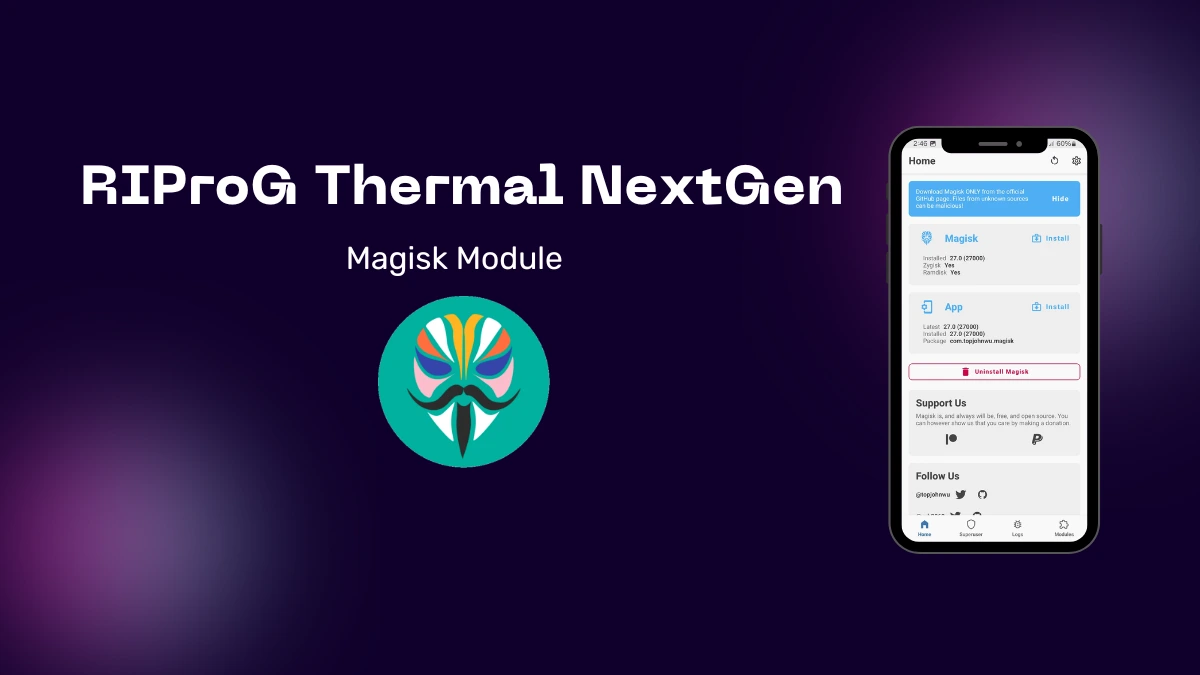
| File Name | RIProG Thermal NextGen |
|---|---|
| Size | 8KB |
| Version | v1.1 |
| Category | Gaming |
| Android requirement | + 6.0 |
| Published By | RIProG |
| Rating | 4.9 / 5 |
| Price | Free |
Get Link
Step-by-Step Installation:
- Ensure Root Access: The first prerequisite is having root access via a custom recovery.
- Install via Magisk Manager:
- Open the Magisk Manager.
- Tap on the “Modules” section.
- Click “Install from Storage” and locate the geted file.
- Confirm the installation and allow the module to apply the necessary changes.
- Reboot Your Device: After installation, reboot your device to activate the module.
Unlock your Android device’s full potential with the RIProG Thermal NextGen Magisk Module. It’s a top-notch solution for better thermal management. This means your device will run cooler, perform better, and stay stable.
It’s perfect for gamers or anyone wanting more from their device. The RIProG Thermal NextGen Magisk Module takes your Android to the next level.
This module uses advanced algorithms for better thermal control. It keeps your processor and other key parts at the right temperature. This stops throttling and keeps your device running at its best.
Forget about slowdowns and overheating. Enjoy a smooth, fast experience with all your apps and tasks.