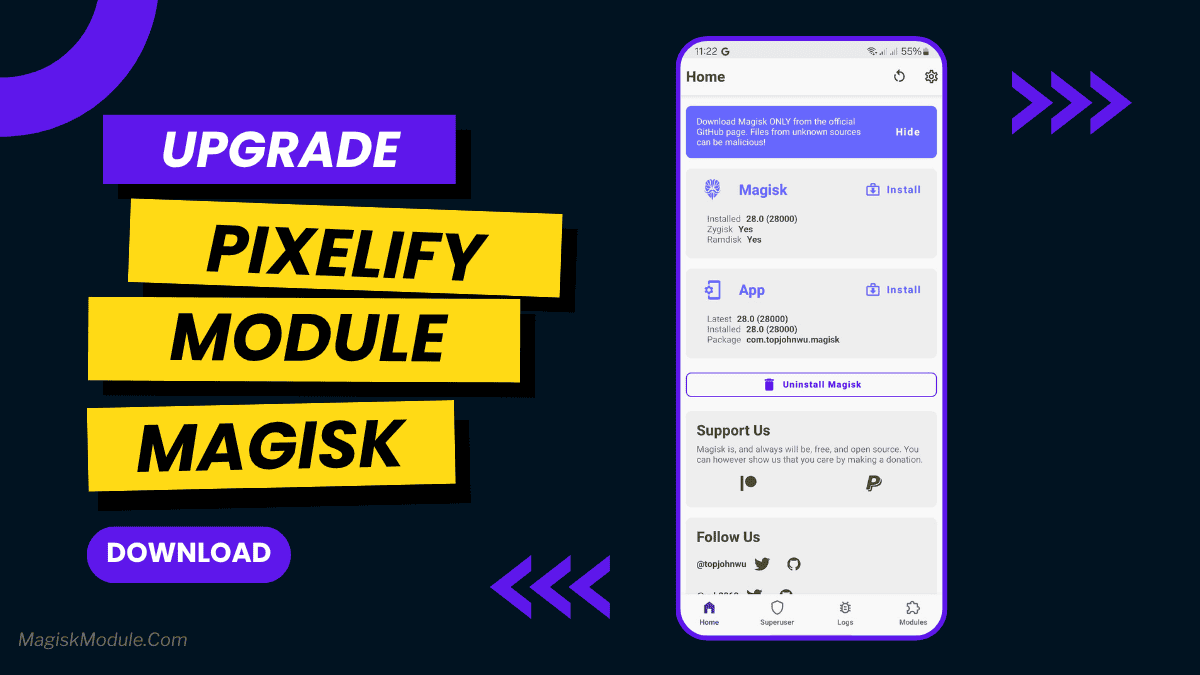
pixelify.md
The Pixelify Magisk module is a system modification tool that unlocks Google Pixel-exclusive software features for non-Pixel Android devices. It ports official Pixel updates, such as advanced call screening, Magic Editor, and AI wallpapers, directly to rooted phones.
I found that flashing this module immediately tricks the Google app ecosystem into treating my standard Android phone like a top-tier Pixel device. You get actual working access to premium tools like Audio Eraser and unlimited media backups without spending cash on new hardware.
- Unlimited photo backups work directly within the Google Photos app, letting you store full-quality images without paying for extra cloud storage.
- Advanced AI editing tools like Magic Editor and Audio Eraser become completely functional, making quick photo and video edits incredibly simple.
- Smarter phone calls happen automatically with native background call screening and a built-in recording option that finally skips the annoying announcement voice.
- Authentic Pixel Launcher integration brings the exact Google home screen setup, complete with Live Captions and AI magic wallpapers, straight to your current ROM.
Support & Requirements
- Supported OS: Android 14 (and older compatible versions)
- Root Required: Magisk or KernelSU (KSU)
How to Install
- Download the latest Pixelify .zip file to your phone's internal storage.
- Open your Magisk or KernelSU app, head to the Modules section, and tap "Install from storage."
- Select the downloaded file, let the flashing script run, and restart your device to apply the changes.