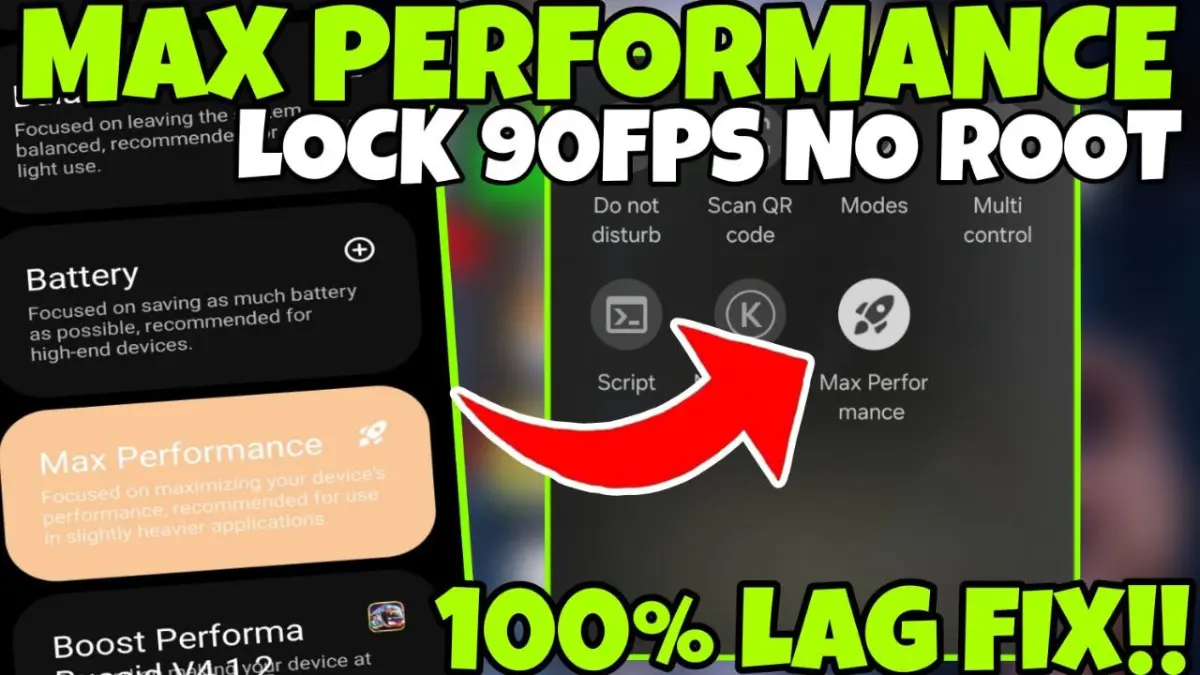
| App Name | Max Performance |
|---|---|
| Size | 2MB |
| Version | Final |
| Category | Gaming Module |
| Android requirement | + 6.0 |
| Published By | Hi-Tech Gamerz |
| Rating | 4.9 / 5 |
| Price | Free |
Get Link
Step-by-Step Installation
- Download: Download the Ported App.
- How To Install:
- Enable “Unknown sources” in your device’s settings
- Open your device’s file manager
- Find the APK file
- Tap the APK file to install the app
- Confirm the installation
Step-by-Step Installation Shizuku App
Downloading Shizuku App
- Download the Shizulu app from the google play store.
- Install the app on your device.
How to setup Shizuku app on your device
To use Shizuku, you’ll need to enable Developer Options on your device:
- Turn on Wifi
- Go to Settings > About Phone.
- Tap Build Number seven times to unlock Developer Options.
- Then again go to the Shizulu app and tap on Pairing button.
- Go to Developer Option > Enable Wireless debugging from Developer Option.
- Tap Wireless debugging > Pair device with pairing code.
- Copy the wifi paired code.
- Put the wireless pairing code in notification panel.
- [Video Tutorial For Setup Shizuku]