| File Name | Laya BatteryMonitor |
|---|---|
| Size | 199KB |
| Version | v4.5 |
| Category | Magisk Modules |
| Android requirement | + 6.0 |
| Published By | @Laynsb |
| Rating | 4.9 / 5 |
| Support | MTK/QCOM/UNISOC |
Get Link
Step-by-Step Installation:
- Ensure Root Access: The first prerequisite is having root access via a custom recovery.
- Install via Magisk Manager:
- Open the Magisk Manager.
- Tap on the “Modules” section.
- Click “Install from Storage” and locate the geted file.
- Confirm the installation and allow the module to apply the necessary changes.
- Reboot Your Device: After installation, reboot your device to activate the module.
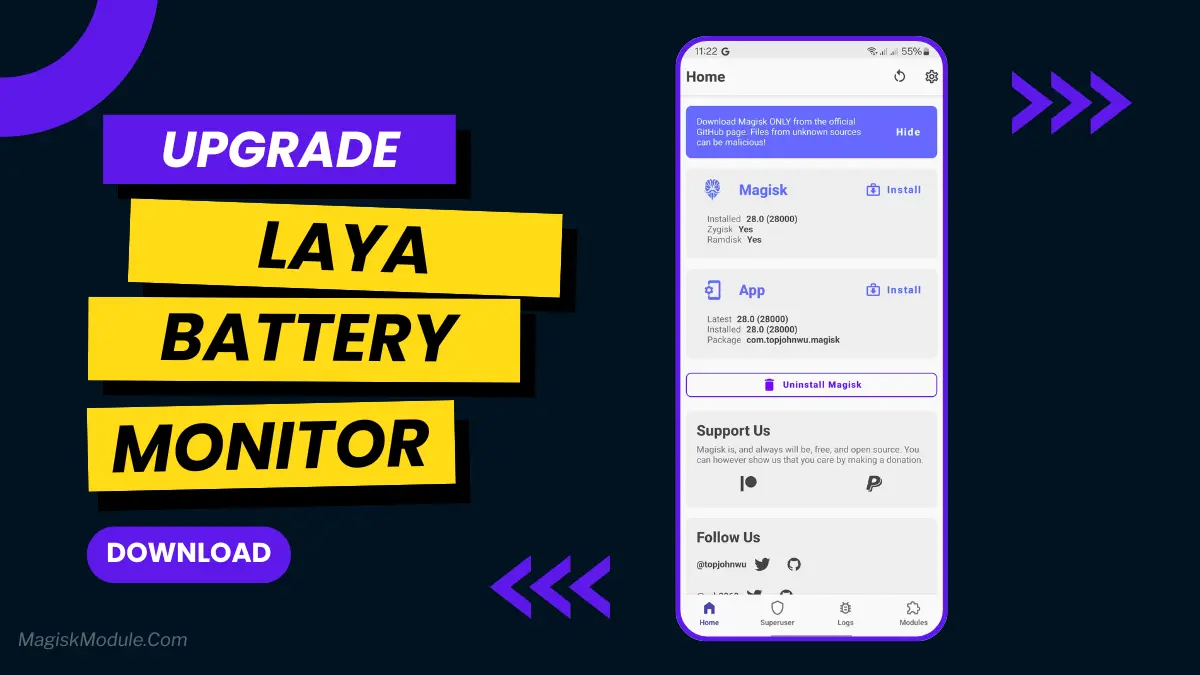
Laya-BatteryMonitor is a very lightweight (daemon) service for Android ROMs that tries to lower power consumption by adjusting the CPU’s frequency and its governor depending on whether the screen is on or off.
Description
- Automatically reduce CPU frequency when screen is off to maximize battery life, and maintain high performance when device is in use.
- now uses the powersave governor when in screen-off. This should offer better battery life.
- Significantly Lowering device temperature during standby
- Wide compatibility across all devices