
Install with Options
Developed by @zacharee
Install with Options is an advanced package manager that bypasses standard Android installation restrictions directly from your device. Relying on Shizuku for shell permissions, it enables users to install test-only APKs, bypass Android 14 SDK limits, and batch-install split apps without requiring a PC or ADB connection.
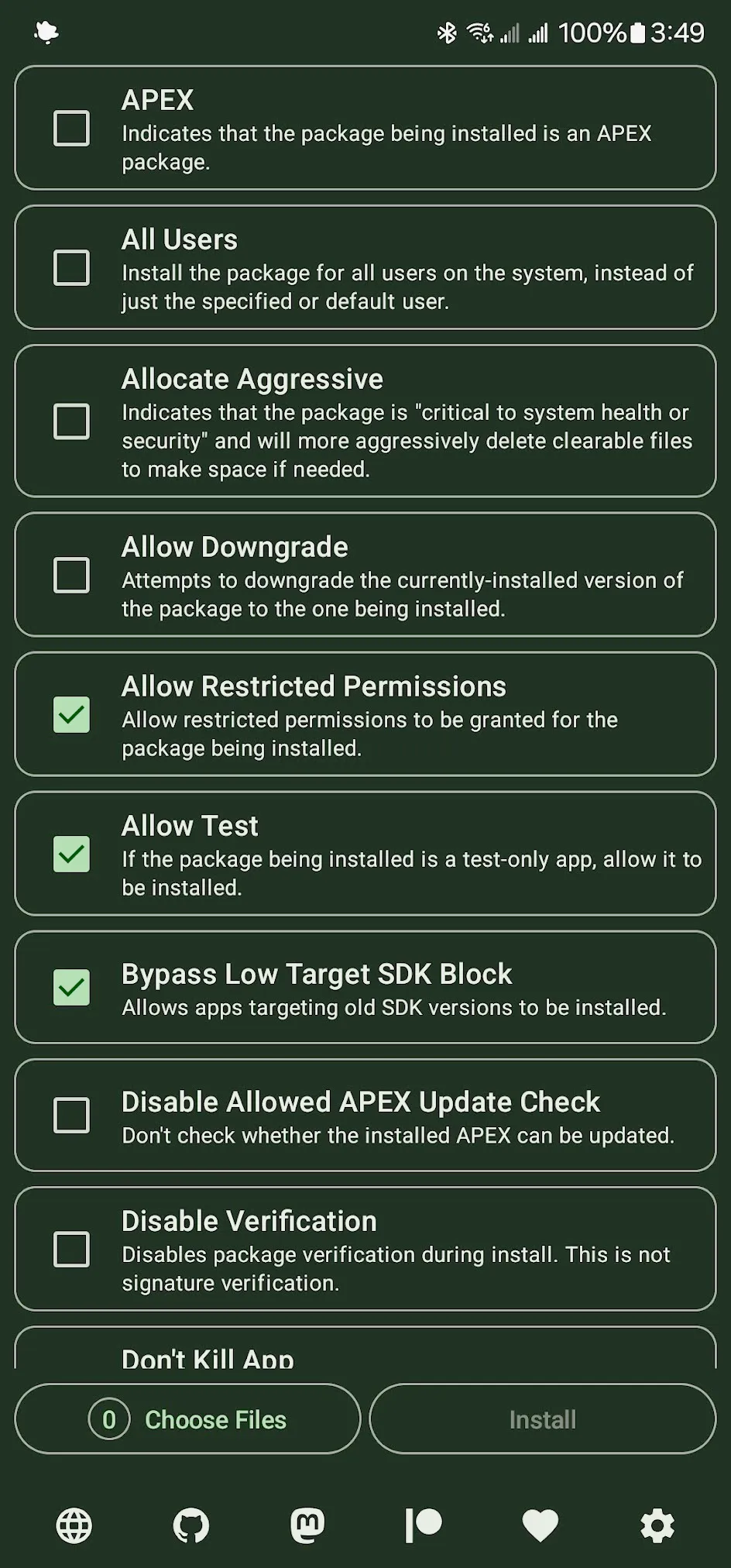
Technical Overview
The application leverages the Shizuku API to execute package installation commands with elevated shell privileges, mimicking a direct ADB connection. By operating at the shell level, it bypasses standard PackageInstaller restrictions, allowing operations like deploying split APKs, overriding low target SDK blocks on Android 14, and disabling basic package verification checks.
Core Features of Install with Options
- Bypass SDK Limits: Installs older applications on Android 14 by overriding the OS-level target SDK restrictions.
- Advanced Package Installs: Supports deploying complex split APKs and executing batch installations for multiple separate applications simultaneously.
- Downgrade Support: Enables installing older application versions over newer ones, though Android 14 requires root or debug builds.
- Verification Control: Disables basic package verification to allow test-only APK deployments, while strictly maintaining required OS signature matching.
Compatibility & Quick Setup
Requires Android 11 or newer — install the APK and grant ADB permissions via Shizuku.