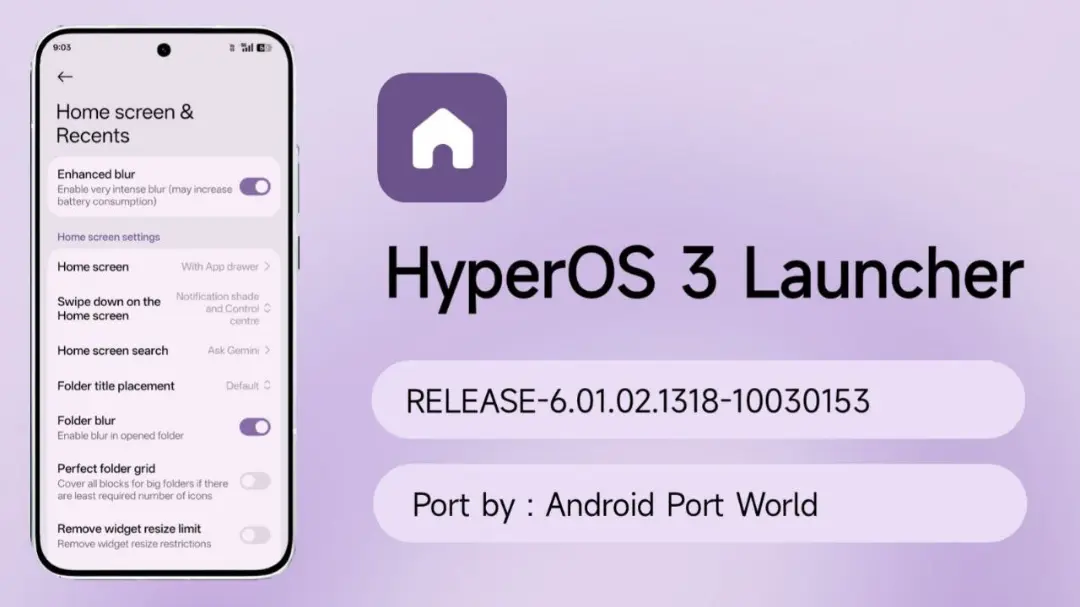
| App Name | HyperOS 3 Launcher |
|---|---|
| Size | 62MB |
| Version | v6.01.05.20 |
| Category | Ported App |
| Android requirement | + 13 |
| Published By | Team APW |
| Rating | 4.9 / 5 |
| Supported | All Android |
Get Link
Step-by-Step Installation
- How To Install:
- Enable “Unknown sources” in your device’s settings
- Open your device’s file manager
- Find the APK file
- Tap the APK file to install the app
- Confirm the installation
Stock Android is good enough for most Android users, but some prefer to mix things up with themed launchers and widgets. For a long time, I stuck with the basic Android setup on my HTC One M8, but after stumbling upon the ported HyperOS Launcher, I can safely say I’ve never enjoyed a phone UI more.
Mi Launcher One Click Install is a brand new tool by Xiaomi that seamlessly brings the company’s incredible, feature-rich interface to any Android device. Here’s a brief overview of what users can expect from this groundbreaking launcher and why it’s sure to be a game changer for Android users everywhere.
Why You Need This Launcher
Performance and customization has clearly been a focus while creating this app. It is so much more than a simple icon changer! Even as you first launch the app, you will notice and experience a few standout features.
- Stacked Recent Apps Menu (iOS Style) with Smooth Horizontal Swiping: enjoy the convenience of fast multitasking with a new look of recently used applications displayed as scrolling iOS-style centered stacked card objects. It is very easy and natural to navigate through them.
- Enhanced Glassy Blur Effects – Enjoy a premium like interface with real-time blur applied on the app drawer, folder and recent apps.
- Advanced Custom Widgets: Personalize your home screen with regular widget support, and additional grid configurations like 1×3, 3×1 etc.
- Fluid App Transitions: Opening and closing apps is now enhanced with extra smooth transitions and can be customized to increase the speed by controlling the duration.
- Support for Third-Party Icon Packs: With Enigma, custom icon packs can be integrated for full customization, and enabled monet monochrome icons for even more options. No more boring default shapes!
- Bottom Dock Background: Adds a background to your bottom app tray with a modern style and makes your screen look more clean.
- Interactive Super Folders and Super Grid: Big and easy to touch interactive Super Folders with five rows and columns, and a bigger home screen Super Grid for more applications.
- Upgraded Searchbar with Direct Access to Favourite Tools, Quick Searching App and Custom Shortcuts: Enjoy features such as a smart searchbar, quick app search, and more with direct access to favourite tools and custom shortcuts.
While I don’t generally advocate for custom applications, I must say that this update has been a game changer in how I utilize my phone on a daily basis, providing a premium all-encompasssive ecosystem experience without the need to purchase an entirely new handset. The ported .apk file can be downloaded from relevant developer communities and, after granting necessary permissions, your current handset can easily be updated to an Android 14 experience with an entirely new looking user interface.