
File Link
Installation Guide
Step-by-Step Installation Process
Installing Display-x is easy. Here’s how:
- Get the Display-x module from the official FinixOS website or a trusted source.
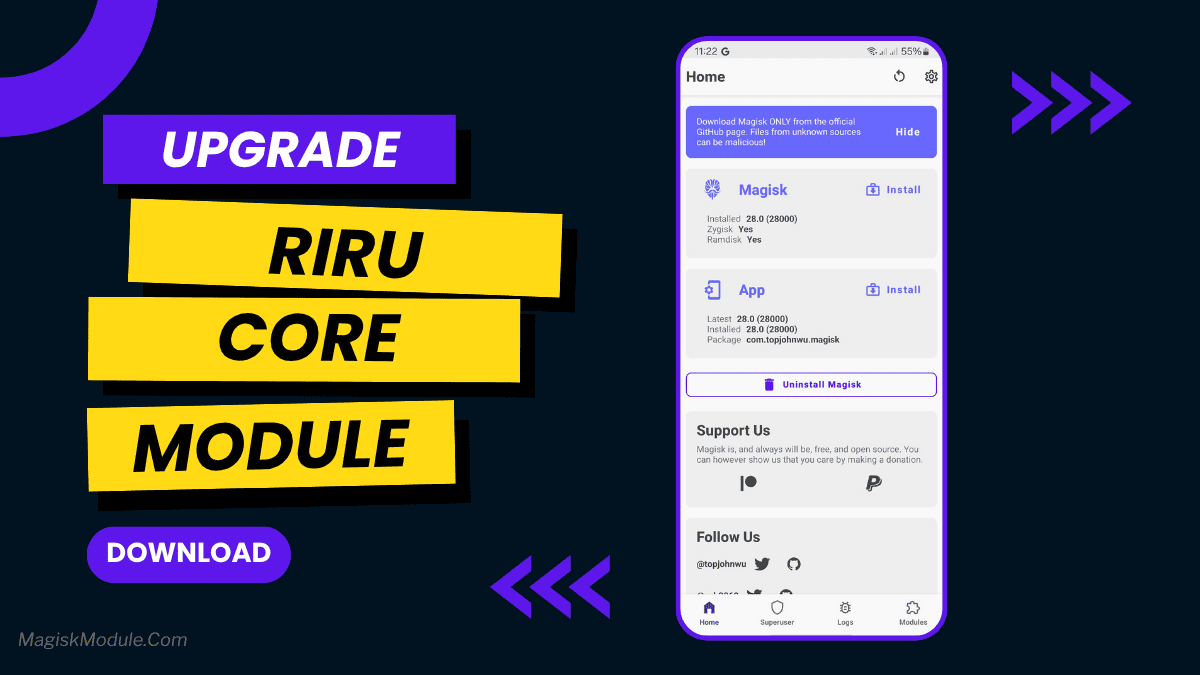
- Make sure your device is rooted and has Magisk installed.
- Open the Magisk Manager app on your device.
- Navigate to the Modules section and tap on the “Install from Storage” option.
- Find the Display-x module file and select it.
- Wait for the installation to finish.
- Reboot your device to apply the changes.
Requirements
Before installing Display-x, check if your device meets these requirements:
- Root access
- Magisk installed
- Android version compatible with Display-x










Comments are closed.