| App Name | Ceenta APK |
|---|---|
| Size | 2.7MB |
| Version | Final |
| Category | No Root |
| Android requirement | + 6.0 |
| Published By | Martheus |
| Rating | 4.9 / 5 |
| Support | All Android |
Get Link
Step-by-Step Installation
- Get the Ported App.
- How To Install:
- Enable “Unknown sources” in your device’s settings
- Open your device’s file manager
- Find the APK file
- Tap the APK file to install the app
- Confirm the installation
Setup Shizuku
Downloading Shizuku App
- Download the Shizulu app from the google play store.
- Install the app on your device.
How to setup Shizuku app on your device
To use Shizuku, you’ll need to enable Developer Options on your device:
- Turn on Wifi
- Go to Settings > About Phone.
- Tap Build Number seven times to unlock Developer Options.
- Then again go to the Shizulu app and tap on Pairing button.
- Go to Developer Option > Enable Wireless debugging from Developer Option.
- Tap Wireless debugging > Pair device with pairing code.
- Copy the wifi paired code.
- Put the wireless pairing code in notification panel.
- [Video Tutorial For Setup Shizuku]
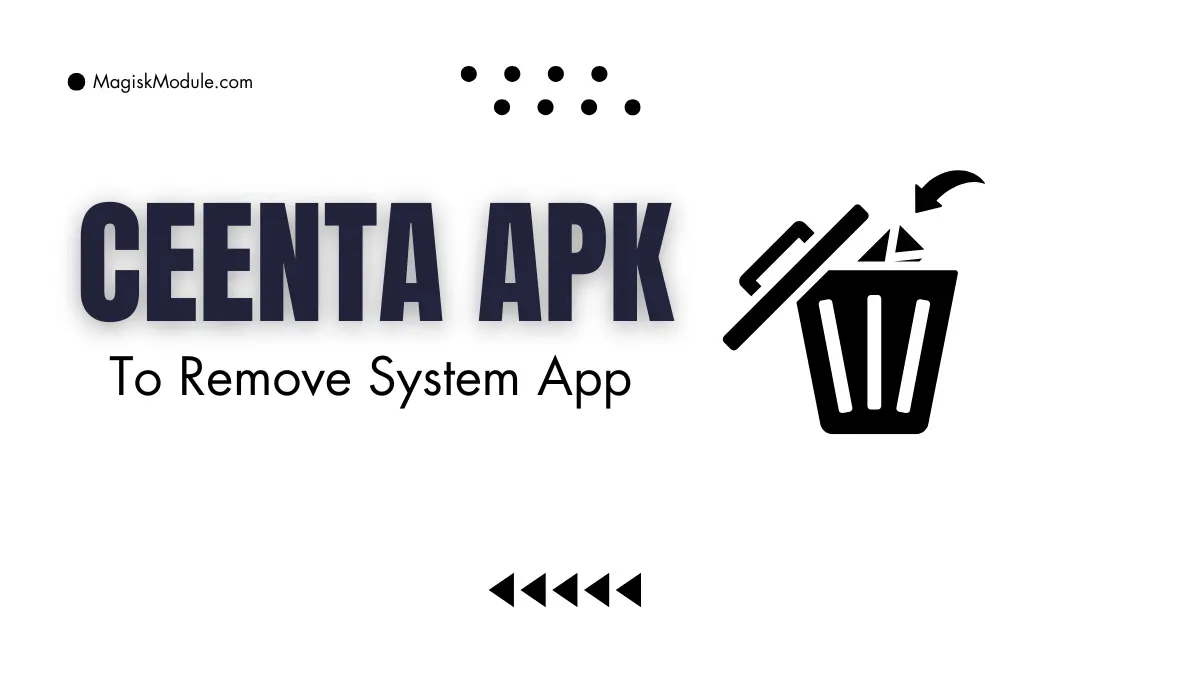
The Ceenta APK Debloat Tool is a utility designed to safely uninstall factory-installed system applications without requiring root access. It targets unremovable carrier bloatware and duplicate manufacturer apps to reclaim storage space, reduce battery drain, and improve device performance.
I used this to strip away the stubborn factory junk on my old Samsung, and it genuinely made the phone feel brand new again. Because it functions completely root-free, you can clear out heavy system bloatware safely without voiding your hardware warranty.
- No root required to successfully remove stubborn pre-installed bloatware and heavy carrier junk from your device.
- Reclaiming storage space is incredibly easy once you wipe out those undeletable duplicate manufacturer applications.
- Reduces battery drain by getting rid of unnecessary factory apps that constantly eat up your daily power.
- Speeds up sluggish hardware, helping bogged-down devices feel fast and responsive once the bloat is completely gone.
- Keeps your warranty perfectly intact since the tool entirely avoids the usual dangers of complex rooting methods.
My Verdict
If you are dealing with a slow phone and want to clean it up without risking a root setup, this tool is the perfect fix. It safely gives you back total control over your device’s storage and performance.