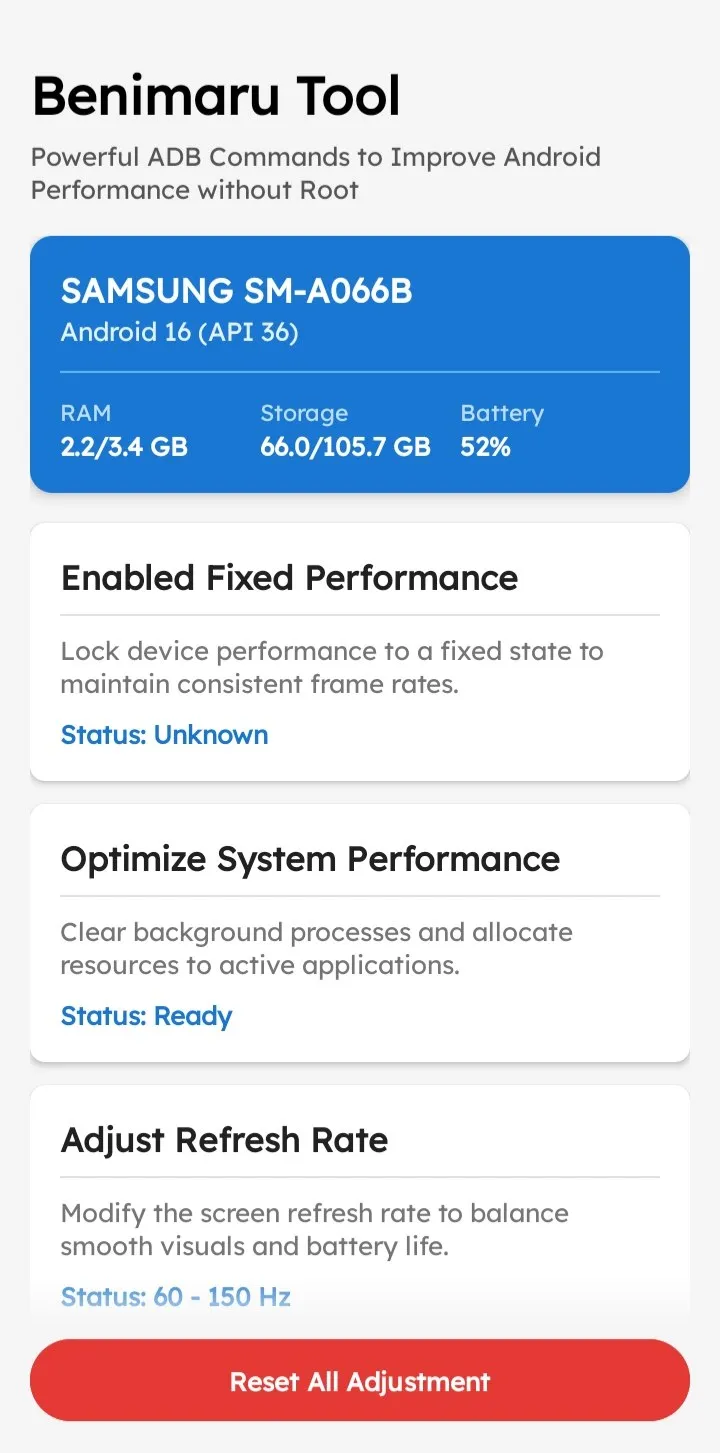
Benimaru Tool is a rootless Android utility designed to lock performance states, reduce touch latency, and force custom display settings. By leveraging the Shizuku API for ADB shell commands, it grants users deep system-level hardware control without requiring root access.
| Screenshot 1 | Screenshot 2 |
|---|---|
 |  |
Technical Overview of Benimaru Tool
This utility operates by utilizing the Shizuku API to execute elevated ADB shell commands directly on the Android device. It writes directly to secure system settings to enforce custom screen refresh rates, adjust display resolutions with an automated DPI calculator, and route network traffic through system-wide private DNS servers.
Core Features of Benimaru Tool
- Safe Resolution Changer: Adjusts display configurations using an automatic DPI calculator and a built-in 6-second safe-revert countdown to prevent permanent black screens.
- Touch Latency Reduction: Increases the device touch sampling rate and minimizes long-press timeouts for faster screen interactions.
- Custom DNS Selector: Configures system-wide private DNS providers like Cloudflare or Quad9 directly via ADB to lower ping and block trackers.
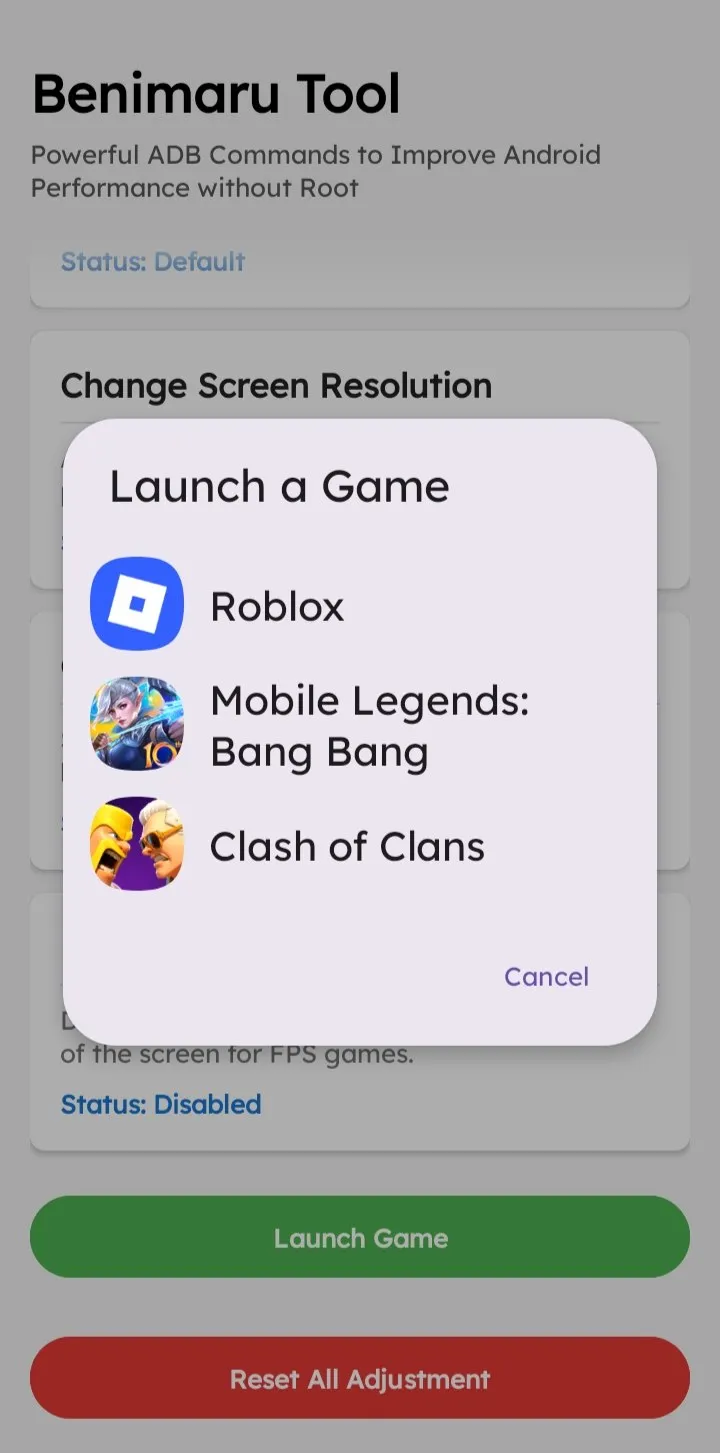
- Fixed Performance Mode: Locks the hardware into a specific performance state to maintain consistent frame rates across detected installed games.
Compatibility & Quick Setup
Requires Android 11 or newer for wireless debugging—install the APK and grant ADB execution permissions via the Shizuku service.
Disclaimer
Forcing unsupported refresh rates or extreme resolutions can cause system instability or UI glitches on certain hardware. Use at your own risk; the developer is not responsible for bricked devices, bootloops, or hardware damage.